5.Advanced User Guidebook
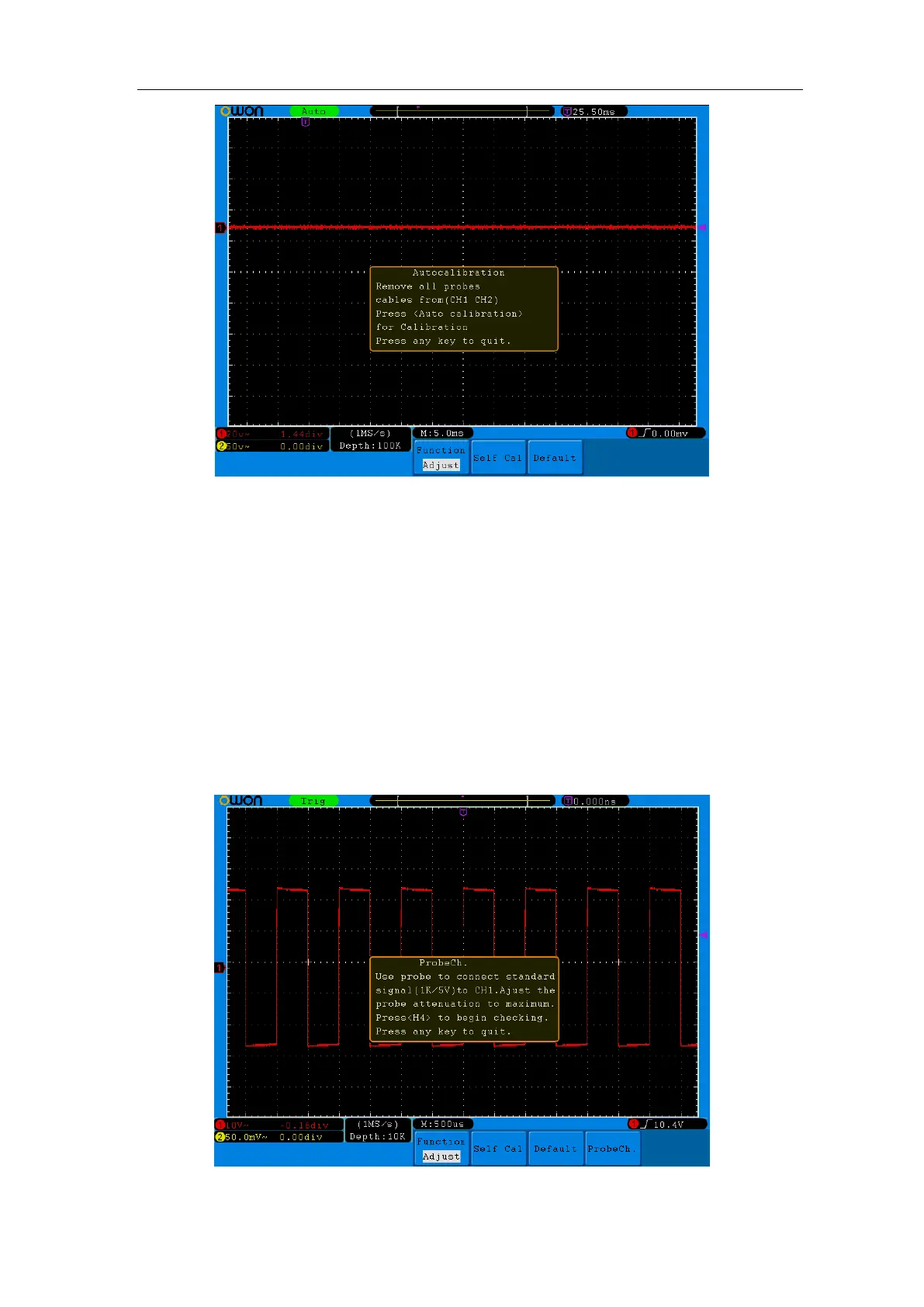
Figure 5-61 Self-Calibration
Probe checking:
To check whether probe attenuation is good. The results contain 3 circumstances:
Overflow compensation, Good compensation, Inadequate compensation. According to the
checking result, users can adjust probe attenuation to the best. Operation steps are as
follows:
1. Connect the probe to CH1, adjust the probe attenuation to the maximum.
2. Press Utility menu,press H1 and the function menu will display at the left of the
screen,turn the M knob to choose "Adjust", “ProbeCh.”shows at the bottom menu;
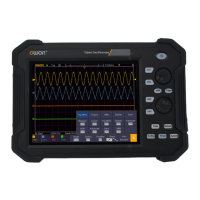
3. Press H4 ,choose “ProbeCh.”,tips about probe checking shows on the screen;
4. Press H4 again to begin probe checking and the checking result will occur after 3s;
Press any other key to quit.
Figure 5-62:Probe Checking



 To Next Page