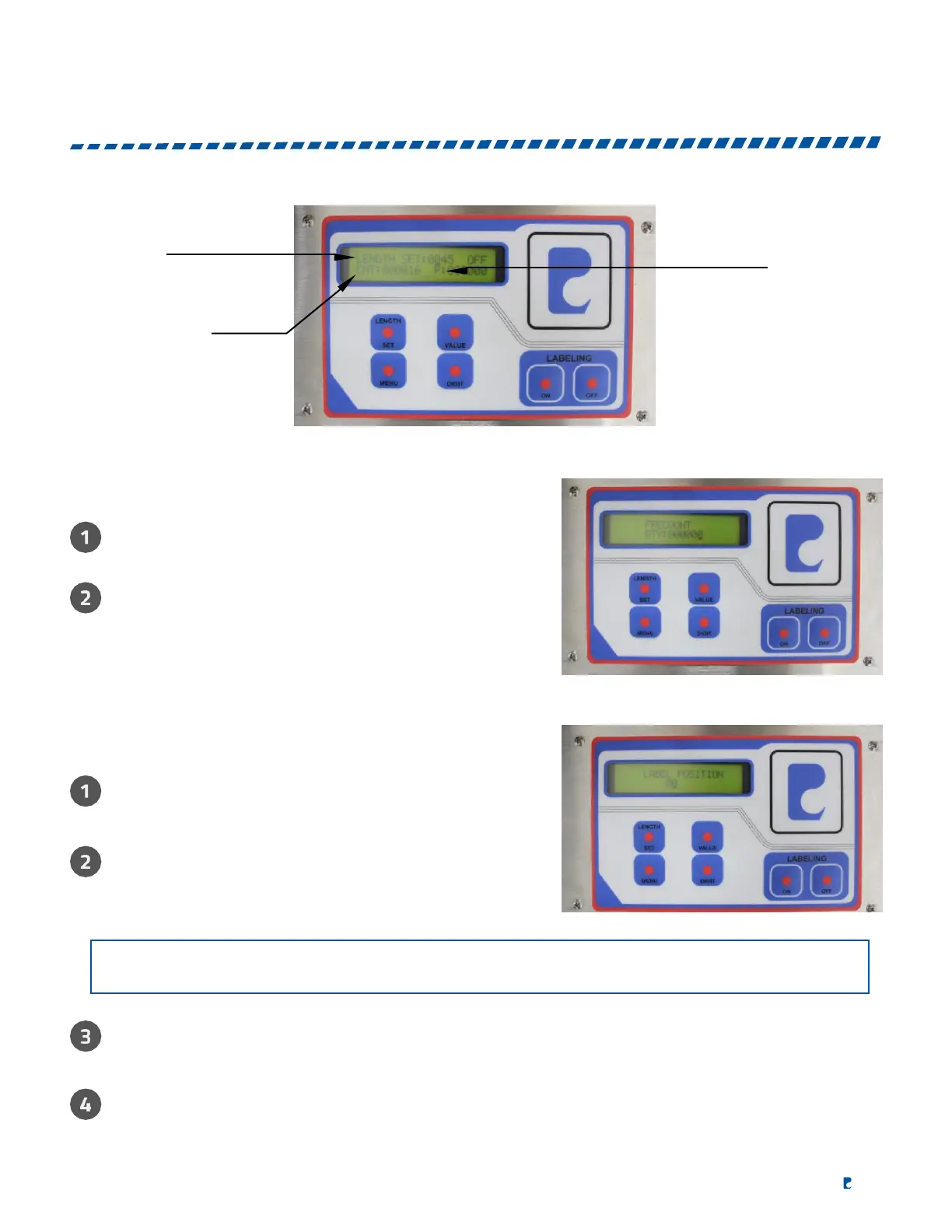
LABEL LENGTH
PRE COUNT
COUNTER
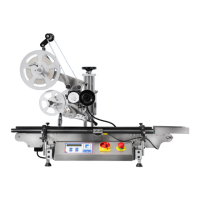
PRECOUNT SETUP
Press menu to select "PRECOUNT" and press "DIGIT" to
select the digit then press "VALUE" to set the numbers.
Press "MENU" to exit.
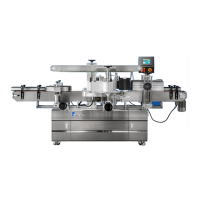
LABEL DELAY SETUP
Use "MENU" to select "LABEL POSITION" to
change the value of the delay.
Use "DIGIT" to select the digit that you want to set
and press "VALUE" to select value. The higher
number the longer the delay.
When the "LABEL POSITION" is set to "00" the label applicator will dispense immediately.
Press "MENU" to exit.
NOTE
:
The object sensor is set on delayed mode for wrap around so the
"LABEL POSITION"
function must be used to correct label placement.


 To Next Page