•
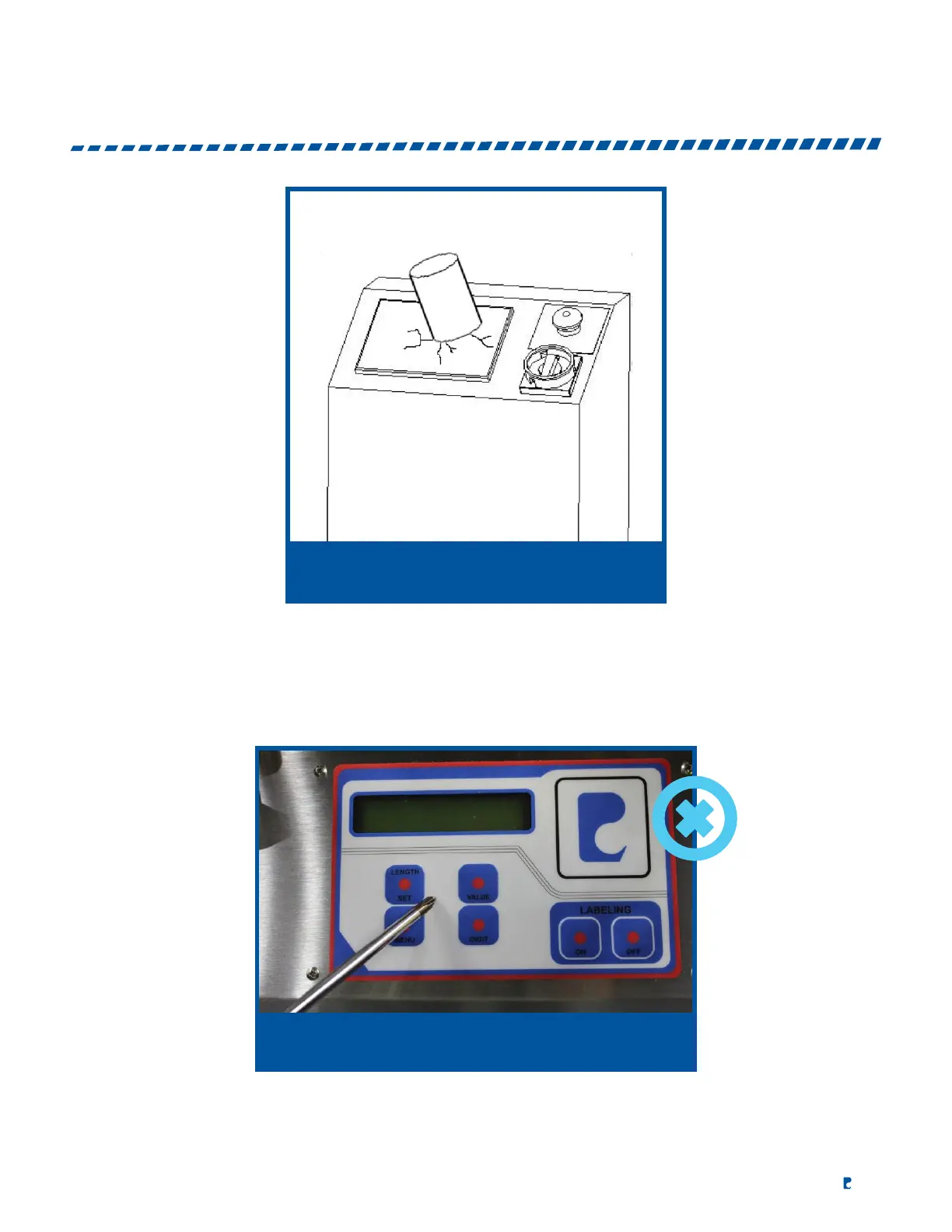
Do not bump or press heavily on control panel.
•
Lightly press on any point inside the control panel to input data.
•
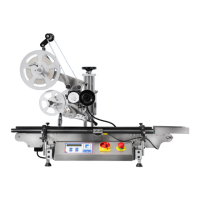
Lightly press buttons with a finger to select appropriate button (do not use a tool or sharp object).
•
Use a soft cleaner or wet cloth to clean the surface of the control panel.
•
Operators are not advised to open the control panel to change any spare parts. If so, we are not
responsible for any of the damages or injuries.
DO NOT USE TOOL OR SHARP OBJECT


 To Next Page