Adjusting the presettings5.8.4
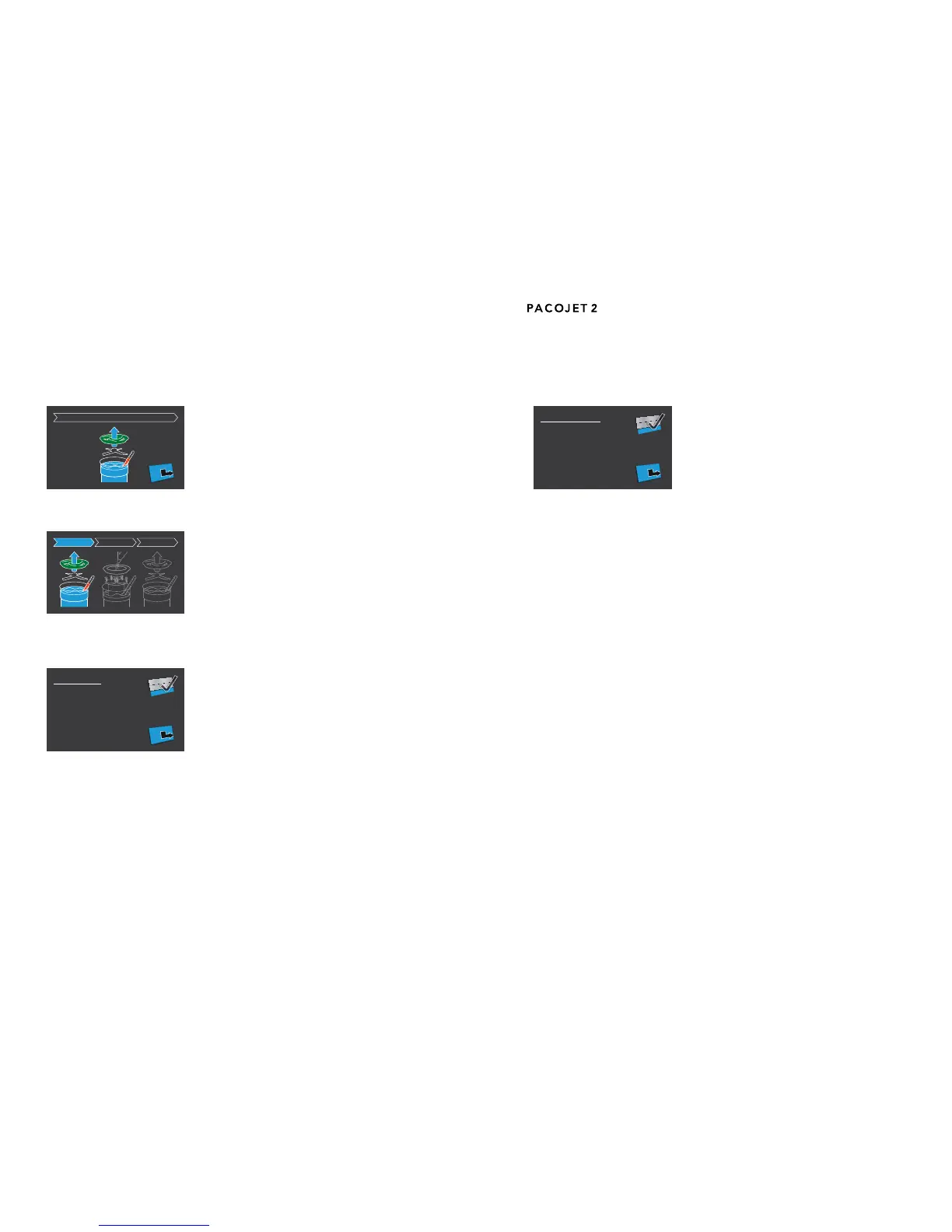
Select the Presettings options on the menu to cus-
tomize the PACOJET 2 presettings according to
your needs.
The default factory settings are as follows:
The default processing mode is “pacotizing” as programmed at the factory. •
The “overpressure” function is set by default at the factory for each process-•
ing mode.
Processing options chosen for a previous cycle are reset to default/factory •
settings after each processing task, i.e. each beaker change.
Consequently, each time the ON/OFF switch is used to power on thema-
chine, the “pacotizing” and “overpressure” processing modes are already set.
The other processing modes, chopping/cutting and mixing/whipping are also
displayed on the home screen and may be selected by pressing the corre-
sponding selector button prior to each processing task.
Users can deactivate the default setting for overpressure by using the over-
pressure selector or the arrows buttons before beginning a particular process-
ing cycle.
After a processing task has been completed, the PACOJET 2 automatically
returns from the previous mode selected and programmed processing option
back to the default factory settings for “pacotizing” and “overpressure”.
However, it is possible to adjust and/or override the default factory- and other
presettings, according to a user’s particular needs.
Rinsing cycle5.8.1
To rinse the PACOJET 2 food contact components,
please see section 7.
Full cleaning cycle5.8.2
The procedure for implementing a full cleaning cy-
cle of the PACOJET 2 food contact components
can be found in section 7.
Machine settings5.8.3
Pressing the button to access the machine settings
on the selector panel will display the settings se-
lectionsfor“Presettings”,“Brightness”,“Language”,
as well as the usage information selections “Portion
counter” and “Version”.
Using the up- and down-arrow buttons, select the desired setting option and
conrmthe selectionby pressingthe buttonadjacent tothe validationicon
(check mark) on the display screen.
In the above mentioned manner, one can modify the settings for “Presettings”,
“Brightness”and“Language”,programmingthemindividuallybypressingthe
validation button.
Using the arrow buttons and the validation button, one can also select and
view the “Portion counter”, which tracks the total number of pacotized whole
portionsthemachinehascompleted,orconrmtheversionofyourmachine
by selecting “Version”.


 To Next Page