37
Getting a Blood Sample
STEP 1: Wash Your Hands and Puncture Site
Use warm, soapy water. Rinse and dry your hands
thoroughly.
STEP 2: Select and Lance a Puncture Site
• Fingertip
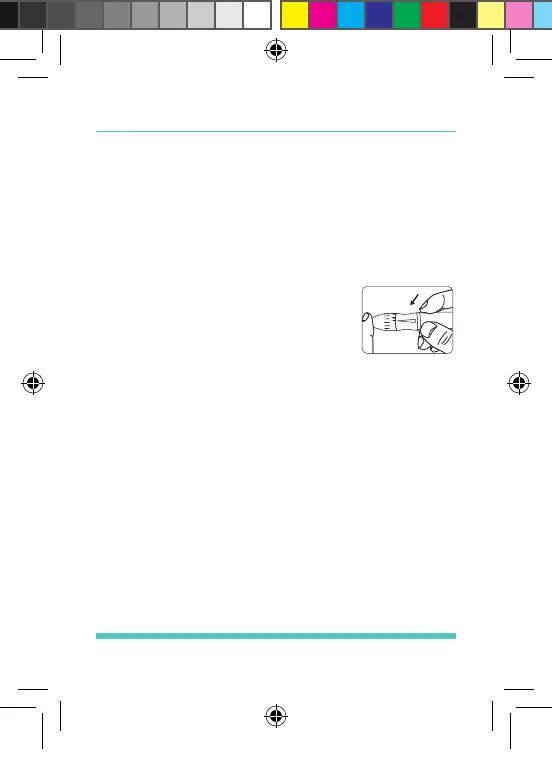
Hold the lancing device rmly
against the side of your nger.
Press the release button. You
will hear a click, indicating that
the puncture is complete. See Figure 22.
• Sites other Than Your Fingertip
Please refer to the “About Alternate Site
Testing (AST)” Section. Please consult your
healthcare professional before obtaining
blood from sites other than your ngertip.
STEP 3: Obtain a Blood Sample
Do not smear the blood sample. See Figure 23. To
obtain the most accurate results, wipe off the rst
drop of blood and gently milk the nger to obtain
another drop of blood. See Figure 24.
Figure 22
Palmdoc 2 User Man.indd 37 24/08/2017 10:49


 To Next Page