30
Performing a Control Solution Test
Start with the meter off.
STEP 1: Wash your Hands
Wash your hands with mild soap and water
before performing any test. Be sure to dry
them thoroughly.
STEP 2: Insert Test Strip
Insert a test strip with the contact bar end
entering into the test strip slot rst. Push the
test strip as far as it will go without bending it.
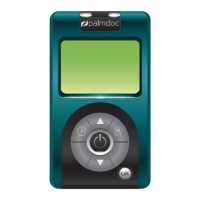
The meter turns on automatically.
STEP 3: Mark as a Control Solution Test
After the “ ” symbol appears on the display,
press the “M” button and a “ ” symbol appears
on the display. With the “ ” symbol on the
display, the meter will not store your test result
in the memory. If you decide not to perform
a control solution test, press the “M” button
again and the “ ” symbol will disappear.
Palmdoc 2 User Man.indd 30 24/08/2017 10:49


 To Next Page