42
Using the Meter Memory
The PalmDoc II meter stores a maximum of the 900
most recent blood glucose test results with date
and time in its memory. It also provides you with
7, 15, 30, 45, and 90–day averages of your blood
glucose test results. You can review the individual or
average test results by entering the memory mode.
STEP 1: Enter the Memory Mode
While the meter is turned off, press
and hold the “M” button to turn the
meter on. Press the “M” button again
to enter memory mode. The 7–day
average will appear, indicating that
you are in the memory mode.
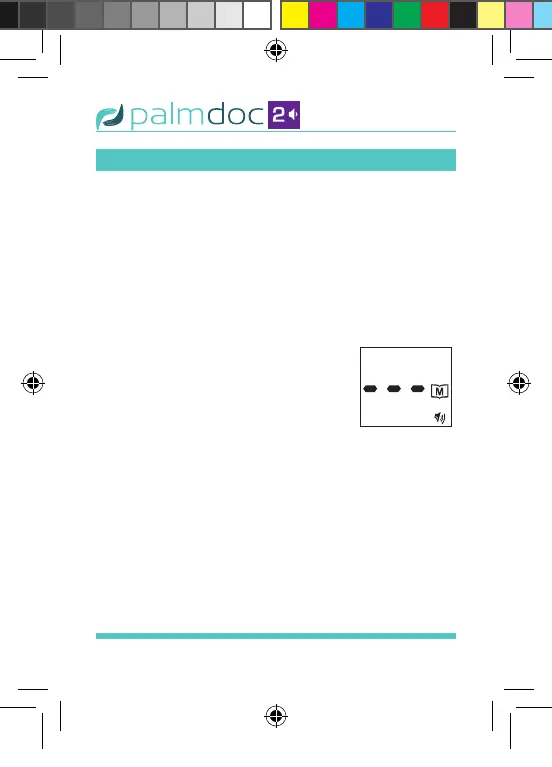
When using the meter for the rst time or when
the memory has been deleted, “- - -” appears,
indicating there are no test results in the meter
memory. See Figure 30.
STEP 2: Recalling Average Test Results
The 7–day average is calculated
from the blood glucose results
obtained during the last 7 days.
Figure 30
Palmdoc 2 User Man.indd 42 24/08/2017 10:49


 To Next Page