51
System Troubleshooting
Special Messages
Special messages and error messages help to
identify certain problems but do not appear in all
cases when a problem has occurred. Improper
use may cause an inaccurate result without
producing an error message.
In the event of a problem, refer to the information
under “Action” in the “Error Messages” section. If
you continue to have a problem, please refer to
the “Troubleshooting Guide” section. If you follow
the actions recommended but the problem is not
resolved, please contact your local distributor for
assistance.
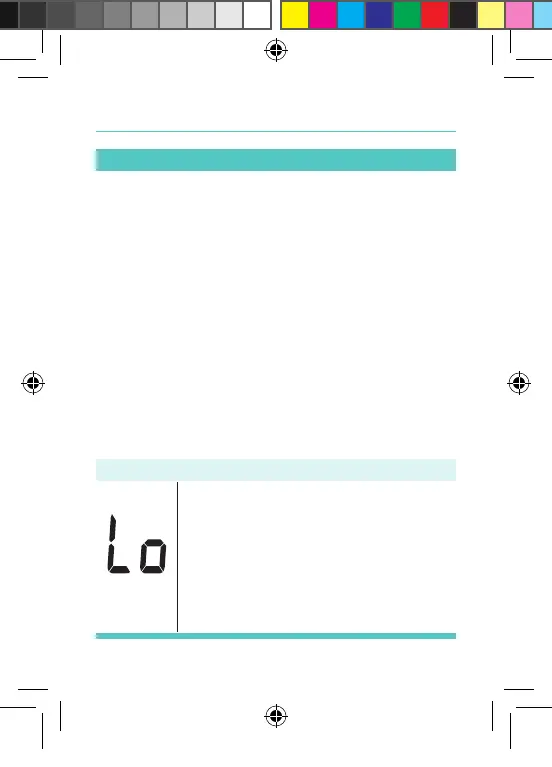
Message What it means
“Lo” appears when your result is
below the measurement limit, which
is less than 1.1 mmol/L. “Lo” indicates
hypoglycemia (low blood glucose).
You should immediately consult your
healthcare professional.
Palmdoc 2 User Man.indd 51 24/08/2017 10:49


 To Next Page