44
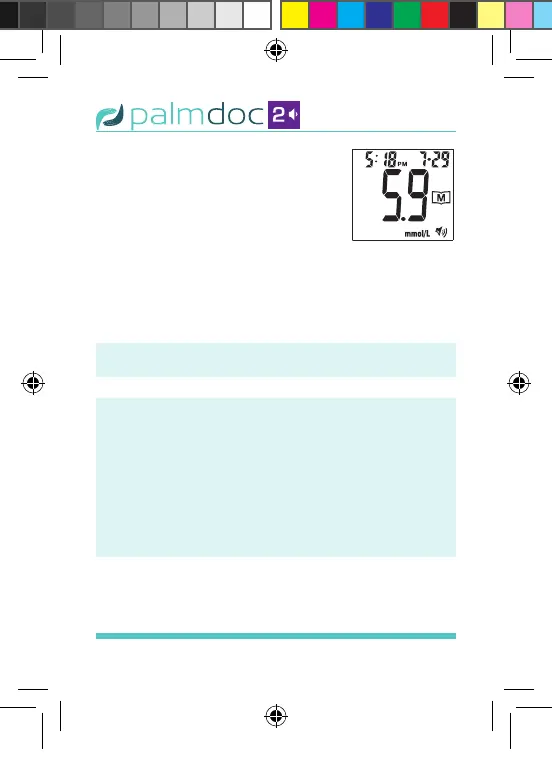
test results in order. When the
memory is full, the oldest test
result is deleted as the newest is
added. After reaching the last
individual result, press the “M”
button and the meter turns off.
STEP 4: Exit the Memory Mode
Press and hold the “M” button for four (4)
seconds to exit memory mode at any point.
Voice Speaks: “Please insert the test strip”
Important:
• If you do not press any buttons for one (1)
minute, the meter will display “OFF” and
turn off automatically.
• Day averages are calculated from results
obtained during the 7, 15, 30, 45, and 90
days preceding the current date and time
settings.
Figure 33
Palmdoc 2 User Man.indd 44 24/08/2017 10:49


 To Next Page