43
13.2.2. CLOCK
• To change the remote control's clock-hour and minute.
- Press once to enter the clock setting mode.
- Use timer increment button timer decrement button to change the time.
- Press once again to exit the setting mode.
13.2.3. RESET
• To clear and restore the remote control setting to factory default.
- Press once to clear the memory.
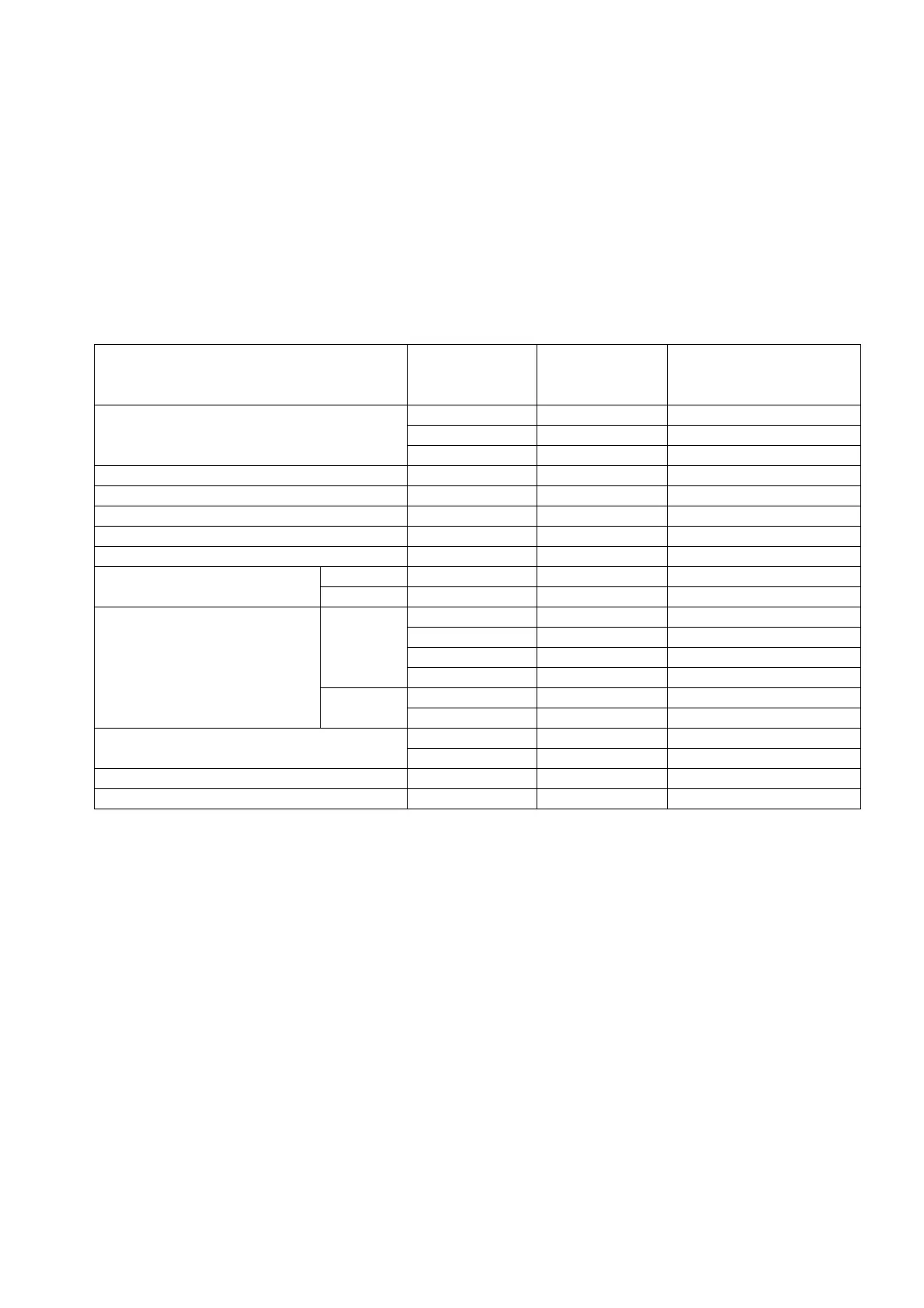
13.3. Test Mode Timer Table
Name
Test Mode
(When test point
Short-circuited)
Time Remarks
Real Timer
1 hr. 1 min.
10 min 10 sec.
1 min. 1 sec.
Timer Delay Safety Control 2 min. 58 sec. 0 sec.
Forced Operation 60 sec. 0 sec.
Timer Save Control 7 min. 42 sec.
Anti-Freezing 4 min. 0 sec.
Auto Mode Judgement 20 sec. 0 sec.
Soft Dry
OFF 6 min. 36 sec.
ON 10 min. 60 sec. Soft Dry: 10 min. operation
Deodorizing Control
Cooling 40 sec. 4 sec.
70 sec. 7 sec.
20 sec. 2 sec.
180 sec. 18 sec.
Soft Dry 40 sec. 4 sec.
360 sec. 36 sec.
Comp. Reverse Rotation Detection
5 min. 30 sec. Com. ON 5 min. and above
2 min. 0 sec.
Comp./ Fan Motor Delay Timer 1.6 sec. 0 sec.
Random Auto Restart Control 0 ~ 62 sec. 0 ~ 6.2 sec.



 To Next Page