57
Function
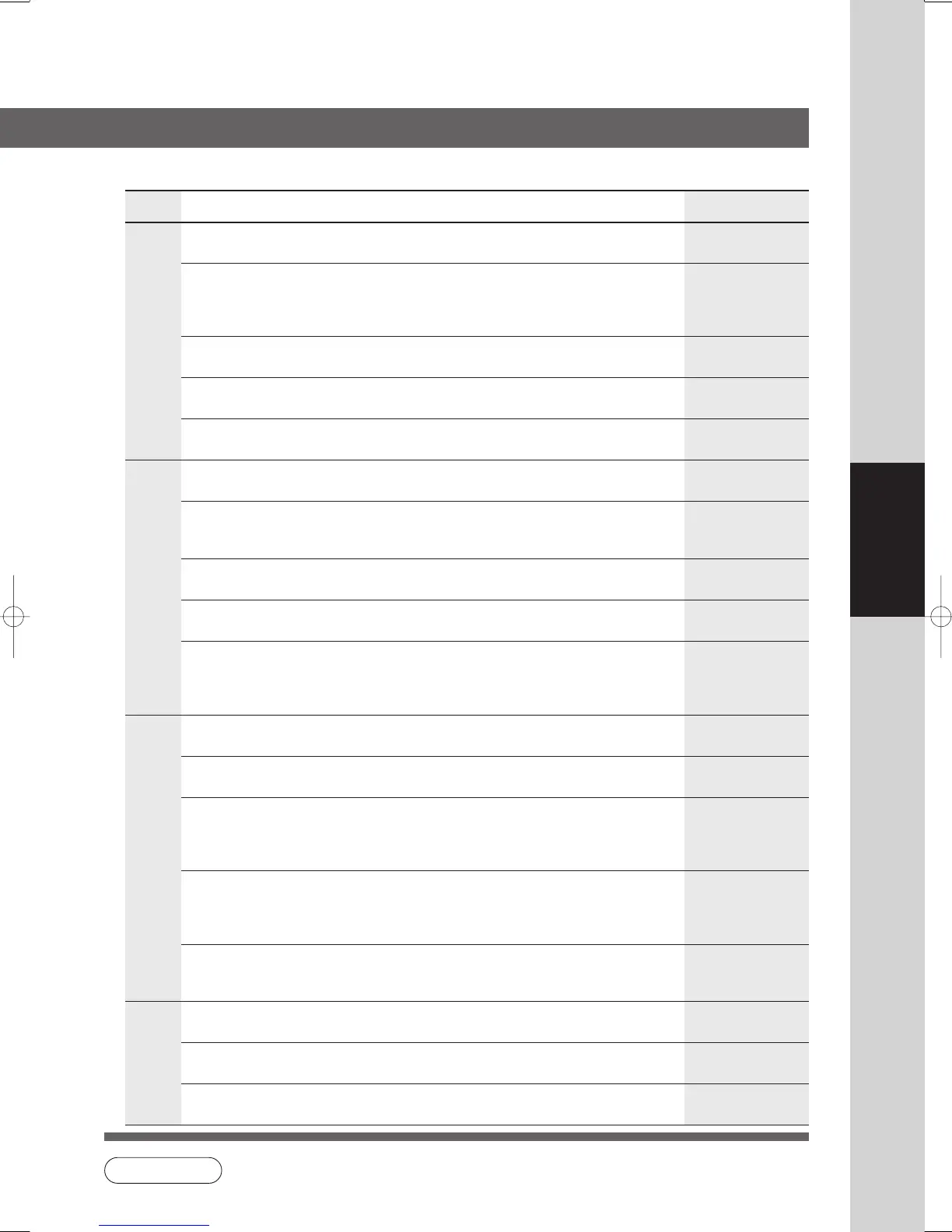
■ COPIER SETTINGS
Screen
No.
00 Copier Settings Print Print the copier settings. Start
● Stop, Start
01 Paper Size Priority Selects paper size priority A4
● LEDGER, LEGAL, LETTER, LETTER-R,
INVOICE, A3, B4, A4, A4R, B5, B5R, A5,
A5R, 8 x 13, 8.5 x 13
02 Original Mode Default Selects original setting T/P
● Text, T/P (Text/Photo), Photo
03 Text Contrast Selects contrast for Text mode 4
● 1 ~ 7
04 T/P Contrast Selects contrast for Text/Photo mode 4
● 1 ~ 7
05 Photo Contrast Selects contrast for Photo mode 4
● 1 ~ 7
06 Overlay Contrast Sets the density (transparency) of the page 4
being produced in overlay mode.
● 1 ~ 7
07 Interleaving Default Selects OHP interleaving paper Blank
● Blank, Copy
08 Page Insertion Default Selects page insertion Blank
● Blank, Copy
09 Cover Mode Default Selects cover paper F, Blank
● F, Blank, F, Copy
FB, Blank, FB, Copy
(F: Front, FB: Front + Back)
10 Job Build And SADF Mode Enables or disables the use of SADF function. Yes
● No, Yes
11 Maximum Copy Setting Determines whether to limit number of copies 0
(0-99). (No limit)
12 M1, Size Input a size in job memory 1 for frequently 70 x 160 mm
used size. (X) (Y)
● X: 5~432/Y: 5~297 mm
(See page 46)
13 M2, Size Input a size in job memory 2 for frequently 95 x 220 mm
used size. (X) (Y)
● X: 5~432/Y: 5~297 mm
(See page 46)
14 Memory Overflow Warning Selects the task to perform when memory Print
overflow occurs
● Print, Cancel
15 Add New Tandem Desti. Inputs a new destination to split the copy job
16 Edit Tandem Destination Edits a copy destination
17 Delete Tandem Desti. Deletes a copy destination
Modes Function
Initial
Setting
01/04
02/04
03/04
04/04
NOTE
● It is necessary to input the Key Operator ID Code before changing items on this page.



 To Next Page