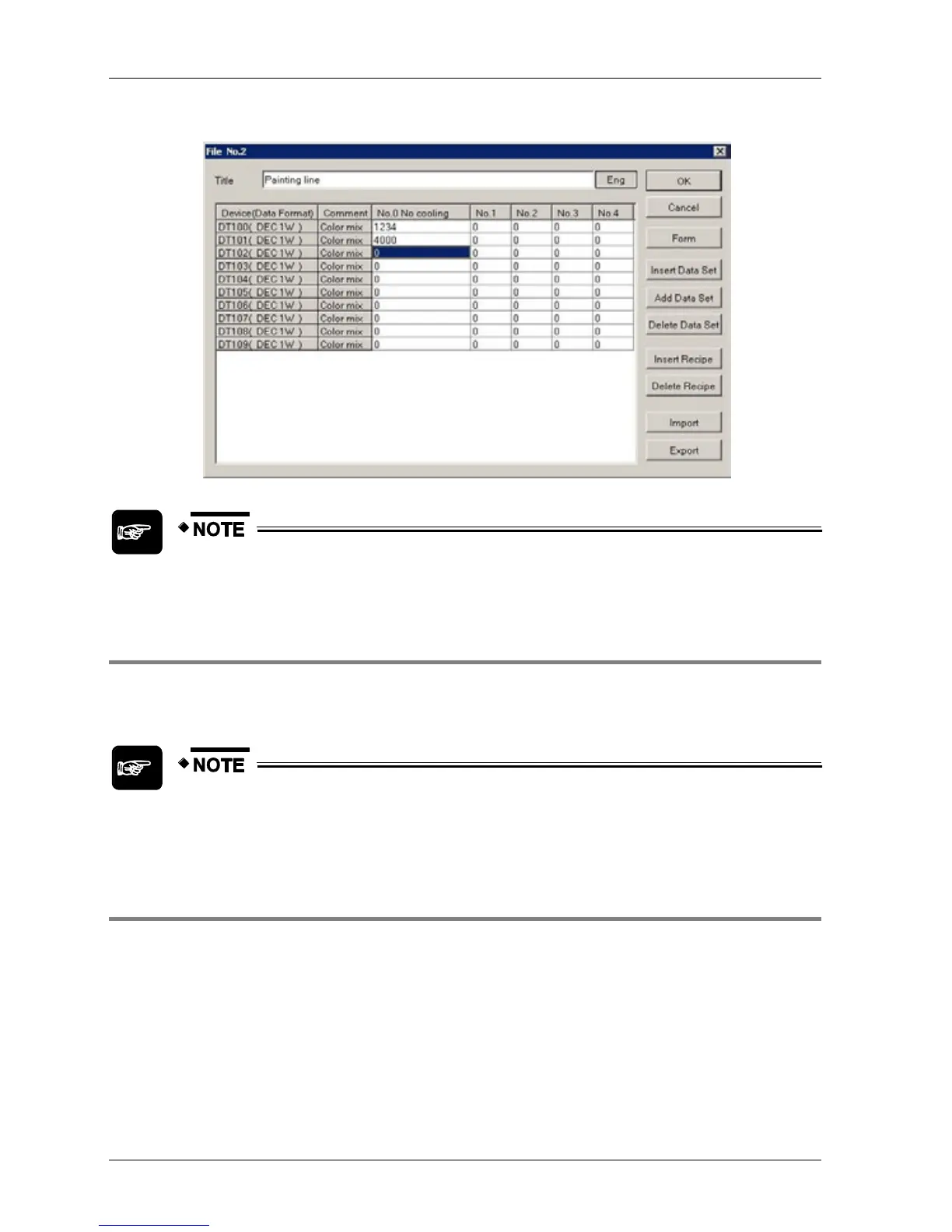
12. Enter the values for the recipe
If the export/import function does not work, check the regional settings on your
PC to see whether commas or semicolons are used to separate values.
4.7.2.2 Transferring Recipe Files
The recipe data created with the recipe function can be transferred from GTWIN to the GT
terminal (see p. 113).
When you transfer all data, make sure the check box "Transfer Data after Clear
GT Screen" is deactivated if you do not wish to delete the recipe data in the GT
terminal!
4.7.2.3 Example Recipe
Imagine you have a room in a factory that can get quite hot. You have three measures at your
disposal to cool it down:
Ceiling vents
Floor vents
Air-conditioning
If opening the ceiling vents does not cool off the room, you can open floor vents to increase
circulation. If the room is still too hot, you can turn on the air-conditioning. Simultaneously you
wish to close the floor vents and turn on a timer to the air-conditioner to save energy.



 To Next Page