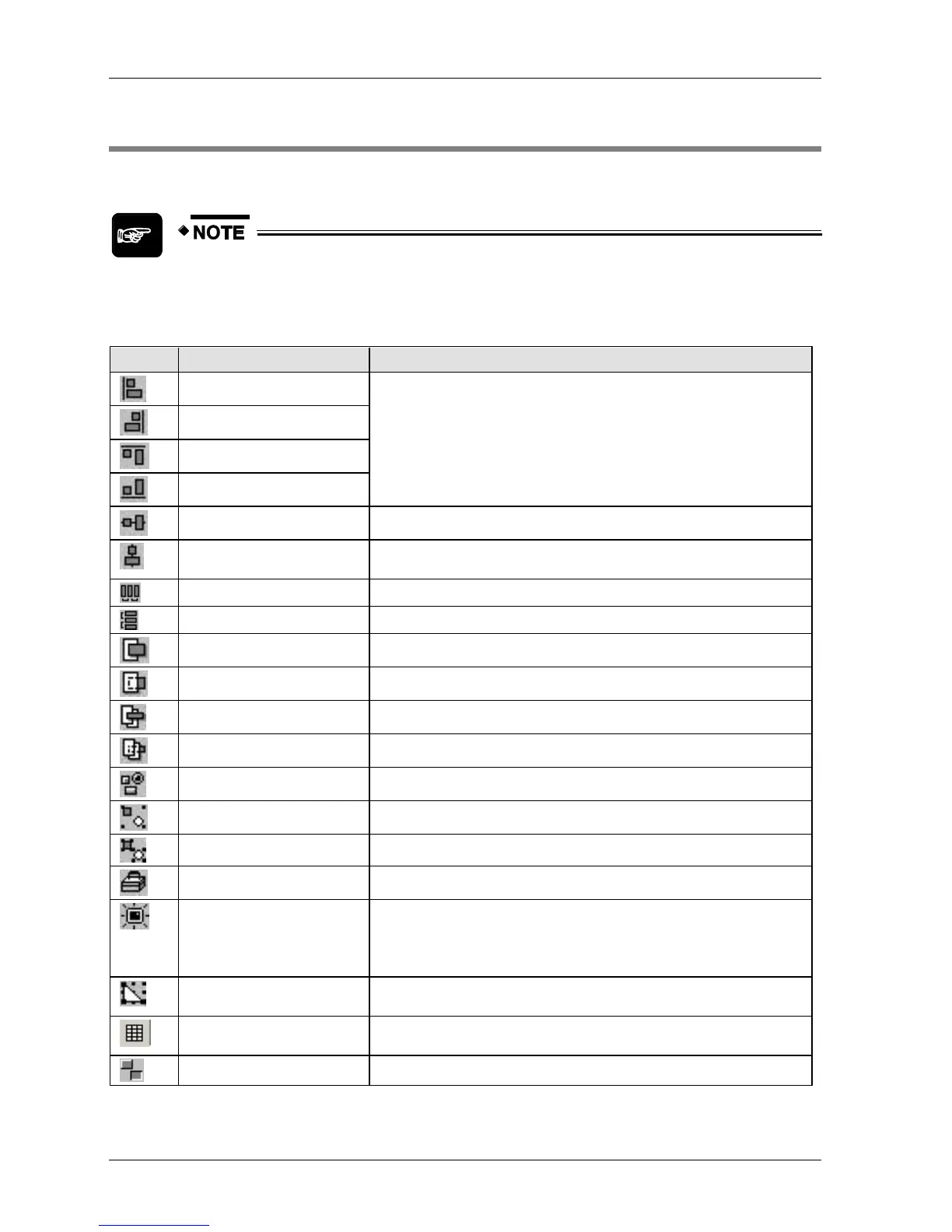
3.3 Toolbar
The following table provides descriptions for non-Windows icons in the toolbar.
You can undo steps in drawings, text, parts and for some operations of the
various editors that can be booted from the menu bar. Please be aware that
other operations cannot be "undone".
Center selected objects horizontally.
Center selected objects vertically.
Distribute selected items horizontally.
Distribute selected items vertically.
Brings selected item forward one level.
Sends selected item backward one level.
Brings selected item to the front.
Sends selected item to the back.
Opens a list of parts libraries at your disposal.
Ungroups selected object.
Displays or hides the graphic bar.
Refreshes the base screen.
When a base screen is being edited, deleting or moving graphics may
cause problems with the positions of previous and subsequent
graphics. If this happens, the base screens can be "redrawn".
Enables or disables the snap function. When the snap function is
activated, objects "snap" to specific grid positions.
Display/Hide keyboard parts
Displays or hides keyboard parts on base or keyboard screens to ease
design.
Switches a selected switch's or lamp's state to ON or OFF.



 To Next Page