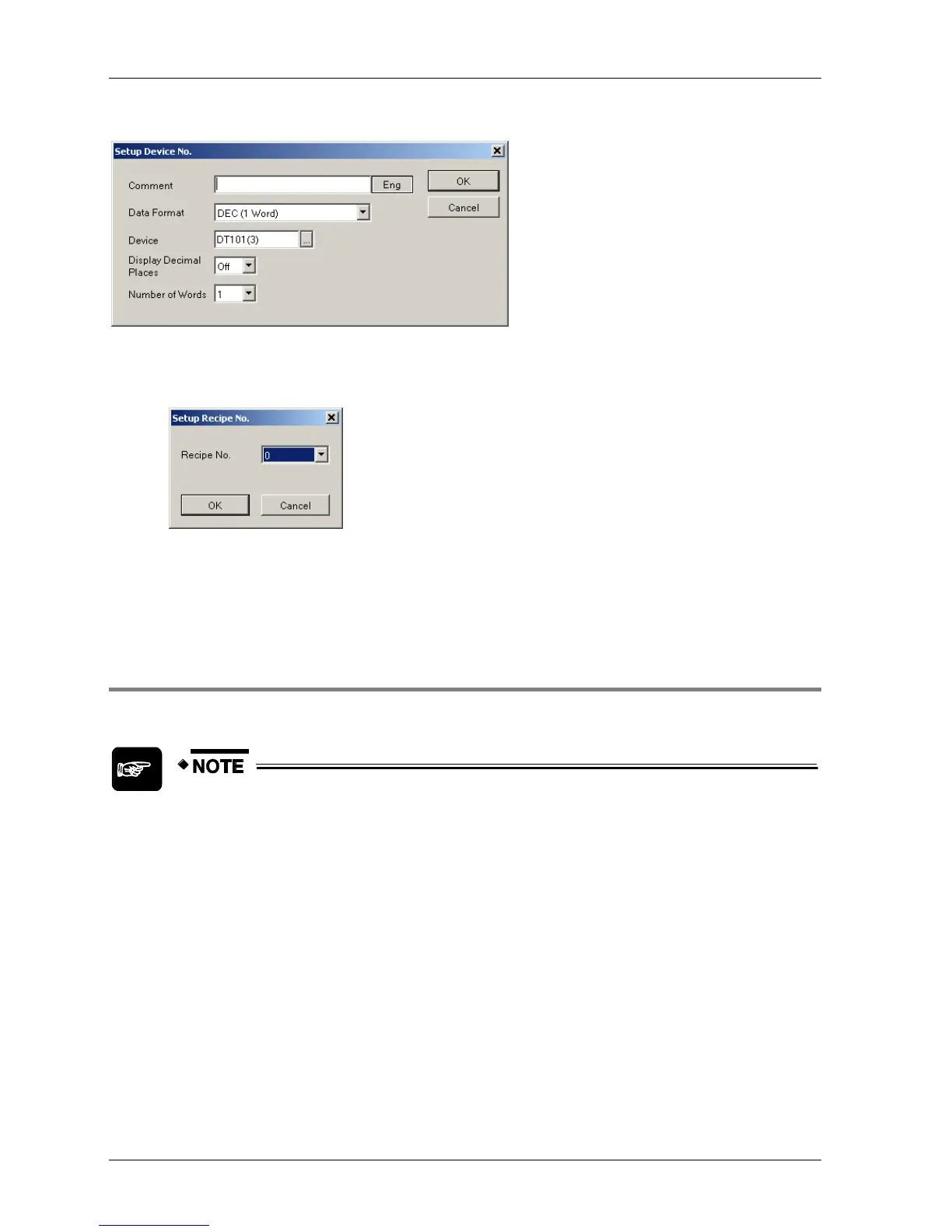
Click [Setup] to call up the Setup Device No. dialog.
What happens when you click [Create Recipe File (CSV File)] depends on the operation
mode.
For the control device method (see p. 148), you must choose a recipe file no.
Then a CSV file is created consisting of 4 one-byte numbers corresponding to the
recipe file no. Save the CSV file name as generated!
For the touch operation method (see p. 148), you must assign a name consisting of a
maximum of 8 one-byte alphanumeric characters. Do not use longer names! They
will not display properly.
4.7.3.6 Entering and Reading Device Values
The regional settings for your computer must specify a period (full stop) as the
decimal symbol in order for GTWIN to create a properly formatted CSV file. The
CSV file should look like those in the illustrations. If a comma is specified, the
CSV file will not be properly formatted and the recipes will not be able to be
processed.



 To Next Page