2.6 SD Memory Card Functions
1. When you are using FPWIN Pro version 6.x, select the file type "Packed
Project Export files (Unicode)(*.pce)".
2. Both files must have the same file name.
PLC connection method
In order to be able copy PLC program files to or from the SD memory card, the PLC must be
connected to the GT as follows:
2.6.3 Copy Screen Data to the SD Memory Card
To copy screen data from the GT to the SD memory card, proceed as follows:
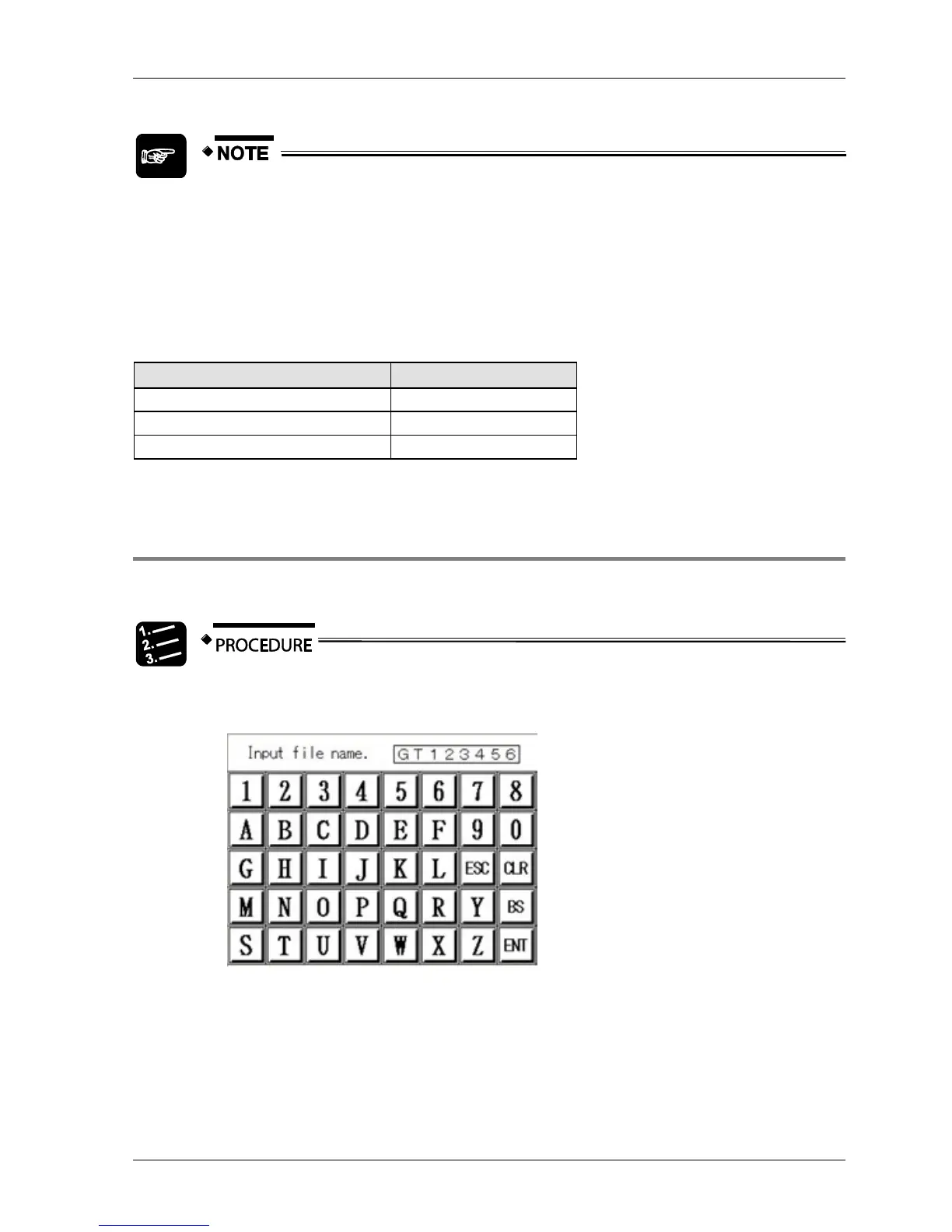
1. In the SD memory card menu, select [GT SD]
A screen is displayed where you need to enter the file name.
2. Enter a file name
The file name can be up to 8 characters long.
3. Press [ENT]
A confirmation screen appears.



 To Next Page