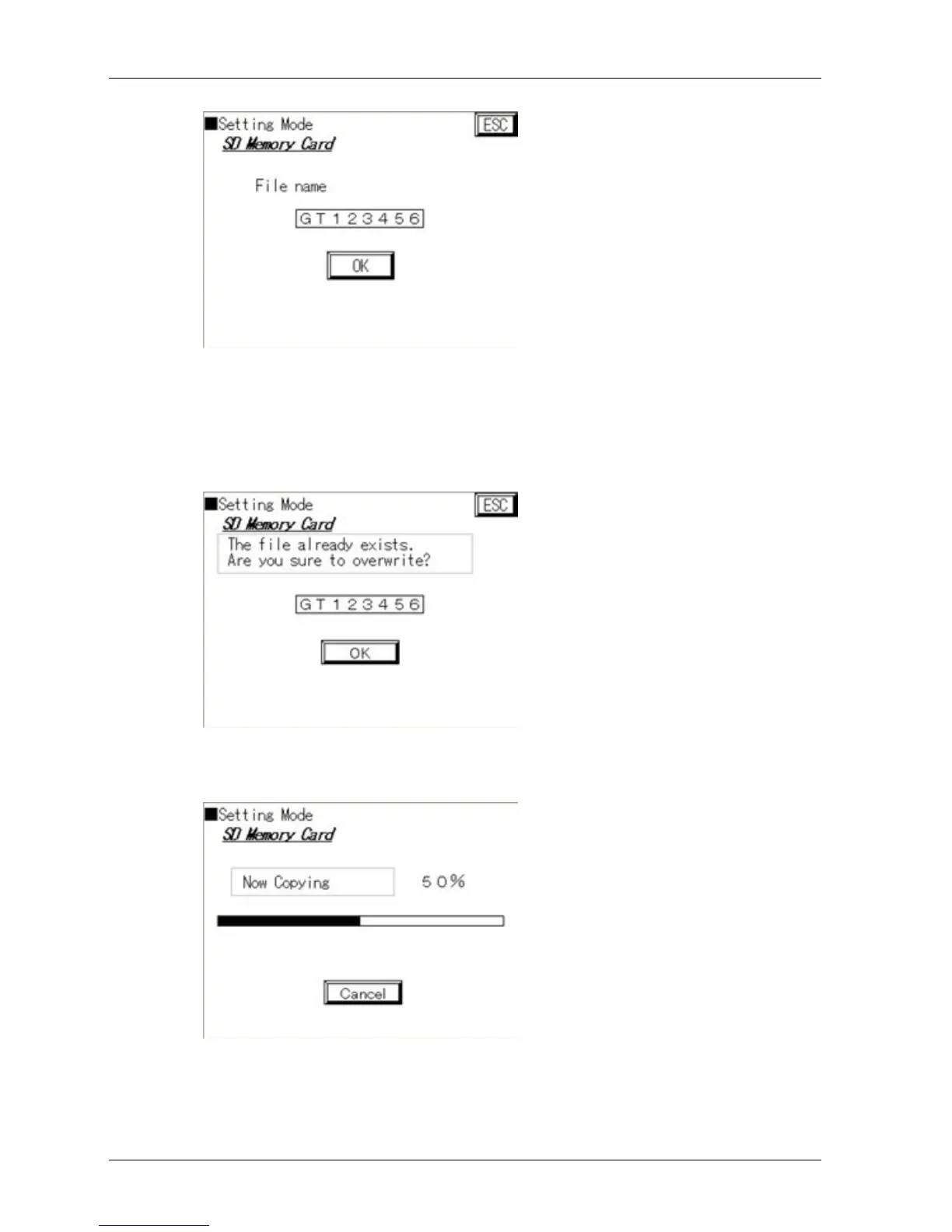
If you wish to change the file name again, press [File name] and repeat the
previous two steps.
4. Press [OK]
If you have saved already a file with the file name you have just entered, the
following screen appears.
5. Press [OK] to overwrite the file
The system starts to copy the screen data.
When the operation is complete, [Cancel] changes to [OK].
6. Press [OK]
This returns you to the screen with the SD memory card menu.



 To Next Page