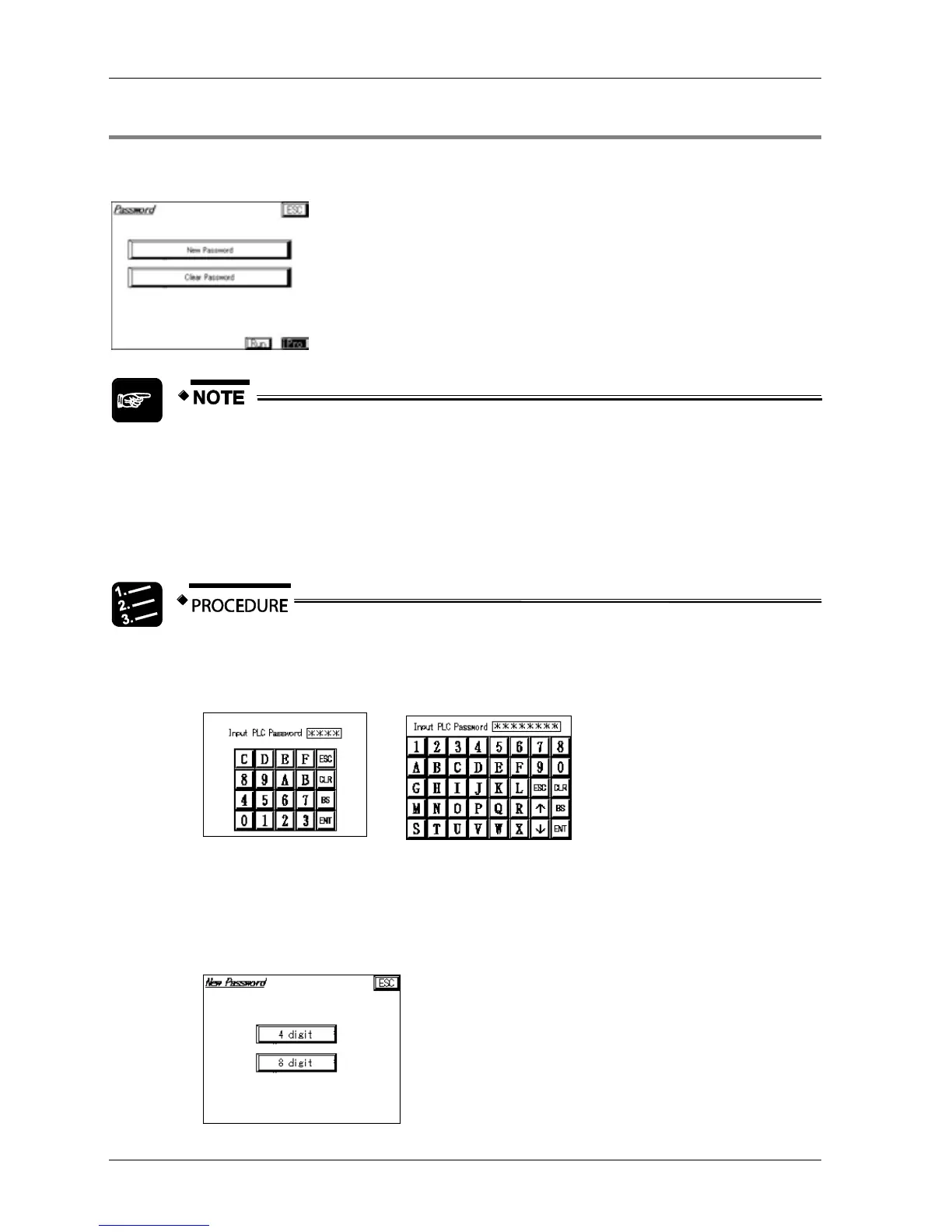
2.7.3.4 Password Management Screen
Use this screen to set or delete passwords for password-protected PLCs. You can use 4-digit
or 8-digit passwords.
When you create a new password or delete a password without actually
entering anything, the default password will be used. The default password
is 0000 for a 4-digit password and 8 spaces for a 8-digit password.
Not all PLCs support 8-digit passwords.
Setting a new password
1. Select [New Password]
The password-input screen appears. Its appearance depends on whether the
PLC has a 4-digit or 8-digit password.
If the PLC is not password-protected, the password input screen will not appear.
2. Enter the password
3. Select [ENT]
The screen for entering the new password appears.



 To Next Page