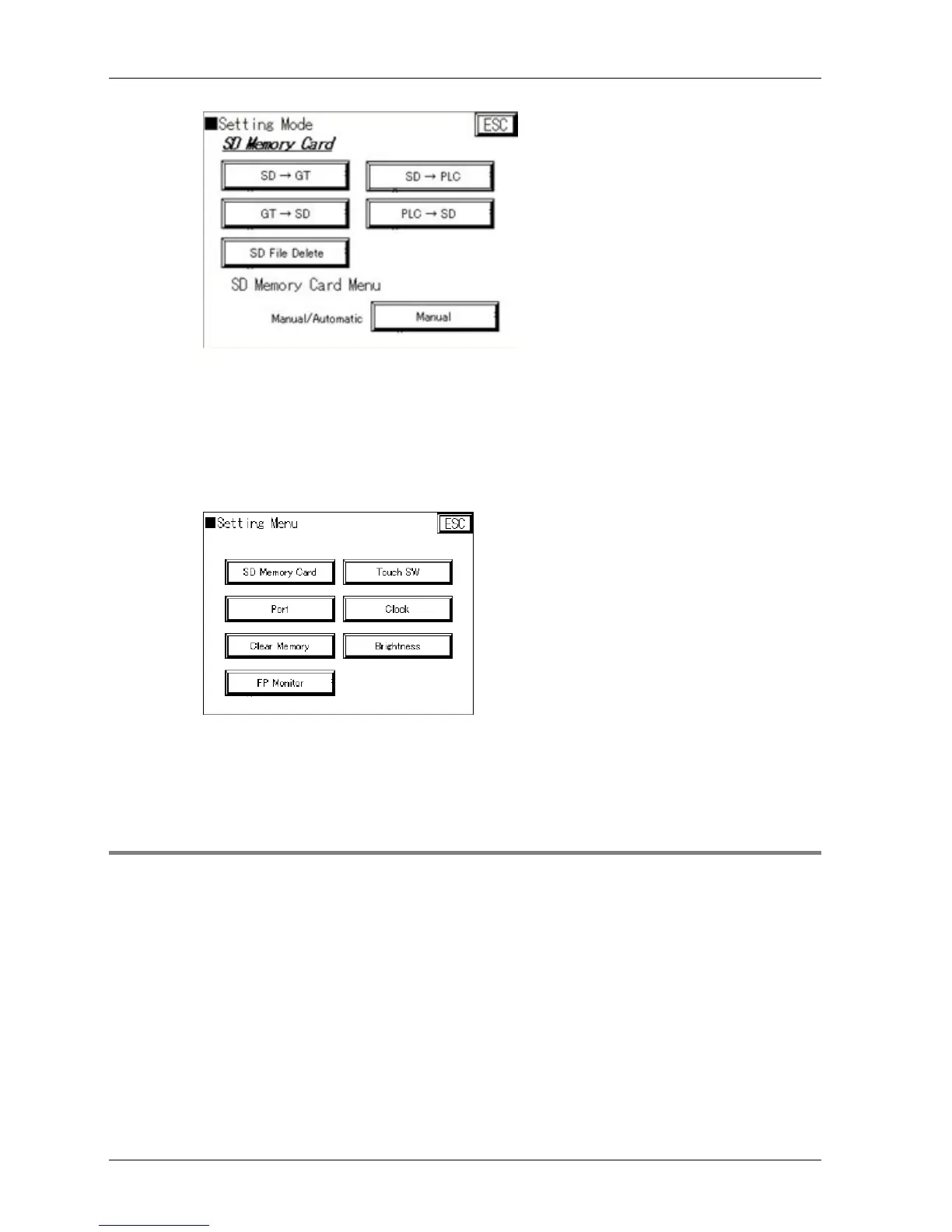
11. Select [SD->GT]
This transfers all data from the SD memory card to the GT.
12. Select [ESC]
13. Check whether the button [FP Monitor] is available in the settings dialog of
the GT panel system menu (see p. 58)
The button only appears if the FP monitor screen data has been successfully
transferred to the GT. Only then can you start using the FP Monitor functions (see
p. 83).
2.7.2 Uninstalling FP Monitor
In order to uninstall FP Monitor from the GT, you must:
1. clear the user memory (see p. 62)
2. re-transfer the GTWIN data but without activating the FP Monitor checkbox



 To Next Page