63
VQT3J95
Motion picture playback using operation icon
For details on the basic playback operations, refer to page 36.
Advanced (Playback)
Playback Operations
Playback operation
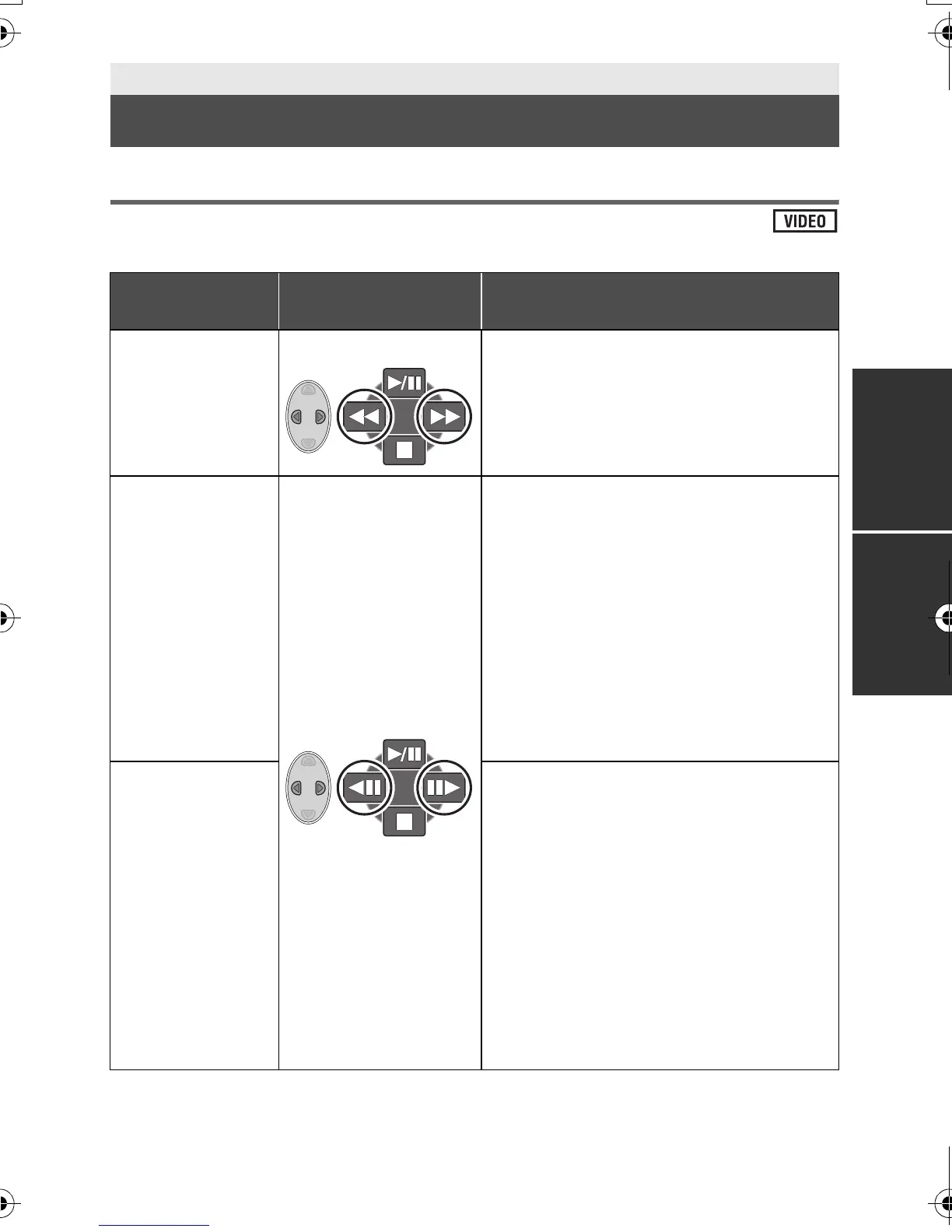
Cursor button/
Playback display
Operating steps
Fast forward/
rewind playback
During Playback Press 1 of the cursor button during
playback to fast forward.
(Press 2 to rewind.)
≥ Normal playback is restored when you
press 3.
Slow-motion
playback
During Pause
With the playback paused, press and
hold 1 of the cursor button.
(Press and hold 2 for slow rewind
playback)
Slow-motion play back will continue over
the period that the button is pressed.
≥ Normal playback is restored when you
press 3.
≥ When slow-motion pictures are played
back in reverse, they will be shown
continuously at approximately 2/3
rd
the
speed of normal playback.
Frame-by-frame
playback
The motion
picture is
advanced one
frame at a time.
With the playback paused, press 1 of
the cursor button.
(Press 2 to advance the frames one at
a time in the reverse direction.)
≥ Normal playback is restored when you
press 3.
≥ When the frames are advanced one at a
time in the reverse direction, they will be
shown in intervals of 0.5 seconds
(AVCHD).
≥ When the frames are advanced one at a
time in the reverse direction, they will be
shown in intervals of 1 second (iFrame).
HDC-SD40&TM40P_PC_VQT3J95_mst.book 63 ページ 2011年1月20日 木曜日 午前11時49分















 To Next Page