76
VQT3J95
∫ To watch images on a regular
TV (4:3) or when both sides of
the images do not appear on
the screen
Change the menu setting to display the
images correctly. (Check the TV setting.)
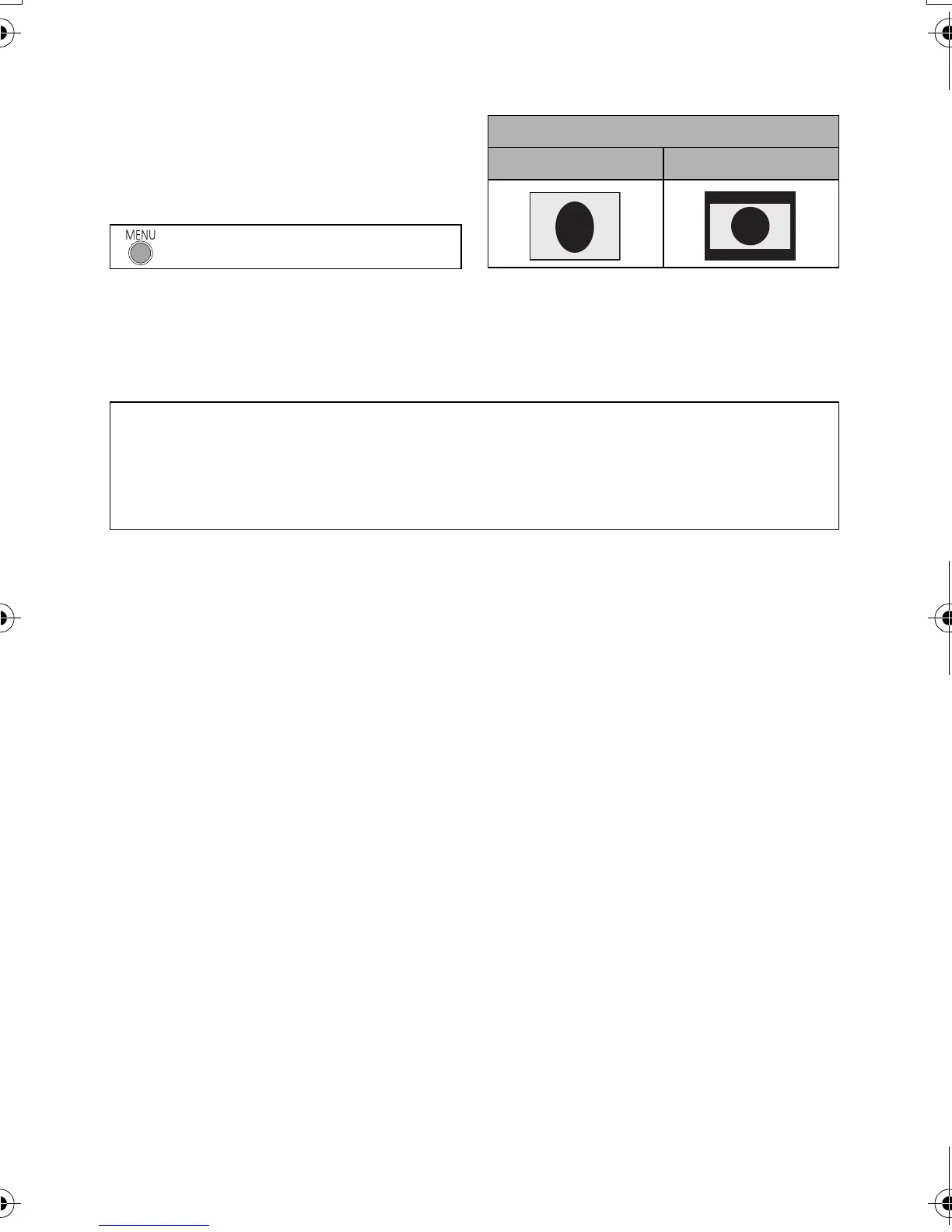
Example of images with a [16:9] aspect
ratio on a regular TV (4:3)
≥ If a wide-screen TV is connected, adjust
the aspect setting on the TV. (Refer to the
operating instructions of the TV for
details.)
: [SETUP] # [TV ASPECT] # [4:3]
[TV ASPECT] setting
[16:9] [4:3]
Refer to the following support site for information about Panasonic TVs with an SD
card slot for playing back your pictures.
http://panasonic.net/
≥ Scenes recorded in [iFrame] cannot be played back on a TV.
≥ For details on how to play back, please read the operating instructions for the TV.
HDC-SD40&TM40P_PC_VQT3J95_mst.book 76 ページ 2011年1月20日 木曜日 午前11時49分















 To Next Page