118
VQT2W75
If the SD card is
inserted in this unit, it
is not recognised.
≥ If the SD card is formatted on a PC, it may not be
recognised by this unit. Use this unit to format SD
cards. (l 37)
If the SD card is
inserted in another
device, it is not
recognised.
≥
Check that the device is compatible with the capacity
or type of SD card (SD Memory Card/SDHC Memory
Card/SDXC Memory Card) that you inserted. Refer to
the operating instructions of the device for details.
Colour or brightness of
the image changes, or
you may see horizontal
bars in the image.
The LCD monitor
flickers indoors.
≥
Colour or brightness of the image may change, or
you may see horizontal bars in the image when the
object is recorded under fluorescent light, mercury
light or sodium light, etc., but this is not a malfunction.
≥ In motion picture recording mode, record in
intelligent auto mode or set the shutter speed to
1/100 in areas where the power supply frequency is
50 Hz, or 1/125 in areas of 60 Hz.
≥ In still picture recording mode, this will not affect the
recorded image.
Object seems to be
warped.
≥ Object seems to be warped slightly when the object
moves across the image very fast, but this is
because the unit is using MOS for the image sensor.
This is not a malfunction.
White round spots like
soap bubbles appear
on the recorded
picture.
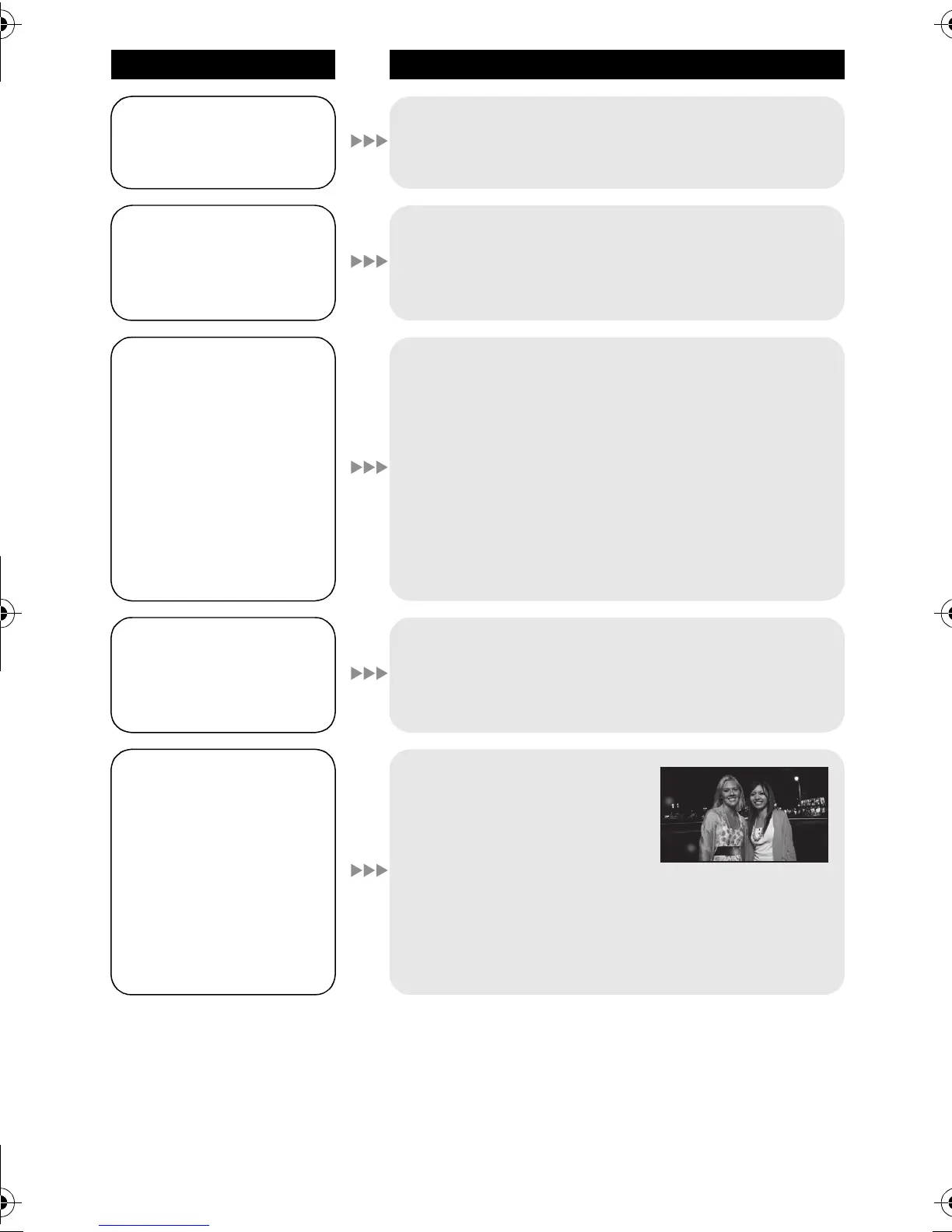
≥ If you take a picture with the
flash in a dark place or
indoors, white round spots
may appear on the picture
caused by the flash
reflecting of particles of dust in the air. This is not a
malfunction.
A characteristic of this is that the number of round
spots and their position differ in every picture.
Problem Check points
HDC-SDX1GC-VQT2W75_mst.book 118 ページ 2010年6月21日 月曜日 午後3時12分















 To Next Page