Handset / Base unit
1 MM
ENUN#304
2 MYESN
3 Proceed with the operation for your unit.
Handset: MOFFN
Base unit: MEXITN
Playing back the greeting message
Handset / Base unit
1 MM
ENUN#303
2 Proceed with the operation for your unit.
Handset: To exit, press MOFFN.
Base unit: To exit, press MEXITN.
Listening to messages
I
mportant:
R When using the base unit or handset to listen to
messages, the noise reduction feature
(page 22) is activated automatically in spite of
the setting (
is not displayed).
Using the base unit
W
hen new messages have been recorded:
– M
N
on the base unit flashes.
– “New message” is displayed.
Press M
N (PLAY).
R During playback, M N on the base unit lights.
R If new messages have been recorded, the base
unit plays back new messages.
R If there are no new messages, the base unit
plays back all messages.
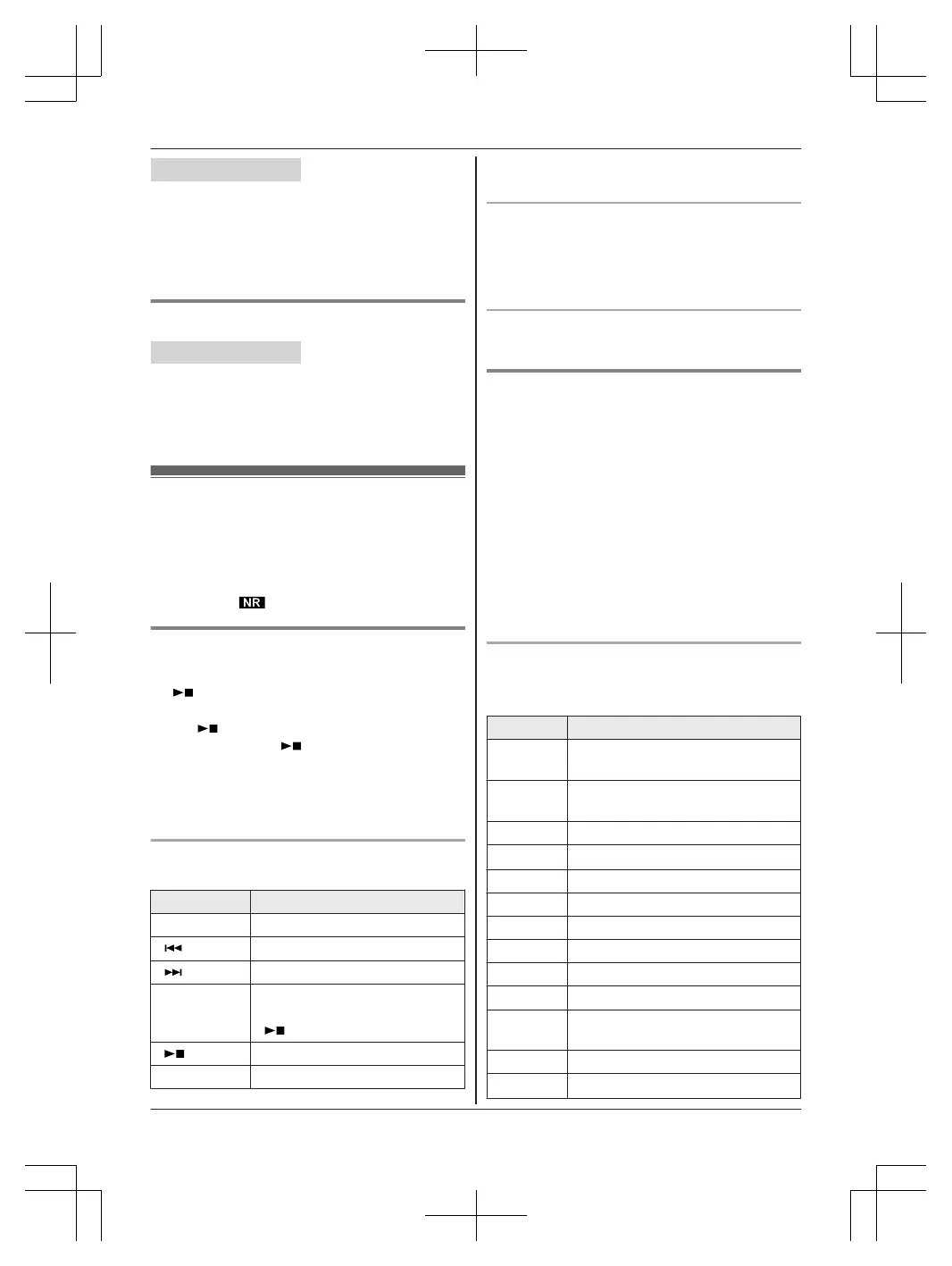
Operating the answering system during
p
layback
Key Operation
MDN
or MCN Adjust the speaker volume
M
N
Repeat message
*
1
M
N Skip message
MPAUSEN Pause message
To resume playback, press
M N.
M N
(STOP) Stop playback
ME
RASEN Erase currently playing message
*1 If pressed within the first 5 seconds of a
m
essage, the previous message is played.
Calling back (Caller ID subscribers only)
D
uring playback, lift the corded handset.
R To edit the number before calling back, press
MEDITN repeatedly until the phone number is
shown in the desired format (page 51).
Erasing all messages
P
ress MERASEN 2 times while the unit is not in use.
Using the handset
W
hen new messages have been recorded, “New
message” is displayed.
1 To listen to new messages:
MMENUN#323
To listen to all messages:
MMENUN#324
2 When finished, press MOFFN.
Note:
R To switch to the receiver, press MTALK/ZN.
R You can also use the MPLAYN soft key, if
displayed, to play new messages.
Operating the answering system
MM
ENUN a MbN: “Answering device” a
MSELECTN
Key Operation
MDN
or MCN Adjust the receiver/speaker volume
(during playback)
1
or MFN Repeat message (during
playback)
*1
2
or MEN Skip message (during playback)
3 Enter the “S
ettings” menu
4 Play new messages
5 Play all messages
6 Play greeting message
76 Record greeting message
8 Turn answering system on
MP
AUSEN
Pause message
*
2
9
or
MSTOPN
Stop recording
Stop playback
0 Turn answering system off
*4
*3
Erase currently playing message
For assistance, please visit http://shop.panasonic.com/support
53
Answering System






 To Next Page