EasyManua.ls Logo

Panasonic NV-RX3A - Page 27

Panasonic NV-RX3A
64 pages
Print Icon
To Next Page IconTo Next Page
To Previous Page IconTo Previous Page
Loading...
_
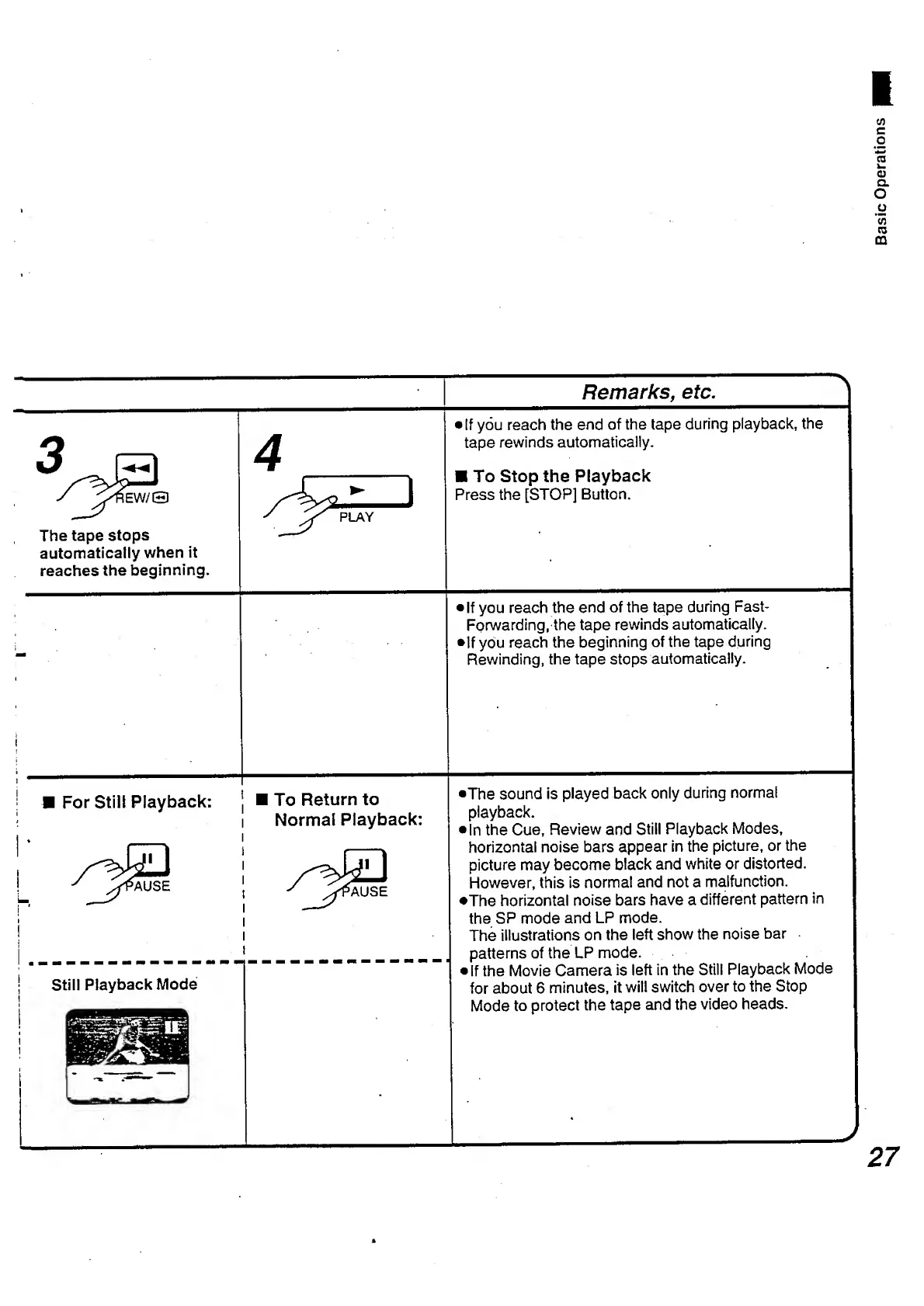
Remarks,
etc.
_
If
you
reach
the
end
of
the
tape
during
playback,
the
tape
rewinds
automatically.
To
Stop
the
Playback
Press
the
[STOP]
Button.
>
If
you
reach
the
end
of
the
tape
during
Fast-
Forwarding,
the
tape
rewinds
automatically.
If
you
reach
the
beginning
of
the
tape
during
Rewinding,
the
tape
stops
automatically.
•The
sound
is
played
back
only
during
normal
playback.
•In
the
Cue,
Review
and
Still
Playback
Modes,
horizontal
noise
bars
appear
in
the
picture,
or
the
picture
may
become
black
and
white
or
distorted.
However,
this
is
normal
and
not
a
malfunction.
•The
horizontal
noise
bars
have
a
different
pattern
in
the
SP
mode
and
LP
mode.
The
illustrations
on
the
left
show
the
noise
bar
patterns
of
the
LP
mode.
If
the
Movie
Camera
is
left
in
the
Still
Playback
Mode
for
about
6
minutes,
it
will
switch
over
to
the
Stop
Mode
to
protect
the
tape
and
the
video
heads.

Table of Contents

Related product manuals