ENGLISH -
23
Getting Started
Setting up
Projection method
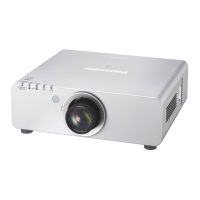
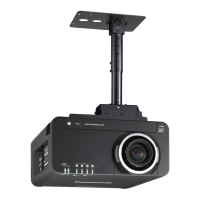
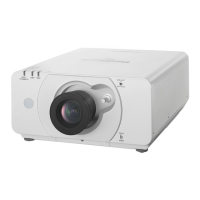
You can use the projector with any of the following 4 projection methods. To set the desired method in the
projector.
J
Mounting on the ceiling and
projecting from front
J
Setting on a desk/oor and
projecting from rear
(Using translucent screen)
Menu
Û
Method
INSTALLATION FRONT/CEILING
COOLING
CONDITION
CEILING SETTING
Menu
Û
Method
INSTALLATION REAR/FLOOR
COOLING
CONDITION
FLOOR SETTING
J
Mounting on the ceiling and
projecting from rear
(Using translucent screen)
J
Setting on a desk/oor and
projecting from front
Menu
Û
Method
INSTALLATION REAR/CEILING
COOLING
CONDITION
CEILING SETTING
Menu
Û
Method
INSTALLATION FRONT/FLOOR
COOLING
CONDITION
FLOOR SETTING
Refer to :
Û
“INSTALLATION” of “PROJECTOR SETUP menu” and “COOLING CONDITION” (
Æ
pages 63) for
details.



 To Next Page
