Remote control operation
ENGLISH - 43
Basic Operation
Changing the picture aspect
ratio
You can toggle through aspect ratios to select the one
that is appropriate for the input signal.
button
Press the <ASPECT> button on the
remote control.
z
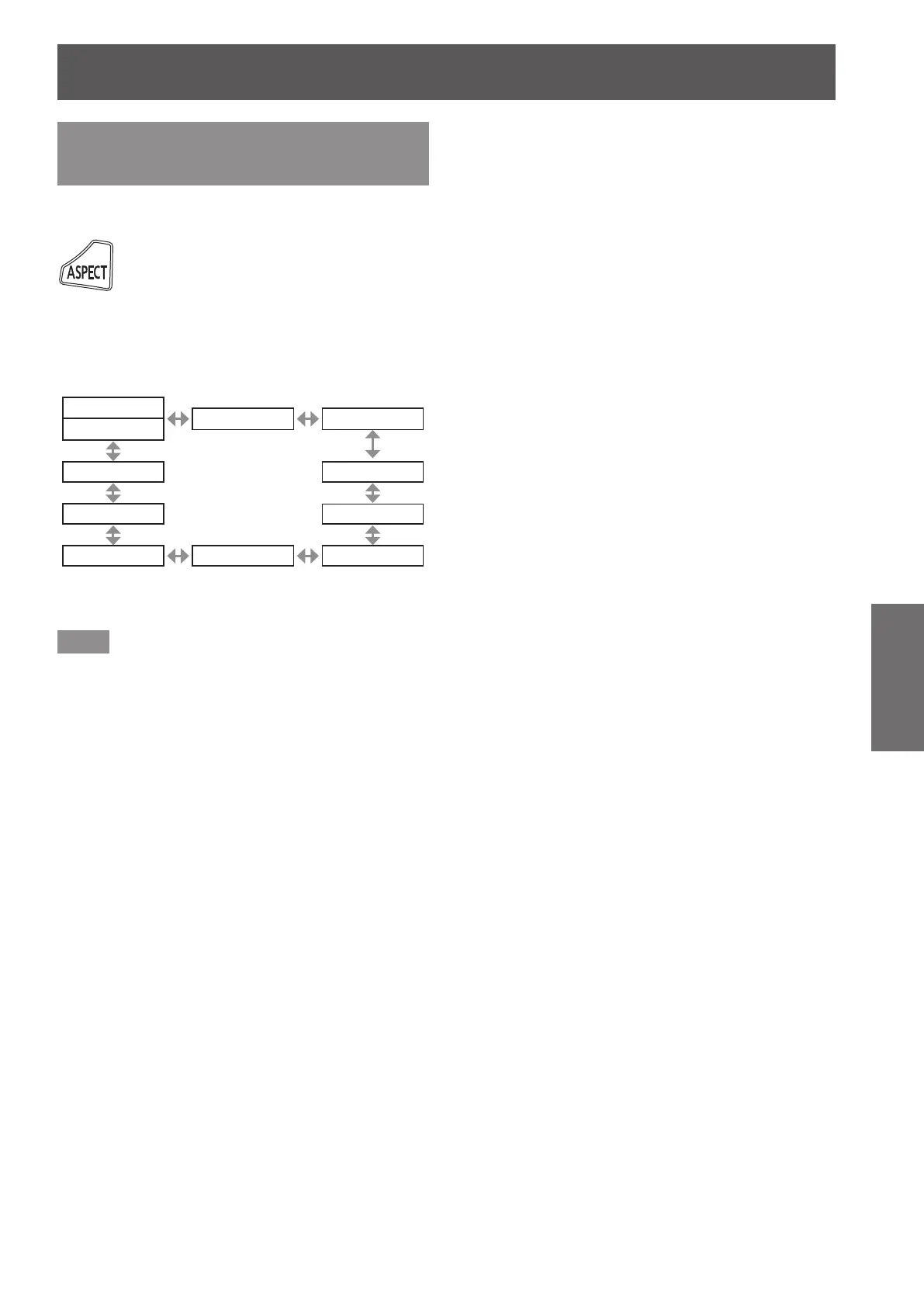
The setting will change as follows each time
you press the button.
[VID AUTO]
*1
[S1 AUTO]
*2
[VID AUTO(PRI.)]
*2
[DEFAULT]
[HV FIT] [AUTO]
*3
[V FIT] [THROUGH]
[H FIT] [4:3] [16:9]
*1: For video signal and S video (NTSC) signal input only
*2: For S video (NTSC) signal input only
*3: For RGB (480i or 480p) signal input only
Note
z
Some aspect ratios may not be available depending
on the input signal.
Refer to “[ASPECT]” (
page 51) for details.




 To Next Page