[DISPLAY OPTION] menu
ENGLISH - 65
Settings
[CUT OFF]
Each red, green and blue color component can be
removed.
1) Press
to select [CUT OFF].
2) Press the <ENTER> button.
z
The [CUT OFF] screen is displayed.
3) Press
to select [RED], [GREEN],
or [BLUE].
4) Press
to switch.
z
The setting will change as follows each time
you press the button.
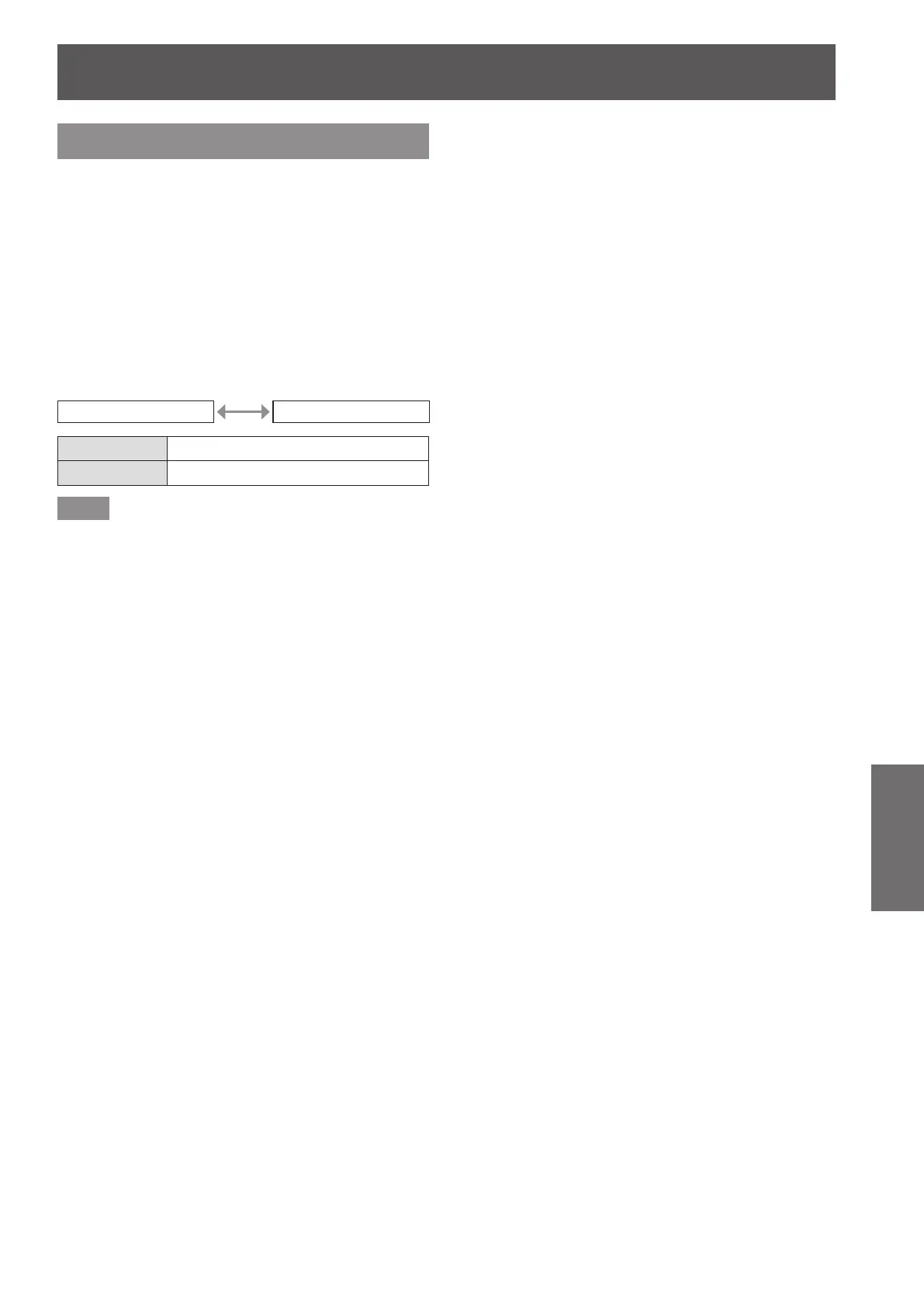
[OFF] [ON]
[OFF] Disables cutoff.
[ON] Enables cutoff.
Note
z
When input is switched or a signal is switched, the
cutoff setting returns to its original setting (off).









 To Next Page