Attach the lamp unit cover and tighten the 2 lamp unit cover xing screws securely
5 )
with a Phillips-head screwdriver.
Connect the power cord to a wall outlet.6 )
Press the POWER button and the projection starts.7 )
Remarks
If
z
INITIAL START UP in the PROJECTOR SETUP menu is set to ON, the projector starts projecting when the
power cord is connected to a wall outlet. (
Æ
page 39)
Press the MENU button to display the main menu and press▲▼buttons to scroll to 8 )
the PROJECTOR SETUP menu.
Press the ENTER button to select the PROJECTOR SETUP menu and 9 )
press▲▼buttons to select LAMP RUNTIME.
Press and hold the ENTER button for approximately 3 seconds.
10 )
The
z
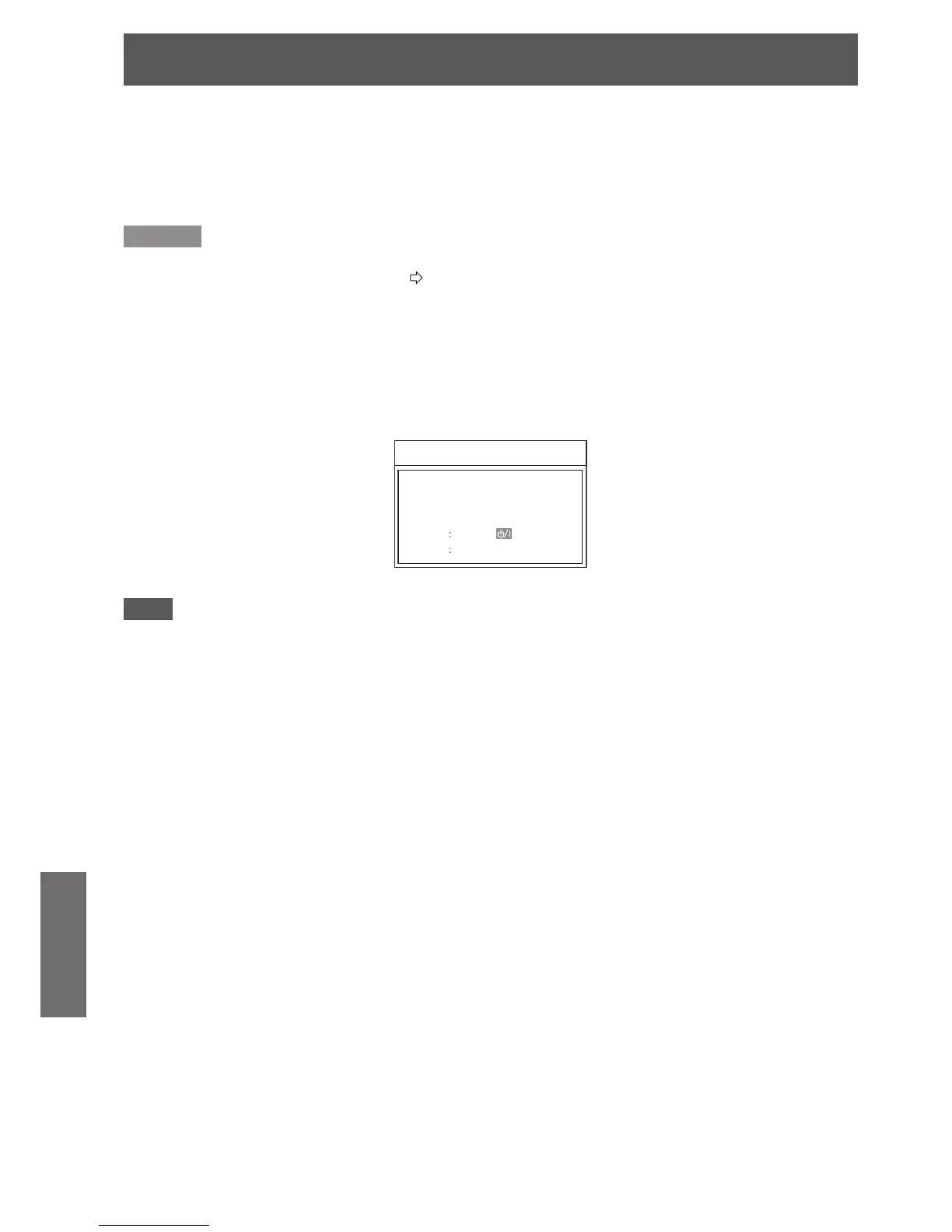
LAMP RUNTIME conrmation screen is displayed.
Note
If any button other than the
z
POWER button is pressed, the LAMP RUNTIME screen disappears and the lamp
runtime is not reset. (Repeat from step 8 again).
Press the POWER button.
11 )
After the lamp goes off, projection stops and the
z
POWER button lights in red, then disconnect the power
plug.
The lamp runtime is reset to “0”.
12 )



 To Next Page