EasyManua.ls Logo

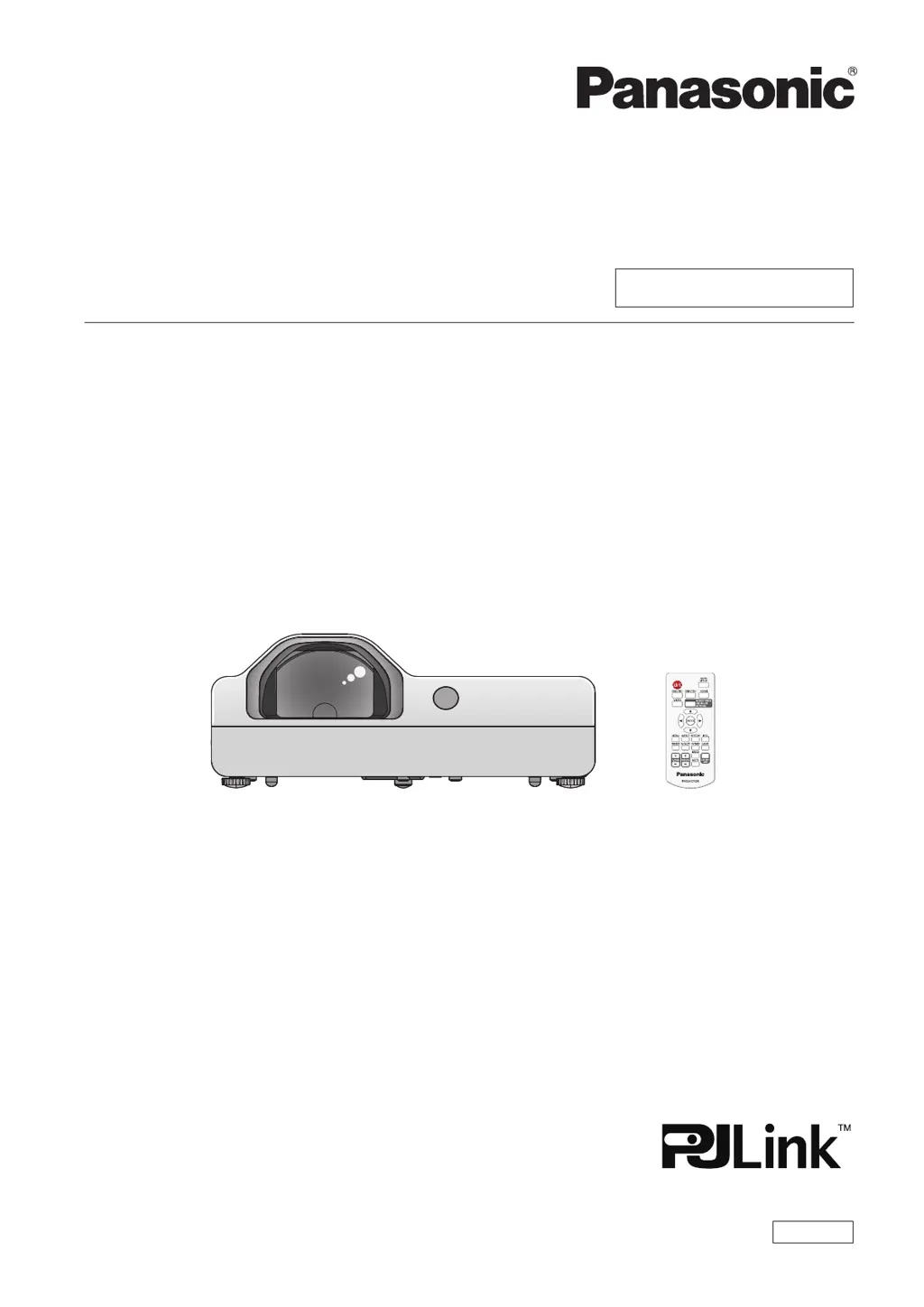
Panasonic PT-TW342 - User Manual

Panasonic PT-TW342
112 pages
Print Icon
To Next Page IconTo Next Page
Loading...
Operating Instructions
Functional Manual
LCD Projector
Commercial Use
Thank you for purchasing this Panasonic Product.
This manual is intended for products manufactured from May 2016 and beyond.
Before operating this product, please read the instructions carefully, and save this manual
for future use.
Before using your projector, be sure to read “Read this rst!” (x pages 2 to 9).
Model No.

PT-TW342
PT-TX402
PT-TX312
ENGLISH
TQBJ0846-2

Table of Contents

Questions and Answers

  • T
    Timothy StevensonAug 21, 2025
    Why Panasonic Projector remote control does not operate?
    • A
      angela16Aug 21, 2025
      If the Panasonic Projector's remote control isn't working, try these steps: First, replace the batteries, making sure they are correctly inserted. Then, check for obstructions between the remote and the projector's signal receptor. Ensure you are within the operational range. Strong light may interfere with the signal, so check for that as well. Finally, verify that remote control operation is not disabled in the [Key lock] of the [Setting] menu, and also check if different codes are set on projector and remote control.
  • J
    Juan MillsSep 2, 2025
    Why Panasonic PT-TW342 Projector has no sound from the internal speaker?
    • D
      Deborah HarrisSep 3, 2025
      If there's no sound from the Panasonic Projector's internal speaker, make sure the input terminals are correctly connected and the volume level is adequate. Check the AV mute function. Note that the internal speaker is disabled when VARIABLE AUDIO OUT is in use. Also, ensure the Mute function is not activated.
  • J
    Jeffrey VasquezSep 1, 2025
    What to do if HDMI picture is unstable on Panasonic PT-TW342 Projector?
    • P
      phamronnieSep 1, 2025
      If the picture from an HDMI device does not appear or is unstable on your Panasonic Projector, check the security of the HDMI cable connection. Restart the projector and connected devices. Make sure you are using supported signal cables.
  • C
    Catherine Moreno MDAug 30, 2025
    Why Panasonic PT-TW342 picture from a computer does not appear?
    • L
      Lynn ClarkAug 30, 2025
      If you're not getting a picture from a computer on your Panasonic Projector, ensure the cable isn't longer than the optional cable. Also, check the external video output from your laptop.
  • C
    christopher55Aug 29, 2025
    What to do if Panasonic PT-TW342 picture does not display correctly?
    • C
      Casey PerkinsAug 29, 2025
      If your Panasonic Projector's picture isn't displaying correctly, check for issues with the VCR or other signal source. Confirm that the input signal is compatible with the projector. Also, review the computer output setting.
  • D
    Diana GarciaAug 27, 2025
    Why Panasonic Projector picture from a HDMI device does not appear or picture is not stable?
    • A
      Anne VasquezAug 27, 2025
      If the picture from a HDMI device doesn't appear or is unstable on your Panasonic Projector, first, ensure the HDMI cable is securely connected. Next, turn off the power to both the projector and the connected devices, then power them back on. Finally, make sure an unsupported signal cable isn't connected.
  • S
    sharonhollandAug 26, 2025
    How to fix Panasonic PT-TW342 if power does not turn on?
    • E
      Erin GillespieAug 27, 2025
      If your Panasonic Projector doesn't power on, check the power cord connection and ensure the wall outlet has electricity. Inspect the circuit breakers. Look at the power and warning indicators. Also, confirm the lamp cover is securely installed.
  • R
    robertsericAug 25, 2025
    What to do if Panasonic PT-TW342 has no picture?
    • P
      Patty BrownAug 25, 2025
      If your Panasonic Projector shows no picture, ensure the video signal input source is properly connected and the correct input selection setting is chosen. Adjust the [Brightness] setting. Verify the input source is indeed connected to the projector. Also, check if the AV mute function is active.
  • M
    mcknightsarahAug 22, 2025
    How to fix Panasonic PT-TW342 Projector when power does not turn on?
    • K
      Kevin ChangAug 22, 2025
      If your Panasonic Projector isn't turning on, start by checking that the power cord is properly connected to both the projector and the wall outlet. Ensure the wall outlet has power. Also, check the circuit breakers and reset them if they have tripped. Inspect the power and warning indicators for any alerts. Lastly, make sure the lamp cover is securely installed.

Panasonic PT-TW342 Specifications

General IconGeneral
BrandPanasonic
ModelPT-TW342
CategoryProjector
LanguageEnglish

Related product manuals