EasyManua.ls Logo

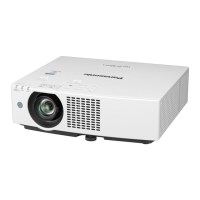
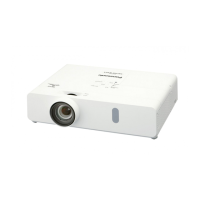
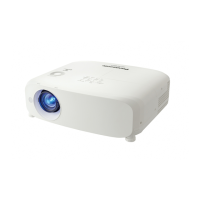
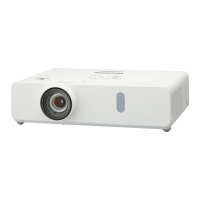
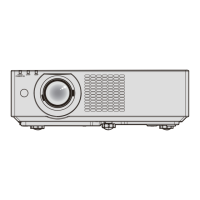
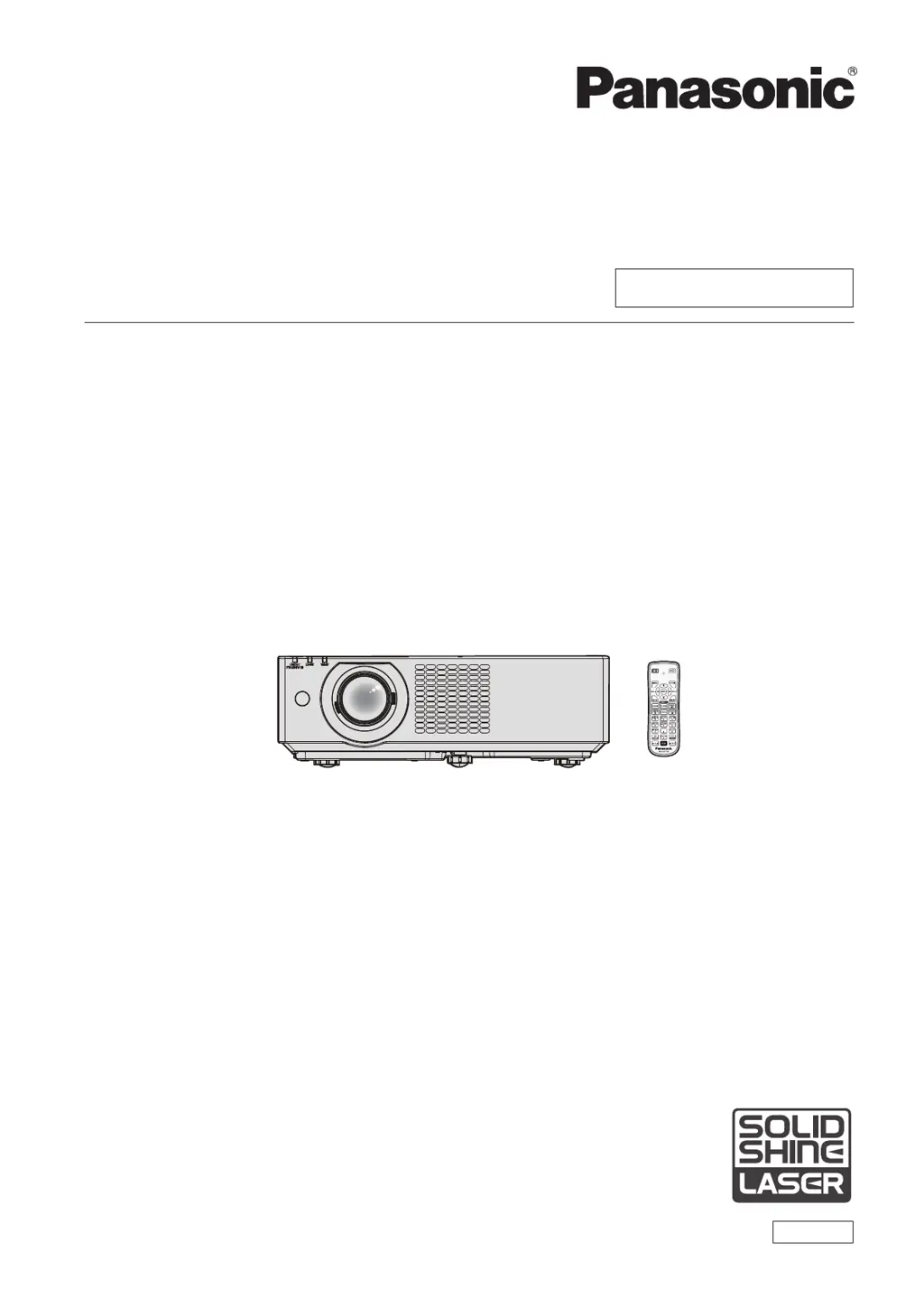
Panasonic PT-VMZ40 - User Manual

Panasonic PT-VMZ40
150 pages
Print Icon
To Next Page IconTo Next Page
Loading...
Operating Instructions
Functional Manual
LCD Projector
Commercial Use
Thank you for purchasing this Panasonic product.
■ This manual is common to all the models regardless of sufxes of the Model No.
■ Before operating this product, please read the instructions carefully, and save this manual for
future use.
■ Before using your projector, be sure to read “Read this rst!” (
Æ
pages 4 to 13).
Model No.
PT-VMZ50
PT-VMZ40
PT-VMW50
ENGLISH
DPQP1261ZA/X1

Table of Contents

Questions and Answers

  • A
    Andrew McculloughAug 21, 2025
    Why won't my Panasonic PT-VMZ40 Projector turn on?
    • E
      Evelyn AndersonAug 21, 2025
      If your Panasonic Projector isn't turning on, check the following: Ensure the power plug is firmly connected to the outlet, verify that the wall outlet is supplying electricity, and check if the circuit breakers have tripped. Also, check if the light source indicator or the temperature indicator is lit or blinking.
  • S
    Spencer CooperSep 3, 2025
    Why is Panasonic PT-VMZ40 Projector image fuzzy?
    • R
      Raymond CobbSep 3, 2025
      If the image on your Panasonic Projector appears fuzzy, try these solutions: * Check if the lens cap is still attached and remove it. * Ensure the lens focus is set correctly. * Verify that the projection distance is appropriate. * Check if the lens is dirty and clean it if necessary. * Make sure the projector is installed perpendicular to the screen.
  • D
    David SmithSep 1, 2025
    What to do if buttons on the Panasonic Projector control panel do not work?
    • C
      Caitlin WhiteSep 1, 2025
      If the buttons on the control panel of your Panasonic Projector do not work, check if the [CONTROL PANEL] setting in [CONTROL DEVICE SETUP] is set to [DISABLE].
  • E
    Erica GloverAug 31, 2025
    Why is my Panasonic PT-VMZ40 image not displaying correctly?
    • D
      David JonesAug 31, 2025
      If your Panasonic Projector image is not displaying correctly, check if there is a problem with the video tape or other image sources on the external devices that output images. Also, check if the signal input is incompatible with the projector.
  • J
    Jonathan DiazAug 29, 2025
    What to do if DIGITAL LINK input image or sound is not output on Panasonic PT-VMZ40?
    • S
      Stephen BurtonAug 29, 2025
      If the DIGITAL LINK input image or sound is not output on your Panasonic Projector, ensure the cable is compatible with the projector's condition. Verify that the connections between the twisted-pair-cable transmitter and the projector or an external device are correctly done. Check if [DIGITAL LINK MODE] is set to [AUTO], [DIGITAL LINK] or [LONG REACH] and confirm it is not set to [ETHERNET]. Also, ensure the signal input is compatible with the twisted-pair-cable transmitter.
  • T
    Terri RiveraAug 27, 2025
    What to do if video from HDMI device doesn't appear correctly on Panasonic PT-VMZ40?
    • S
      Sandra Taylor MDAug 27, 2025
      If video from an HDMI compatible device does not appear or appears jumbled on your Panasonic Projector, ensure the HDMI cable is securely connected. Try turning the power of both the projector and the external device off and on again. Also, verify that the signal input is compatible with the projector.
  • D
    davidsonmakaylaAug 26, 2025
    How to fix a fuzzy image on my Panasonic PT-VMZ40 Projector?
    • D
      Dr. Susan Larson DVMAug 27, 2025
      To correct a fuzzy image on your Panasonic Projector, first, check to see if the lens cap is still attached. Then, ensure the lens focus is set correctly and the projection distance is appropriate. Verify the lens is clean and that the projector is installed perpendicular to the screen.
  • G
    Geoffrey WagnerAug 25, 2025
    What to do if Panasonic PT-VMZ40 remote control does not work?
    • D
      Daniel JohnsonAug 25, 2025
      If the remote control for your Panasonic Projector isn't working, check if the batteries are depleted and ensure they are inserted with the correct polarity. Make sure there are no obstructions between the remote control and the projector's signal receiver, and verify that you are using the remote within its effective range. Also, check for interference from fluorescent light and confirm that the [REMOTE CONTROLLER] setting in [CONTROL DEVICE SETUP] is not set to [DISABLE]. Finally, ensure the ID number setting operation is correct.
  • B
    Brian MillerAug 23, 2025
    How to fix a Panasonic Projector when no image appears?
    • J
      Joseph BrownAug 23, 2025
      If no image is appearing on your Panasonic Projector, make sure the connections to external devices are correctly performed and that the input selection setting is correct. Also, check that the [BRIGHTNESS] adjustment is not at a minimum and that the external device connected to the projector is working properly. Finally, ensure that the shutter function is not activated.

Summary

Operating Instructions Functional Manual LCD Projector Commercial Use

Chapter 1 Preparation

Read This First! Safety Information

Crucial safety warnings, laser notices, and compliance information.

Precautions for Use and Installation

Details safety, transport, and installation guidelines for the projector.

Chapter 2 Getting Started

Chapter 3 Basic Operations

Powering On;Off and Indicators

Covers connecting power, turning the projector on/off, and interpreting power indicators.

Chapter 4 Settings

Projector Setup Options

Explains projector configuration options like status, ID, startup, projection method, and ECO management.

Chapter 5 Operation of Function

Network Connection Methods

Covers wired LAN, wireless LAN setup, and web control overview.

Chapter 6 Maintenance

Air Filter Maintenance and Replacement

Guides on cleaning the outer case, lens, and air filter unit, plus replacement procedures.

Troubleshooting Common Issues

Provides solutions for common problems like no image, fuzzy image, or audio issues.

Chapter 7 Appendix

Technical Information and PJLink Protocol

Provides technical details, PJLink protocol commands, and control commands via LAN.

Compatible Signals and Specifications

Lists supported input signals, resolutions, and detailed projector specifications.

Panasonic PT-VMZ40 Specifications

General IconGeneral
Brightness4000 lumens
Resolution1920 x 1200 (WUXGA)
Light SourceLaser
Display TypeDLP
Lamp Life (Normal)20, 000 hours
Zoom Ratio1.6x
Keystone CorrectionVertical: ±30°, Horizontal: ±30°
ConnectivityHDMI, USB, LAN, RS-232C
Video Modes480i, 480p, 576i, 576p, 720p, 1080p

Related product manuals