EasyManua.ls Logo

Panasonic PT-VX430 - User Manual

Panasonic PT-VX430
136 pages
Print Icon
To Next Page IconTo Next Page
Loading...
Thank you for purchasing this Panasonic product.
This manual is intended for products manufactured from Sep. 2018 and beyond.
Before operating this product, please read the instructions carefully, and save this manual
for future use.
Before using your projector, be sure to read “Read this rst!” (x pages 4 to 12).
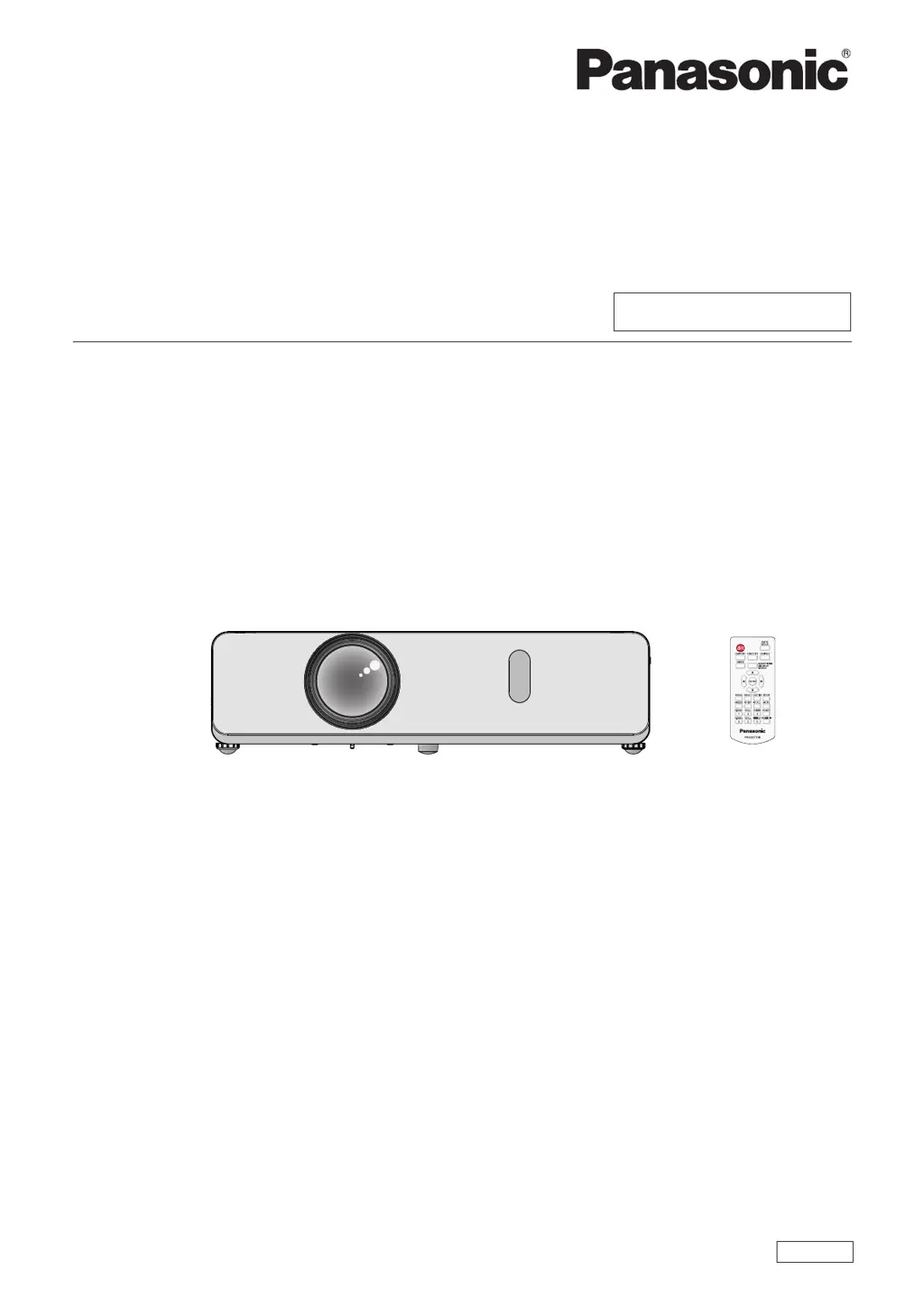
LCD Projector
Commercial Use
Operating Instructions
Functional Manual
DPQP1211ZD/X1
ENGLISH
Model No.
PT-VW360
PT-VX430

Table of Contents

Questions and Answers

  • S
    Stacy BrownSep 18, 2025
    Why is there no sound from my Panasonic Projector's speaker?
    • A
      Amy BakerSep 18, 2025
      If there is no sound coming from the internal speaker of your Panasonic Projector, please check the following: * Ensure the input terminals are correctly connected. * Increase the volume level, as it may be set to the minimum. * Check if the AV MUTE function is active and turn it off. * Unplug the VARIABLE AUDIO OUT, as this disables the built-in speaker. * Verify that the MUTE function is not turned on. * Confirm that the audio input selection in [AUDIO SETTING] is correctly set.
  • W
    wagnerdianaAug 25, 2025
    How to fix a Panasonic PT-VX430 that won't turn on?
    • R
      Richard RussellAug 25, 2025
      If your Panasonic Projector isn't turning on, there are several things to check: * First, ensure the power cord is securely connected. * Next, verify that the wall outlet has an electric supply. * Also, check and reset the circuit breakers if they have tripped. * Inspect the lamp and warning indicators for any alerts. * Finally, make sure the lamp cover is securely installed.
  • J
    Jennifer FoleyAug 25, 2025
    What to do if no picture appears on my Panasonic PT-VX430 Projector?
    • C
      Christopher AcostaAug 26, 2025
      If you're not getting any picture on your Panasonic Projector, first, make sure the video signal input source is correctly connected to the appropriate terminal. Next, check the video input selection setting and adjust it if necessary. Also, increase the [BRIGHTNESS] setting. Ensure that the connected input source is working correctly, and the AV MUTE function is disabled.
  • J
    julie73Aug 27, 2025
    Why is the remote control not operating my Panasonic PT-VX430 Projector?
    • D
      Diana GomezAug 27, 2025
      If your Panasonic Projector's remote control isn't working, try replacing the batteries. Make sure the batteries are correctly inserted. Remove any obstructions from the signal receptor. Ensure the remote control is within the operational range. Reduce any strong light affecting the signal receptor. Check that the [REMOTE CONTROLLER] setting is set to [ENABLE] in [CONTROL DEVICE SETUP] and verify the ID number setting operation.
  • D
    Donald FosterSep 23, 2025
    What to do if HDMI picture is unstable on Panasonic PT-VX430?
    • W
      William AdamsSep 23, 2025
      If the picture from your HDMI device does not appear, or is unstable on your Panasonic Projector, you should: * Ensure the HDMI cable is securely connected. * Power off the projector and connected devices, then turn them back on. * Make sure you are using a supported signal cable.
  • M
    Michael ShortSep 23, 2025
    How to troubleshoot a Panasonic PT-VX430 picture that doesn't display correctly?
    • R
      rrileySep 23, 2025
      If the picture on your Panasonic Projector is not displaying correctly, please check: * If the [TV-SYSTEM], [RGB/YC C ]/[RGB/YP P ] selection is set correctly. * The VCR or other signal source for problems. * That a compatible signal is being input to the projector.
  • A
    ashleygriffinSep 10, 2025
    Why doesn't the picture from my computer appear on my Panasonic Projector?
    • K
      Kristie PenaSep 10, 2025
      If the picture from a computer does not appear on your Panasonic Projector: * Ensure the cable length is within the recommended limit (10 m (32'10") or shorter for D-Sub cables). * Set the external video output on the laptop correctly.
  • E
    Evelyn ConnerSep 12, 2025
    Why is there no sound from the internal speaker on my Panasonic PT-VX430?
    • M
      Monique FryeSep 12, 2025
      If there's no sound coming from the internal speaker of your Panasonic Projector, first, ensure the input terminals are correctly connected. Then, increase the volume and disable the AV MUTE function. Also, unplug any VARIABLE AUDIO OUT connections. Ensure that the MUTE function is off and the audio input selection in [AUDIO SETTING] is correctly configured.
  • L
    Leah AguirreSep 3, 2025
    What to do if Panasonic Projector picture from a HDMI device does not appear or picture is not stable?
    • J
      Jason PughSep 4, 2025
      If the picture from a HDMI device doesn't appear or is unstable on your Panasonic Projector: Ensure the HDMI cable is securely connected. Try power cycling the projector and the connected devices by turning them off and then on again. Use a supported signal cable.
  • T
    Theresa AndersonSep 1, 2025
    Why Panasonic Projector remote control does not operate?
    • W
      William ReynoldsSep 1, 2025
      If the Panasonic Projector's remote control isn't working, consider these potential causes: the batteries may be weak (replace them) or not inserted correctly (reinsert them correctly). There might be an obstruction blocking the signal receptor on the projector (remove it). The remote control may be out of range (move closer). Strong light may be interfering with the signal receptor (avoid strong light). Check if the [REMOTE CONTROLLER] setting is set to [DISABLE] in [CONTROL DEVICE SETUP] and change it to [ENABLE] if needed. Also, verify that the ID number setting operation is correct.

Summary

Safety First

General Warnings and Precautions

Covers essential warnings for safe operation, electrical safety, and proper installation procedures.

Projector Overview and Setup

Key Projector Features

Details core features like high contrast ratio, low noise, and unique functions for enhanced viewing.

Quick Steps for Initial Setup

Outlines a step-by-step guide to quickly set up and start using the projector for the first time.

Chapter 1 Preparation

Precautions for Use

Essential guidelines for safe transport, installation site selection, and operational environment considerations.

Chapter 2 Getting Started

Setting Up the Projector

Explains different installation methods and how the projector automatically detects its orientation.

Chapter 3 Basic Operations

Powering On and Off

Covers the fundamental steps for connecting power, understanding indicator lights, and safe projector startup and shutdown.

Chapter 4 Settings

Menu Navigation and Adjustment

Guides users through accessing and operating the projector's on-screen menu system for various adjustments.

Chapter 5 Operation of Function

Memory Viewer Function

Details how to use the Memory Viewer to project still images stored on a USB memory device.

Chapter 6 Maintenance

Lamp and Warning Indicators

Provides information on understanding projector indicators and addressing common issues indicated by them.

Chapter 7 Appendix

Technical Information and Specifications

Contains technical details, command protocols, signal compatibility, and product specifications for advanced users.

Panasonic PT-VX430 Specifications

General IconGeneral
ResolutionXGA (1024 x 768)
Zoom Ratio1.2x
Speakers10 W Mono
Display Technology3LCD
Aspect Ratio4:3
Projection Size30 - 300 inches
OutputsVGA, Audio
Noise Level37 dB (Normal Mode), 29 dB (Eco Mode)
InputsHDMI, VGA, Composite Video
Keystone CorrectionVertical: ±30 degrees

Related product manuals