EasyManua.ls Logo

Panasonic PT-VX42Z - User Manual

Panasonic PT-VX42Z
140 pages
Print Icon
To Next Page IconTo Next Page
Loading...
Thank you for purchasing this Panasonic Product.
This manual is intended for products manufactured from Dec. 2014 and beyond.
Before operating this product, please read the instructions carefully, and save this manual
for future use.
Before using your projector, be sure to read “Read this rst!” (
Æ
pages 2 to 12).
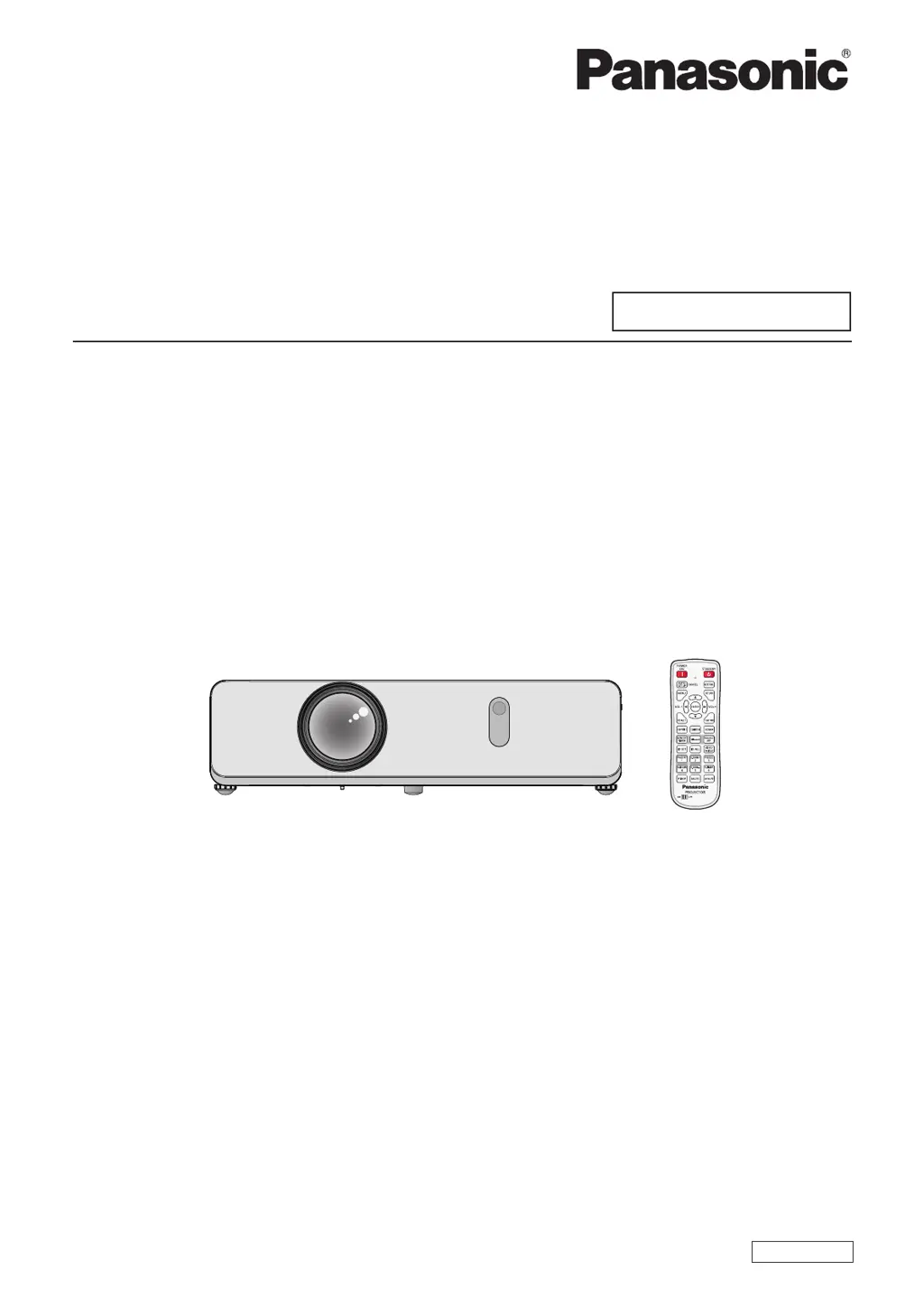
LCD Projector
Commercial Use
Operating Instructions
Functional Manual
Model No.
PT-VW345NZ
PT-VX415NZ
TQBJ0597-3
ENGLISH

Table of Contents

Other manuals for Panasonic PT-VX42Z

Questions and Answers

  • J
    Jason EvansAug 17, 2025
    Why does my Panasonic PT-VX42Z Projector not turn on?
    • B
      brianduncanAug 17, 2025
      Your Panasonic Projector might not be turning on due to several reasons. First, ensure the power cord is properly connected to both the projector and a functioning wall outlet. Check that the circuit breakers haven't tripped and reset them if necessary. Also, make sure the lamp cover is securely installed. Finally, check the or indicator; if lit or blinking, it indicates a specific issue that needs addressing.
  • E
    Eric StevensAug 20, 2025
    What to do if there is no picture on my Panasonic Projector?
    • C
      Crystal HughesAug 20, 2025
      If your Panasonic Projector displays no picture, start by checking the video signal input source to ensure it's properly connected to the correct terminal. Then, verify that the input selection setting is correct. Also, increase the [BRIGHTNESS] adjustment setting, as it may be at its minimum. Check the input source connected to the projector for any issues and disable the AV MUTE function, if it's enabled.
  • T
    travis55Aug 22, 2025
    Why is my Panasonic Projector picture fuzzy?
    • M
      Mark WillisAug 22, 2025
      If your Panasonic Projector's picture appears fuzzy, first, remove the lens cap if it's still attached. Next, adjust the lens focus to ensure it's correctly set. Adjust the projector distance from the screen to the correct one. Clean the lens if it's dirty. Also, adjust the projector angle, as excessive tilting can cause fuzziness.
  • N
    nelsonjenniferAug 25, 2025
    Why does my Panasonic Projector remote control not operate?
    • M
      Madison HendricksAug 26, 2025
      If your Panasonic Projector's remote control isn't working, try these steps: 1. Replace the batteries, as they may be weak. 2. Ensure the batteries are inserted correctly. 3. Remove any obstructions from the signal receptor on the projector. 4. Move within the remote control's operation range. 5. Reduce strong light exposure to the signal receptor. 6. Ensure both the projector and remote use the same code. 7. In the [CONTROL DEVICE SETUP], make sure the [REMOTE CONTROL] setting is set to [ENABLE].
  • A
    Andrew MolinaAug 27, 2025
    What to do if picture from a HDMI device does not appear on my Panasonic Projector?
    • J
      Jeffrey CampbellAug 28, 2025
      If the picture from an HDMI device doesn't appear or is unstable on your Panasonic Projector, first, ensure the HDMI cable is securely connected. If that doesn't work, try restarting both the projector and the connected devices. Lastly, ensure that supported signal cables are used.
  • D
    daisyortizAug 30, 2025
    What to do if the picture does not display correctly on my Panasonic PT-VX42Z Projector?
    • J
      Julie MillerAug 30, 2025
      If the picture on your Panasonic Projector doesn't display correctly, the issue might stem from the VCR or another signal source, so check them. Also, the projector may be receiving a signal it can't process, so use a compatible signal.
  • L
    Laura PerezSep 2, 2025
    Why picture from a computer does not appear on my Panasonic Projector?
    • T
      Thomas ShortSep 2, 2025
      If the picture from your computer isn't showing on your Panasonic Projector, the cable may be longer than the optional cable, so use an appropriate length cable. Also, the external video output from your laptop might not be correctly configured, so check and adjust the external video output.
  • S
    sanchezrobertSep 5, 2025
    Why is the color pale or grayish on my Panasonic PT-VX42Z Projector?
    • M
      Mr. Dale Murillo PhDSep 5, 2025
      If the color on your Panasonic Projector appears pale or grayish, the [COLOR] or [TINT] adjustment may be incorrect, so adjust them accordingly. Also, the input source connected to the projector may not be adjusted correctly, so adjust it. If you are using an RGB cable, it may be damaged and need replacement.
  • E
    elizabethhughesSep 7, 2025
    How to fix no sound from the internal speaker of my Panasonic PT-VX42Z Projector?
    • J
      Jennifer SchmidtSep 7, 2025
      If there is no sound from the internal speaker of your Panasonic Projector, check the following: 1. Ensure correct connections to the input terminals. 2. Increase the volume, as it may be set to the minimum level. 3. Turn off the AV MUTE function, if it's enabled. 4. Unplug the VARIABLE AUDIO OUT, as the projector's built-in speaker is not available when it is plugged in. 5. Turn off the MUTE function, if it's enabled.
  • M
    Matthew MckaySep 12, 2025
    Why do the control buttons of my Panasonic PT-VX42Z Projector not operate?
    • H
      harrissarahSep 12, 2025
      If the control buttons on your Panasonic Projector aren't working, check the [CONTROL PANEL] setting in the [CONTROL DEVICE SETUP]. If it's set to [DISABLE], change it to [ENABLE].

Summary

Chapter 1 Preparation

Precautions for Safe Use and Installation

Guidelines for transporting, installing, and using the projector safely in various environments.

Initial Setup and Projector Configuration

Procedures for initial projector setup, language selection, and basic configuration.

Remote Control and Projector Body Overview

Detailed guide to the remote control functions and the projector's physical components.

Chapter 2 Getting Started

Installation Modes and Setup Options

Explains different projector installation modes and optional ceiling mount bracket specifications.

Connecting Peripherals and Devices

Instructions for connecting AV equipment, computers, and audio devices with terminal assignments.

Chapter 3 Basic Operations

Powering On;Off and Status Indicators

Steps for power connection, on/off procedures, and understanding projector status indicators.

Image Projection and Adjustment

Guides on selecting input signals and adjusting image projection for optimal viewing.

Remote Control Operations

Using remote control features like Auto Setup, Keystone, Volume, and input selection.

Chapter 4 Settings

Menu Navigation and System Settings

How to navigate menus, reset settings, and manage system configurations like language and display.

Picture and Position Adjustments

Detailed settings for image quality (picture mode, color) and display positioning (keystone, aspect ratio).

Network and USB Configuration

Settings for wired/wireless LAN connections, USB functions, and network control options.

Chapter 5 Maintenance and Troubleshooting

Indicator Lights and Component Replacement

Interpreting indicator lights and procedures for replacing air filters and lamp units.

Common Issues and Problem Resolution

Solutions for common projector problems, power issues, picture/sound faults, and connection FAQs.

Chapter 6 Appendix

Technical Information and Protocols

Details on PJLink, LAN commands, serial terminals, and compatible signal specifications.

Product Specifications and Dimensions

Comprehensive technical specifications, dimensions, and operating environment details for the projector.

Glossary and Software Information

Definitions of technical terms and information regarding software licenses and product disposal.

Panasonic PT-VX42Z Specifications

General IconGeneral
BrandPanasonic
ModelPT-VX42Z
CategoryProjector
LanguageEnglish

Related product manuals