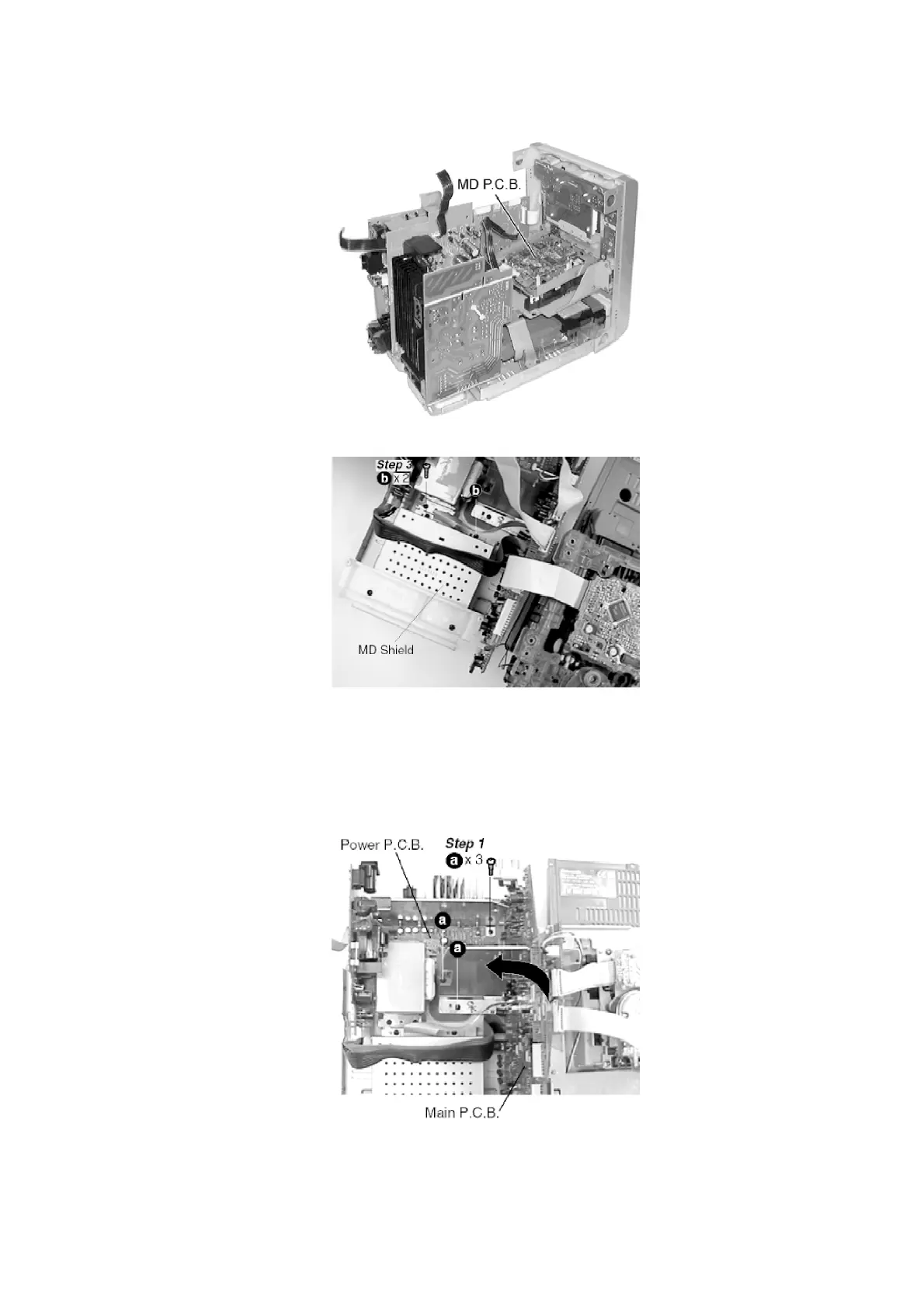
Step 2 Remove the CD fixture (B).
Step 4 Remove the MD shield and place the MD Servo unit as shown in the following figure.
- Check the MD Servo P.C.B. as shown.
- When checking the IC1 on the MD Servo P.C.B., it can be measured
with test point on the MD Servo P.C.B.
7.1.6. Checking for the Power P.C.B.
Step 2 Lift up the Main P.C.B. together with the Power P.C.B. and rotate left then place the
P.C.B. as shown in the following figure.
15











 To Next Page