You can select whether audio is output from this unit’s
speakers or the TV speakers by using the TV menu
settings. For details, refer to the operating instructions of
your TV.
Home Cinema
This unit’s speakers are active.
TV
TV speakers are active.
When switching between this unit’s speakers and TV
speakers, the TV screen may be blank for several
seconds.
You can control the playback menus of this unit with the
TV’s remote control when using the "DVD/CD" or "USB"
source. When operating the TV’s remote control, refer to
the below illustration for operation buttons.
1 Select this unit’s operation menu by using the TV
menu settings.
(For details, refer to the operating instructions of your
TV
).
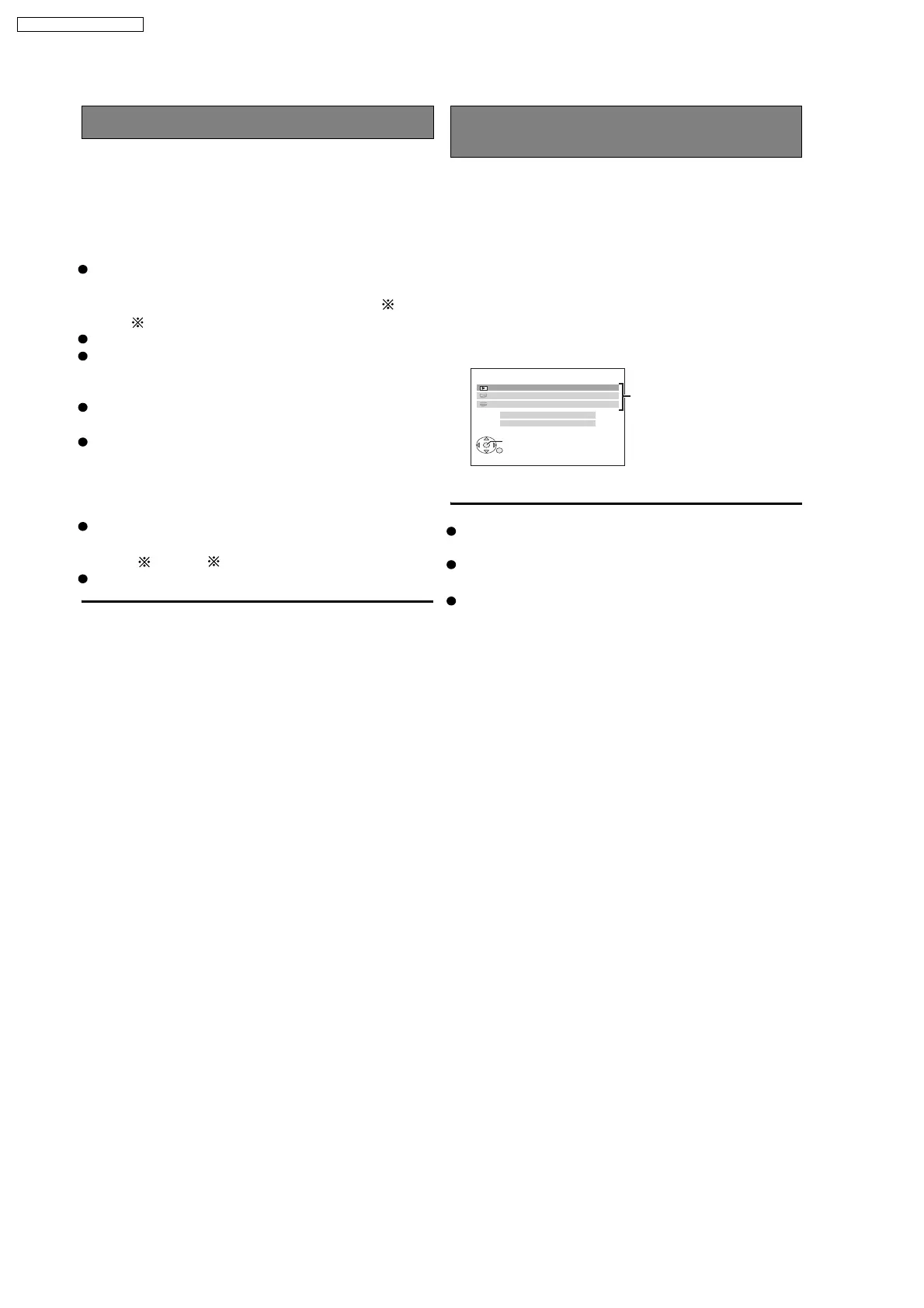
The START menu will be shown.
e.g.
2 Select the desired item on the START menu.
[Note]
Speaker control
VIERA Link Control only with TV’s remote
control (for "HDAVI Control 2")
DVD/CD HOME CINEMA
OK
RETURN
SOUND
INPUT SELECT
PLAYBACK DISC
TOP MENU (DVD)
MENU (DVD)
Playback/
menu access
When this unit is in standby mode, changing the TV
speakers to this unit’s speakers in the TV menu will
automatically turn this unit on and select "AUX" or
"D-IN"
as the source.
The TV speakers are automatically muted.
You can control the volume setting using the volume or
mute button on the TV’s remote control. (The volume
level is displayed on this units FL display.)
To cancel muting, you can also use this units remote
control
If you turn off this unit, TV speakers will be automatically
activated.
Audio output is 2-channel audio.
The volume of this unit is set to "0".
This function works only when "DVD/CD", " USB",
or
"
D-IN
" is selected as the source on this unit.
"AUX"
You cannot input numbers with the numbered buttons
on the TV’s remote control ([0] to [9]). Use this unit’s
remote control to select the play list etc.
The START menu can also be shown by using a button
on the TV’s remote control (e.g. [OPTION]).
Depending on the menu, some button operations
cannot be performed from the TV’s remote control.
18
SA-PT460EB / SA-PT460EG













 To Next Page