2. FL display show “INIT”
3. While still pressing “STOP” button on main unit, press “OK” on remote control. (To reset the unit)
4. FL will display “RESET” before FL display will change to TOC reading again.
5. Power off unit. Unplug the AC cord.
6. Power on the unit. It should be no problem. If problem persist check on the DVD Module P.C.B. or FLASH ROM IC.
37
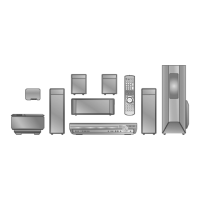
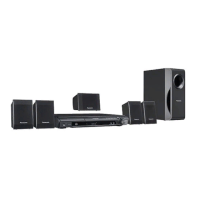
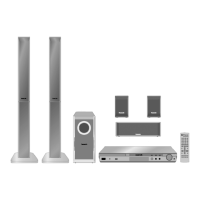
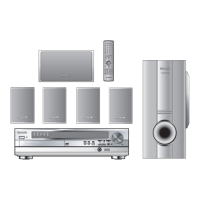
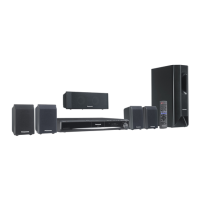
SA-PT460EB / SA-PT460EG



 To Next Page