EasyManua.ls Logo

Panasonic TH-55LFV8W - User Manual

Panasonic TH-55LFV8W
48 pages
Print Icon
To Next Page IconTo Next Page
Loading...
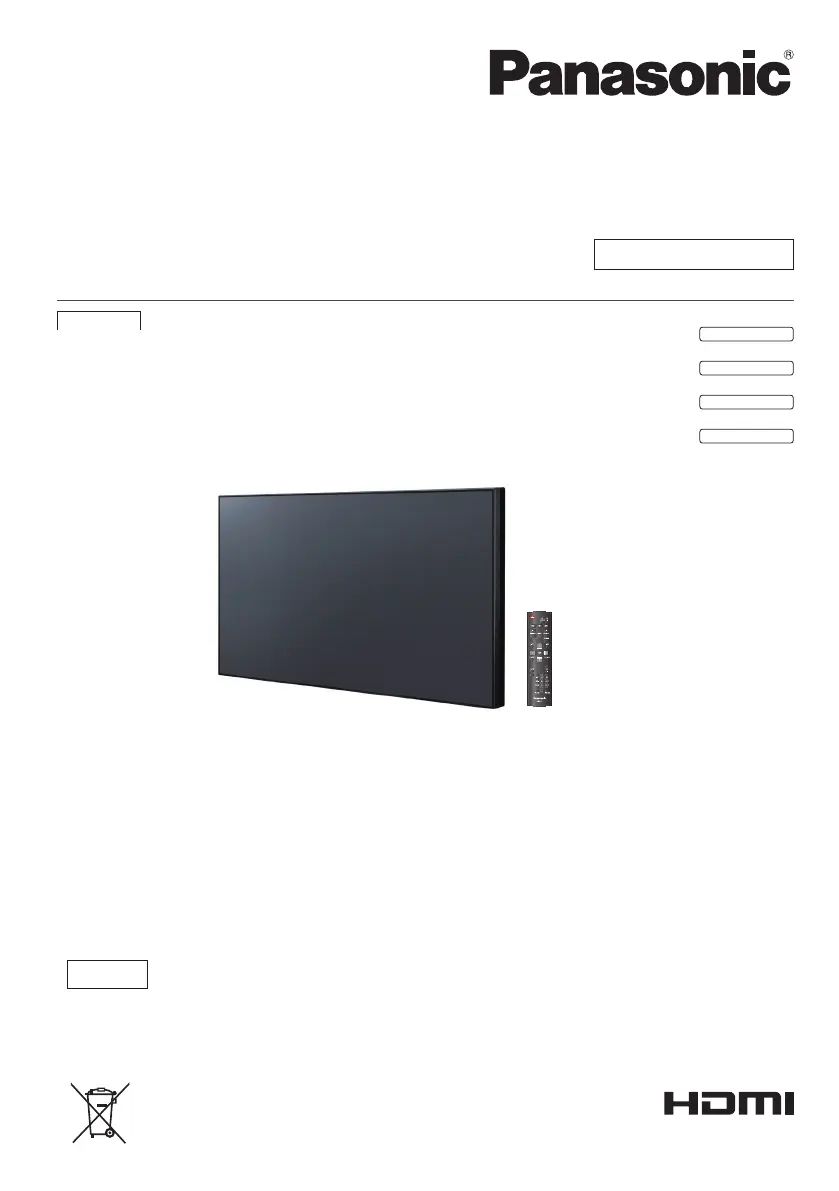
Operating Instructions
Functional Manual
FULL HD LCD Display For business use
Model No. TH-49LFV8U
49-inch model
TH-49LFV8W
49-inch model
TH-55LFV8U
55-inch model
TH-55LFV8W
55-inch model
English
EU
* The instructions in this manual apply to all models irrespective of the
suffixes to the model number.
U: for US, Canada and Mexico
W: for EU, CIS, South East Asia and Middle East Asia
Please read these instructions before operating your
Display and retain them for future reference.
English
DPQP1189ZA

Questions and Answers

  • A
    Ashley OnealAug 8, 2025
    How to fix a Panasonic TH-55LFV8W when the displayed image doesn't fill the screen?
    • V
      Victor WongAug 8, 2025
      If the image on your Panasonic Monitor doesn't fill the screen, try adjusting the zoom mode or custom zoom function within the Screen menu to fine-tune the display geometry and time frequency parameter.
  • J
    Jim GreenAug 13, 2025
    What to do if the color is abnormal on Panasonic Monitor?
    • D
      Debbie NavarroAug 13, 2025
      If the color on your Panasonic Monitor appears abnormal, make sure the signal cable at the back of the Display is firmly attached.
  • C
    Craig BeckAug 19, 2025
    What to do if there is sound but no picture on my Panasonic TH-55LFV8W?
    • J
      Jenna McbrideSep 12, 2025
      If there's sound but no picture on your Panasonic Monitor, ensure both the video and sound input cables are correctly connected to the device.
  • G
    Gina AndersonAug 23, 2025
    How to troubleshoot a Panasonic TH-55LFV8W with no picture?
    • E
      erika82Aug 23, 2025
      If you're not getting any picture on your Panasonic Monitor, try these steps: 1. Make sure the power cord is properly plugged in. 2. Check that the main power switch on the back of the monitor is turned on. 3. Ensure a signal source is connected to the display. 4. The Display might be in standby mode.
  • R
    Roger WalkerAug 28, 2025
    How to reduce interference on a Panasonic TH-55LFV8W Monitor?
    • R
      Rachel WallaceAug 29, 2025
      If you experience interference or audible noise on your Panasonic Monitor, it might be caused by surrounding electrical appliances or fluorescent lights. Try moving the display to another location to check for the source of interference.
  • M
    Mr. Logan BarnesSep 3, 2025
    What to do if control from the external device not possible with Panasonic TH-55LFV8W?
    • A
      Ashley ScottSep 3, 2025
      If you cannot control your Panasonic Monitor from an external device, confirm that the cable is properly connected to the SERIAL or LAN terminal and verify that the network setting is correct.

Summary

Introduction and Safety

Important Safety Instructions

Essential safety guidelines for operating the display to prevent hazards.

FCC Statement and Notices

Compliance information with FCC regulations and Canadian notices for digital apparatus.

Safety Precautions and Handling

Crucial safety information, warnings, and precautions for electrical hazards and handling.

Precautions for Use and Environment

Guidelines for proper installation, environmental conditions, and usage to ensure longevity.

Setup and Connections

Accessories and Mounting

List of included accessories and instructions for VESA mounting the display.

Identifying Controls and Interface

Diagrams and explanations of main unit controls, interface ports, and remote functions.

Connecting Cables and Sources

Step-by-step guide for connecting power, PC, video, audio, HDMI, and DisplayPort sources.

Daisy-chain Configuration

Instructions for connecting multiple displays in a series for video walls or extended displays.

Operation and Advanced Features

Basic Controls and Media Playback

Guide to essential operations like source selection, picture/sound settings, and USB media playback.

Function Controls Menu

Comprehensive guide to accessing and adjusting picture, sound, tiling, and general settings.

Network Settings and Control

Configuration for network connections, PJLink protocol, and remote control via LAN.

USB Device Compatibility and Input Modes

Details on supported USB formats and specifications for various input resolutions and modes.

Troubleshooting and Specifications

Troubleshooting Common Issues

Provides solutions for common problems like no picture, abnormal color, or sound issues.

Technical Specifications

Detailed technical data including screen size, pixel pitch, brightness, and terminal specifications.

Panasonic TH-55LFV8W Specifications

General IconGeneral
BrandPanasonic
ModelTH-55LFV8W
CategoryMonitor
LanguageEnglish

Related product manuals