EasyManua.ls Logo

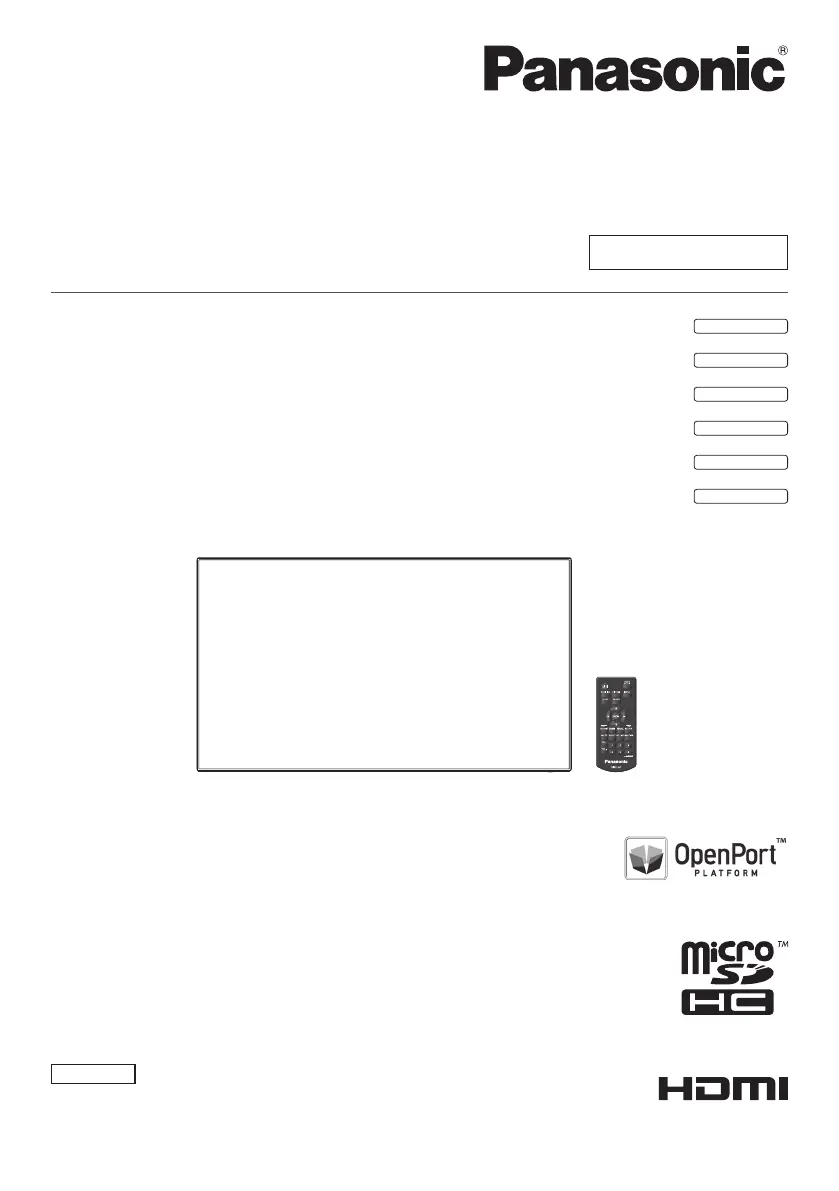
Panasonic TH-55AF1U - User Manual

Panasonic TH-55AF1U
121 pages
Print Icon
To Next Page IconTo Next Page
Loading...
Operating Instructions
Functional Manual
FULL HD LCD Display For business use
Model No. TH-55AF1U
55-inch model
TH-49AF1U
49-inch model
TH-42AF1U
42-inch model
TH-55AF1W
55-inch model
TH-49AF1W
49-inch model
TH-42AF1W
42-inch model
English
Please read these instructions before operating your set
and retain them for future reference.
*
This manual is common to all the models regardless of suffixes of the
model number.
U : for US, Canada and Mexico
W : for EU, CIS, South East Asia and Middle East Asia
DPQP1005ZA/X1

Table of Contents

Other manuals for Panasonic TH-55AF1U

Questions and Answers

  • S
    samuel84Aug 8, 2025
    What to do if Panasonic Monitor displays 'no picture' error?
    • G
      Garrett KleinAug 9, 2025
      If a display error like “no picture” appears or the remote control stops working on your Panasonic Monitor, remove the power plug from the socket, wait for at least 5 seconds, and then reinsert it to turn the power back on.
  • F
    Frederick ReyesAug 13, 2025
    How to fix no color on Panasonic Monitor?
    • T
      Tamara HowellAug 13, 2025
      If your Panasonic Monitor displays no color, check if the color controls are set to the minimum level. Adjust them as needed.
  • J
    Jennifer AdamsAug 19, 2025
    What to do if my Panasonic TH-55AF1U has no picture?
    • A
      Amber HawkinsSep 12, 2025
      If your Panasonic Monitor displays no picture, ensure it is properly plugged into an AC outlet and switched on. Also, verify the Picture and Brightness/Volume settings by pressing the or the .
  • J
    Jeremy EdwardsAug 25, 2025
    How to fix no sound on Panasonic TH-55AF1U?
    • V
      vmccarthyAug 25, 2025
      If there is no sound coming from your Panasonic Monitor, check whether the mute function has been activated on the remote control by adjusting the volume.
  • L
    Larry PruittAug 28, 2025
    Why is my Panasonic TH-55AF1U Monitor remote control not working?
    • R
      rwalkerAug 29, 2025
      If you cannot perform remote control operations on your Panasonic Monitor, verify the following: * Check the batteries. Ensure they are not discharged and are inserted correctly. * Make sure the remote control sensor is not exposed to outdoor light or strong fluorescent light. * Confirm there are no obstacles between the remote control and the sensor. * If normally installed, pull out the remote control sensor from the edge side of the main unit when using. * Ensure you are using the remote control specifically designed for this unit. * Check that [Controller user level] in the [Options] menu is set to [Off].
  • P
    paige92Sep 2, 2025
    Why does my Panasonic TH-55AF1U Monitor power off automatically?
    • P
      Patrick ClineSep 3, 2025
      If your Panasonic Monitor unexpectedly turns off, examine the settings for [No signal power off], [HDMI1 power management], [HDMI2 power management], [DVI-D power management], [PC power management] and [No activity power off]. Ensure none of these are set to [On (Enable)].

Summary

Important Safety Instructions

General Safety Instructions

Detailed safety guidelines for electrical appliances and installation, covering water, ventilation, and grounding.

FCC STATEMENT

FCC Compliance Information

Regulatory compliance details for FCC and IC, including RF exposure warnings and notices.

Important Safety Notice

Handling Warnings and Cautions

Specific warnings about water, flames, and electromagnetic fields, plus general usage cautions.

Safety Precautions

Setup and Installation Safety

Guidelines for safe setup, ventilation, pedestal, wall mounting, and avoiding direct sunlight.

Precautions for use

Security and Environmental Precautions

Advice on security measures against unauthorized access and environmental conditions for optimal use.

Connections

AC Cord and Cable Management

Guidance on connecting the power cord securely and managing cables with provided clampers.

Video equipment connection

Remote Control Transmitter

Startup of OpenPort PLATFORM

System Startup and Shutdown Procedures

Steps for starting, shutting down, and force-shutting down the OpenPort PLATFORM system.

Basic Operation;Character Input for OpenPort PLATFORM

Remote Control and Keyboard Input

Using the remote control and software keyboard for OpenPort PLATFORM operations.

Buttons on the main unit

Unit Button Operations for OpenPort PLATFORM

How to operate the OpenPort PLATFORM system using the unit's buttons.

USB mouse

Software keyboard

Home Screen of OpenPort PLATFORM

Navigating the OpenPort PLATFORM Home Screen

Overview of icons and navigation on the main OpenPort PLATFORM screen.

[SETUP] screen of OpenPort PLATFORM

Network and System Settings

Configuring network, language, and date/time settings within the SETUP menu.

[INSTALLER] screen of OpenPort PLATFORM

Installing Applications from Storage and Server

Procedures for installing applications from external storage or an application server.

[TOOLS] screen of OpenPort PLATFORM

[FAVORITE] screen of OpenPort PLATFORM

[LAN Control] application

Network Control and Protocol Settings

Configuring LAN control, protocols, port numbers, and security settings.

[Settings] application

Wi-Fi and Network Configuration

Setting up Wi-Fi connections, proxy, and IP addresses.

Setup menu

OpenPort PLATFORM standby

Using Network Function

Computer Network Connection and Setup

Requirements and steps for connecting the display to a network via wired or wireless LAN.

Command control

Data Cloning

OpenPort PLATFORM Shutdown

Troubleshooting

Common Picture and Sound Issues

Guidance on diagnosing and resolving common problems related to picture and sound.

Panasonic TH-55AF1U Specifications

General IconGeneral
BrandPanasonic
ModelTH-55AF1U
CategoryMonitor
LanguageEnglish

Related product manuals