EasyManua.ls Logo

Panasonic TX-86PW100A - Page 8

Panasonic TX-86PW100A
48 pages
Print Icon
To Next Page IconTo Next Page
To Previous Page IconTo Previous Page
Loading...
This
button
is
used
to
store
tuning
information
and
other
function
settings,
it
is
also
used
to
start
the
menu
demonstration.
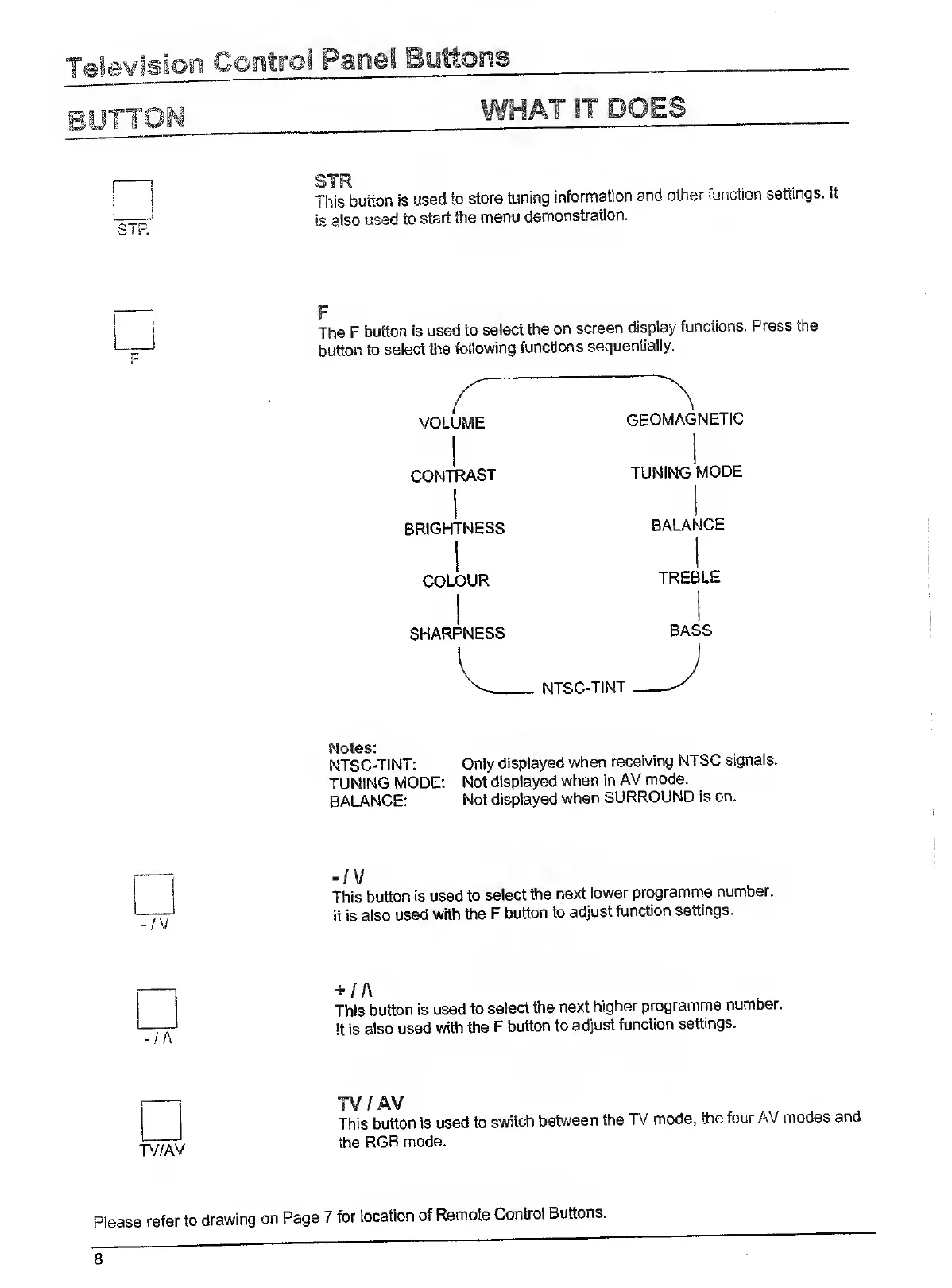
F
The
F
button
Is
used
to
select
the
on
screen
display
functions.
Press
the
button
to
select
the
following
functions
sequentially.
VOLUME
CONTRAST
BRIGHTNESS
COLOUR
SHARPNESS
GEOMAGNETIC
TUNING
MODE
BALANCE
TREBLE
BASS
Notes:
NTSC-TINT:
TUNING
MODE:
BALANCE:
Only
displayed
when
receiving
NTSC
signals.
Not
displayed
when
in
AV
mode.
Not
displayed
when
SURROUND
is
on.
-/V
This
button
is
used
to
select
the
next
lower
programme
number.
It
is
also
used
with
the
F
button
to
adjust
function
settings.
This
button
is
used
to
select
the
next
higher
programme
number.
!t
is
also
used
with
the
F
button
to
adjust
function
settings.
TV
/
AV
This
button
is
used
to
switch
between
the
TV
mode,
the
four
AV
modes
and
the
RGB
mode.
Please
refer
to
drawing
on
Page
7
for
location
of
Remote
Control
Buttons.

Related product manuals