EasyManua.ls Logo

Panasonic TX-86PW100A - 100 Hz;Progre.9; Aspect.9

Panasonic TX-86PW100A
48 pages
Print Icon
To Next Page IconTo Next Page
To Previous Page IconTo Previous Page
Loading...
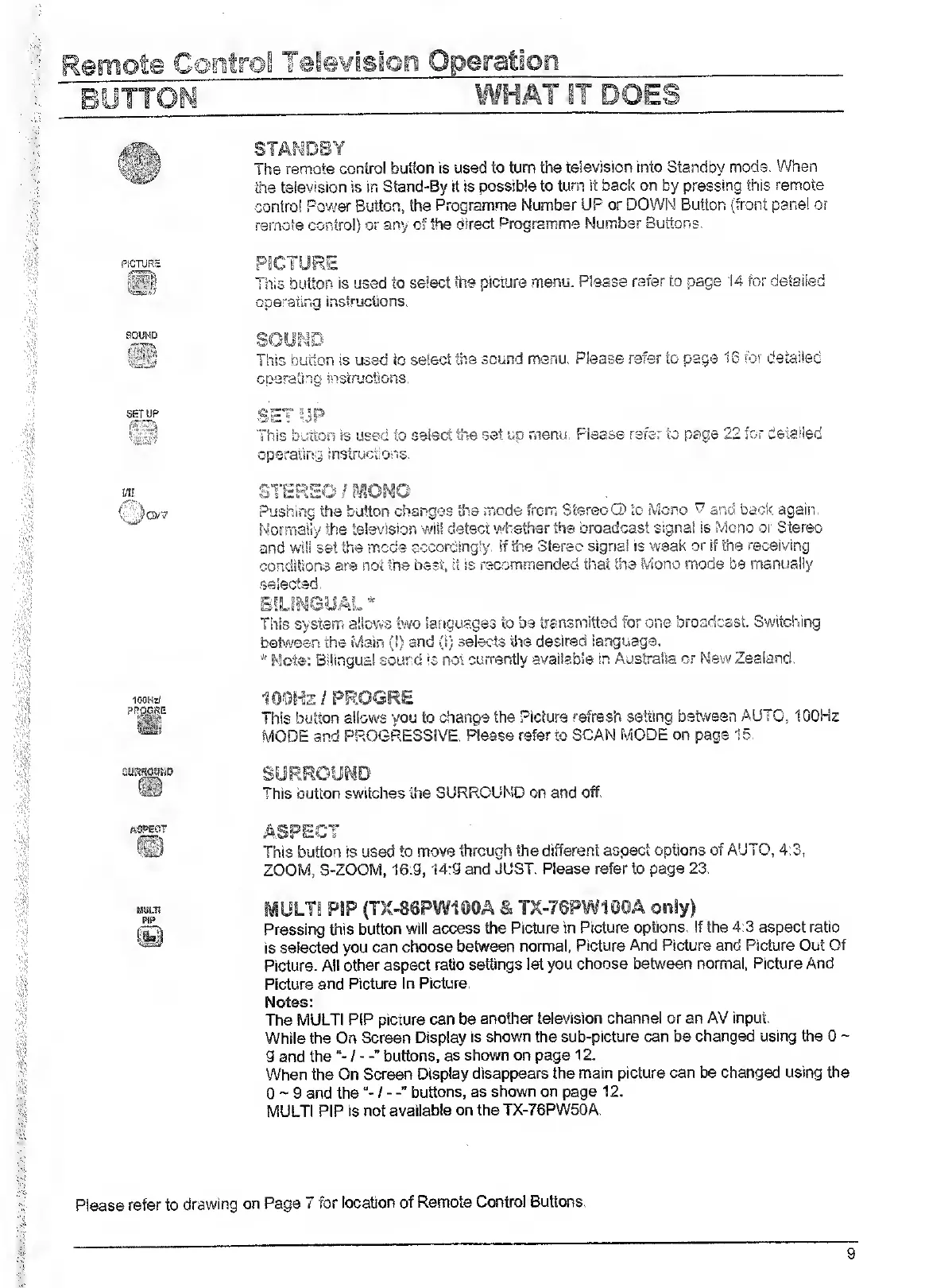
The
remote
control
button
Is
used
to
turn
the
television
into
Standby
mode.
When
the
television
is
in
Stand-By
it
is
possible
to
turn
it
back
on
by
pressing
this
remote
control
Power
Button,
the
Programme
Number
UP
or
DOWN
Button
(front
panel
or
remote
contro!)
or
any
of
the
direct
Programme
Number
Buttons,
PiGFURS
This
button
is
used
to
select
the
picture
menu.
Please
rarer
to
page
14
for
detailed
ooerailnq
instructions.
This
button
is
used
to
select
the
sound
menu.
Please
refer
to
page
To
rbr
detailed
Goeratinq
jnsiructions.
This
button
Is
used
to
select
the
set
up
menu.
Please
refer
to
page
22
for
detailed
operating
instructions.
i/ii.
STERS«
Pushing
the
button
changes
the
mode
from
Stereo
O’
to
Mono
T
and
back
again.
Normally
the
television
will
detect
whether
the
broadcast
signal
is
Mono
or
Stereo
and
wilisetthe
mcds
accordingly.
If
the
Sterec
signal
is
weak
or
if
the
receiving
conditions
are
not
the
best,
it
is
recommended
that
the
Mono
mode
be
manually
.selected.
This
system
allows
two
languages
to
be
transmitted
for
one
broadcast.
Switching
between
the
Mairs
(!)
and
(I)
selects
tiie
desired
language.
*
Mote:
Bilingual
sound
is
not
currently
available
in
Australia
or
New
Zealand.
100HS/
?RfiSJ?E
100Hz/PROGRE
This
button
allows
you
to
change
the
Picture
refresh
setting
between
AUTO,
100Hz
MODE
and
PROGRESSIVE.
Please
refer
to
SCAN
MODE
on
page
15.
This
button
switches
the
SURROUND
on
and
off.
ASPECT
ASPECT
This
button
is
used
to
move
through
the
different
aspect
options
of
AUTO,
4:3,
ZOOM,
3-ZOOM,
16:9,14:9
and
JUST.
Please
refer
to
page
23.
mULJl
PSP
(TX-SSPWIOOA
S:
TX-76PW100A
only)
Pressing
this
button
will
access
the
Picture
in
Picture
options,
if
the
4:3
aspect
ratio
is
selected
you
can
choose
between
normal,
Picture
And
Picture
and
Picture
Out
Of
Picture.
All
other
aspect
ratio
settings
let
you
choose
between
normal,
Picture
And
Picture
and
Picture
In
Picture.
Notes:
The
MULT!
PIP
picture
can
be
another
television
channel
or
an
AV
input.
While
the
On
Screen
Display
is
shown
the
sub-picture
can
be
changed
using
the
0
~
9
and
thebuttons,
as
shown
on
page
12.
When
the
On
Screen
Display
disappears
the
main
picture
can
be
changed
using
the
0
~
9
and
thebuttons,
as
shown
on
page
12.
MULTI
PIP
is
not
available
on
the
TX-76PW50A.
Please
refer
to
drawing
on
Page
7
for
location
of
Remote
Contro!
Buttons.

Related product manuals