40
LSQT1040
Recording
Various recording functions
(RAM) (-RW‹VR›) (-RW‹V›) (-R)
This is more effective if you record the bust image of a person.
¬Rotate the mode dial to select .
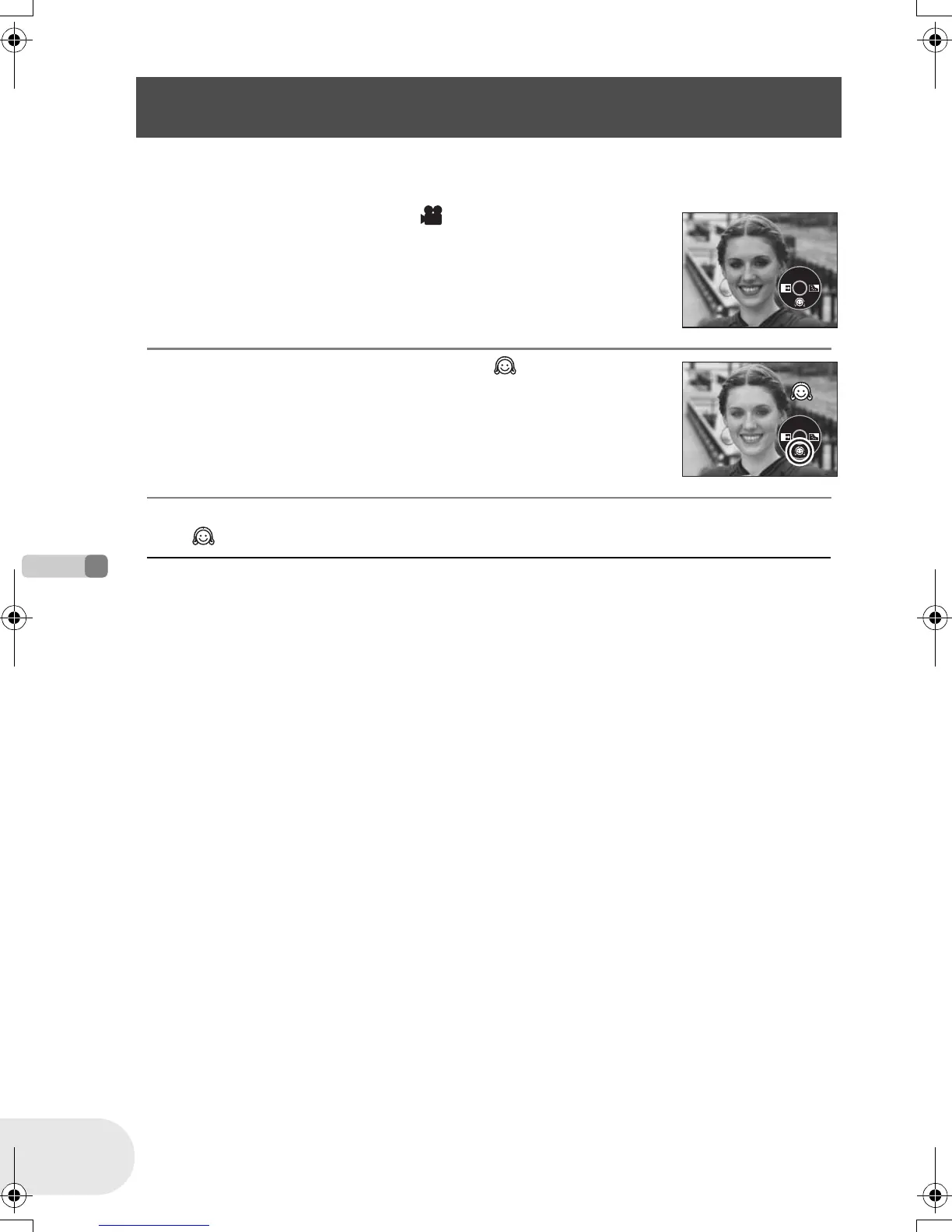
1 Press the joystick to display the icon shown in the
illustration.
2 Move the joystick down to select [ ].
To cancel the soft skin mode
Select [ ] again.
≥ If the background or anything else in the scene has
colors similar to the skin color, they will also be
smoothed.
≥ If the brightness is insufficient, the effect may not be
clear.
Soft skin mode
This makes skin colors appear softer for a more attractive appearance.
D105(P)eng.book 40 ページ 2006年1月16日 月曜日 午後4時1分











 To Next Page