43
LSQT1040
Recording
Various recording functions
(RAM) (-RW‹VR›) (-RW‹V›) (-R)
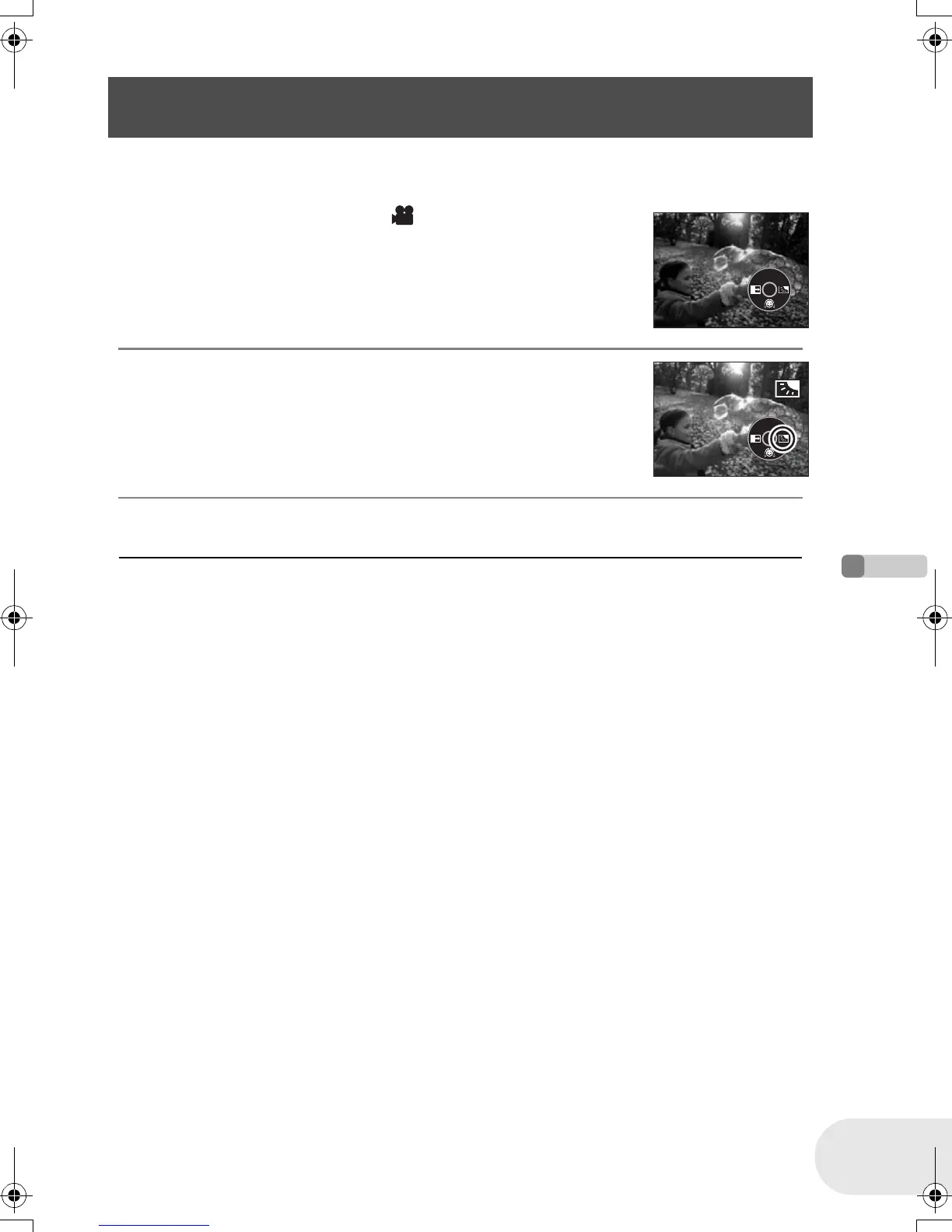
Use this function when the light is emanating from behind the subject and the subject appears dark.
¬Rotate the mode dial to select .
1 Press the joystick to display the icon shown in the
illustration.
2 Move the joystick right to select [ª].
The image on the screen will become brighter.
To return to normal recording
Select [ª] again.
≥ By operating the OFF/ON switch or mode dial, the
backlight compensation function is canceled.
Backlight compensation function
This is for protecting a backlit subject from being darkened.
D105(P)eng.book 43 ページ 2006年1月16日 月曜日 午後4時1分













 To Next Page