76
LSQT1040
With other products
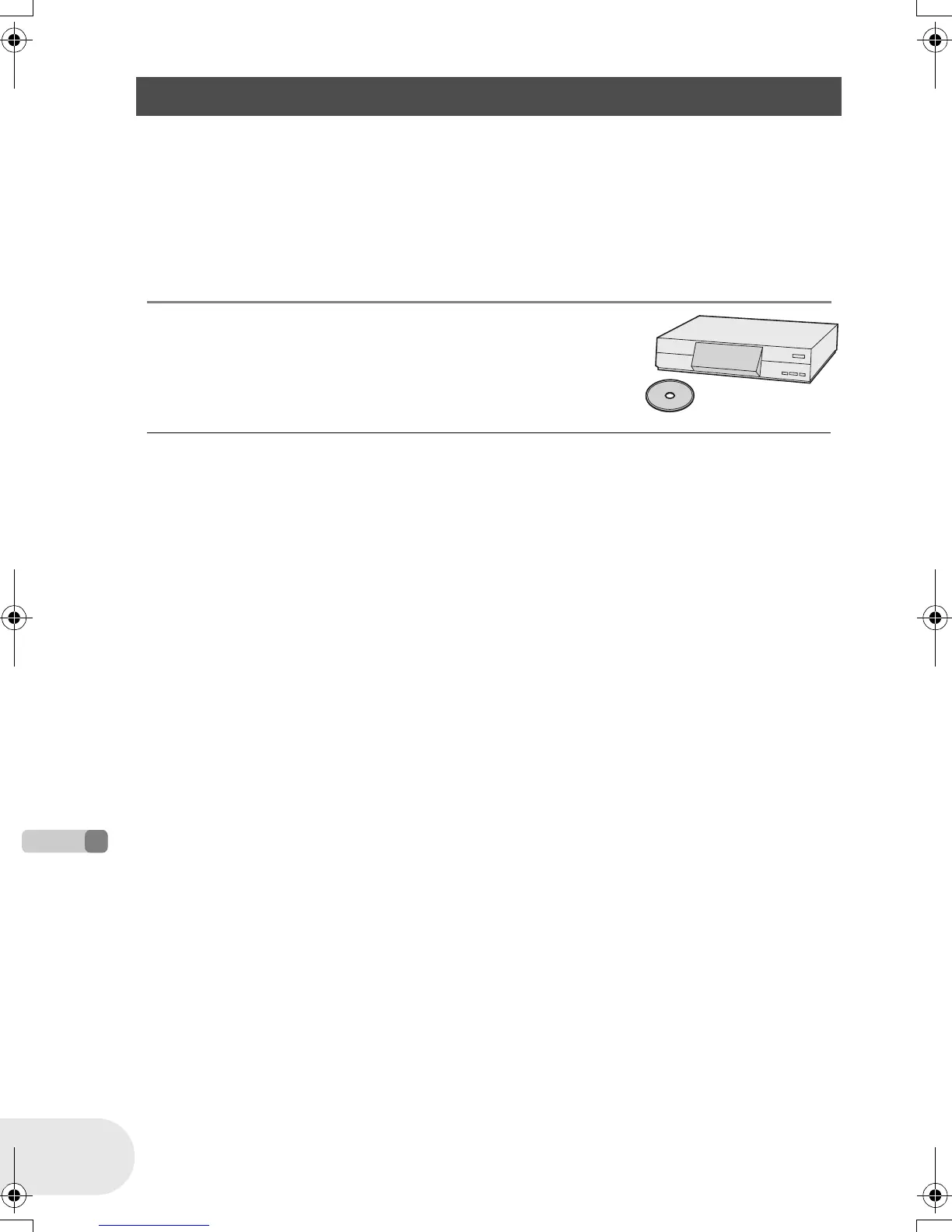
With a DVD recorder/player
(RAM) (-RW‹VR›) (-RW‹V›) (-R)
If you have a DVD recorder with hard disk, images recorded by this unit can be stored on the hard
disk.
≥ If you want to record (dub) a disc that the DVD recorder is not compatible with, connect this unit
and the DVD recorder with the AV/S cable and then record (dub) the disc.
(l 77)
1 [When copying (dubbing) a DVD-RW (Video format) or DVD-R]
Finalize the disc on this unit. (l 70)
2 Insert the disc in the DVD recorder, then copy
(dub) the contents onto the hard disk.
≥ For details on how to copy (dub) the images onto the hard disk,
refer to the operating instructions of the DVD recorder.
≥ DVD-RW (VR format) may have to be finalized. In
this case, finalize the disc on this unit. (l 70)
≥ Do not insert a DVD-RW (Video format) or DVD-R
that has not been finalized into a DVD recorder: the
disc may be unusable. Also, a message asking you
to format the disc may appear on the DVD recorder.
Do not format the disc.
≥ You cannot record images that allow “One time only
recording” on a 8 cm (3z) disc.
Copying recordings onto a DVD recorder’s hard disk
D105(P)eng.book 76 ページ 2006年1月16日 月曜日 午後4時1分











 To Next Page