41
LSQT1040
Recording
Various recording functions
(RAM) (-RW‹VR›) (-RW‹V›) (-R)
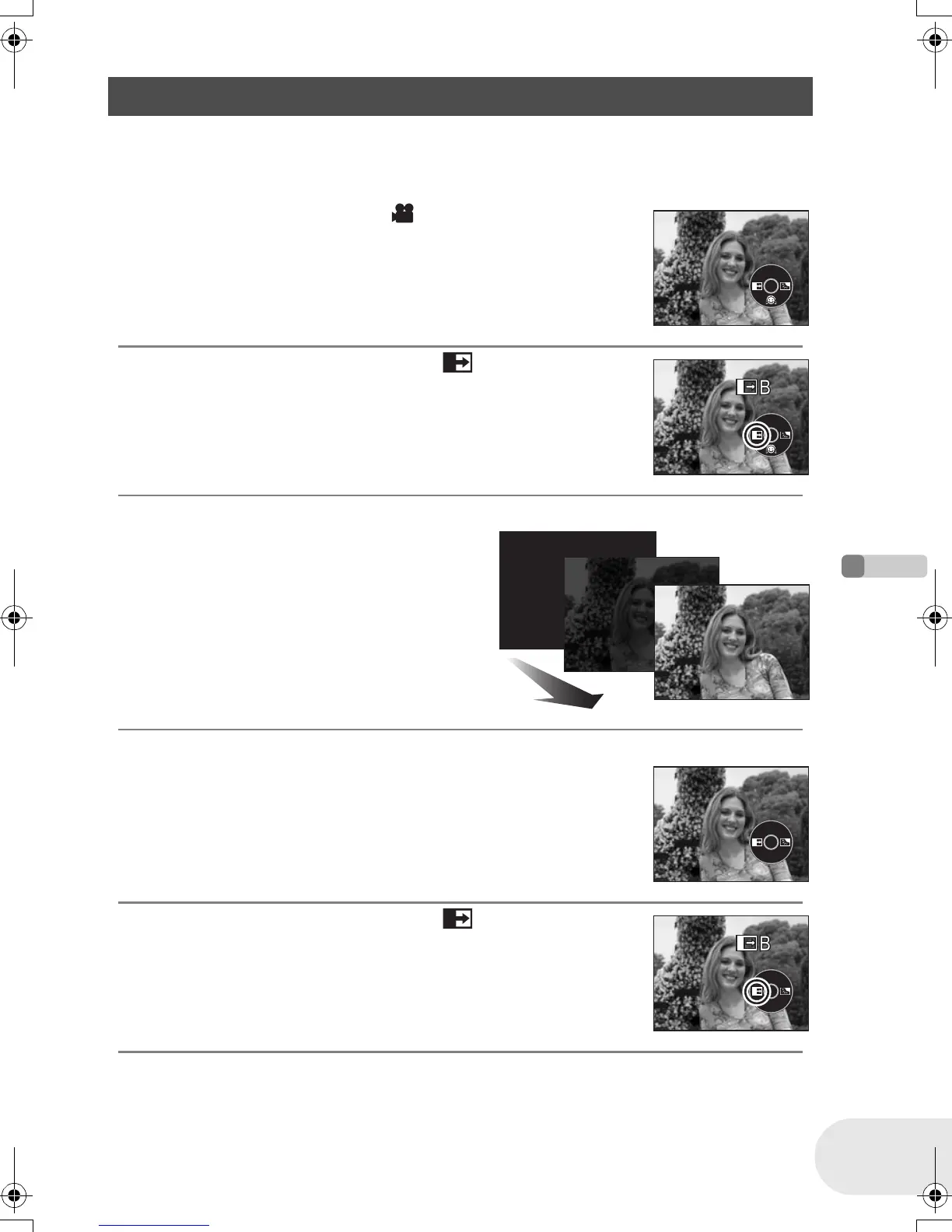
¬Rotate the mode dial to select .
To fade in
1 While recording is paused, press the joystick to
display the icon shown in the illustration.
2 Move the joystick left to select [ ].
3 Press the recording start/stop button.
Start recording. (fade in)
When you start recording, the image/audio
disappears completely and the image/audio
gradually appears.
To fade out
1 During recording, press the joystick to display the
icon shown in the illustration.
2 Move the joystick left to select [ ].
Fade in/fade out function
Fade in: The image and audio gradually appear.
Fade out: The image and audio gradually disappear.
D105(P)eng.book 41 ページ 2006年1月16日 月曜日 午後4時1分













 To Next Page