42
LSQT1040
Recording
Various recording functions
3 Press the recording start/stop button.
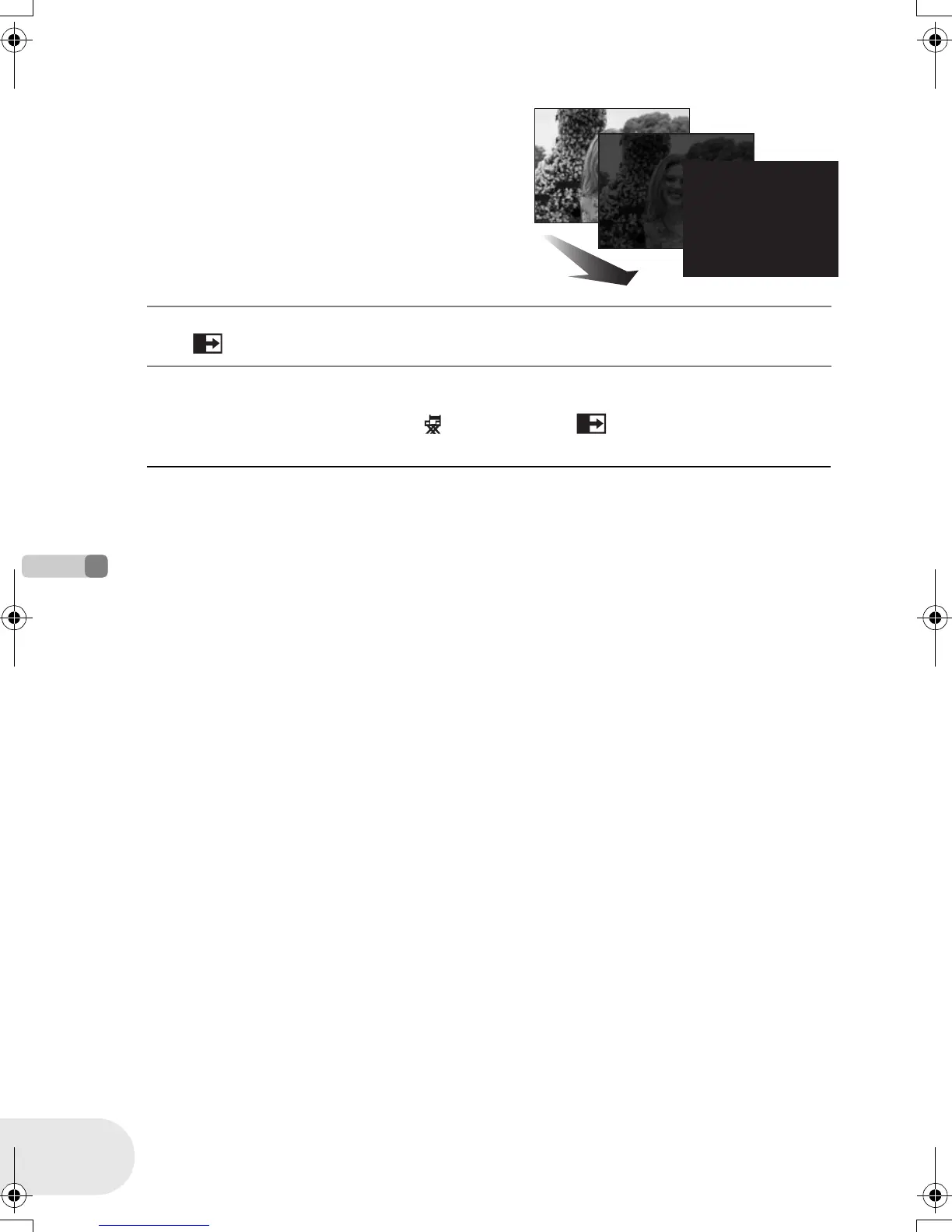
Pause recording. (fade out)
The image/audio gradually disappears. After the
image/audio completely disappears, recording stops.
To cancel fading
Select [ ] again.
To select the color for fade in/out
The color which appears in fading pictures can be selected.
Press the MENU button, then select [ ADVANCED] # [ FADE COLOR] # [WHITE] or
[BLACK] and press the joystick.
≥ By operating the OFF/ON switch, the fade in/fade
out function is canceled.
≥ While the fade in/fade out function is selected, it
takes several seconds to display the image when
you start recording. It also takes several seconds to
pause recording.
≥ The thumbnails of scenes recorded using fade in
become black (or white).
D105(P)eng.book 42 ページ 2006年1月16日 月曜日 午後4時1分











 To Next Page