EasyManua.ls Logo

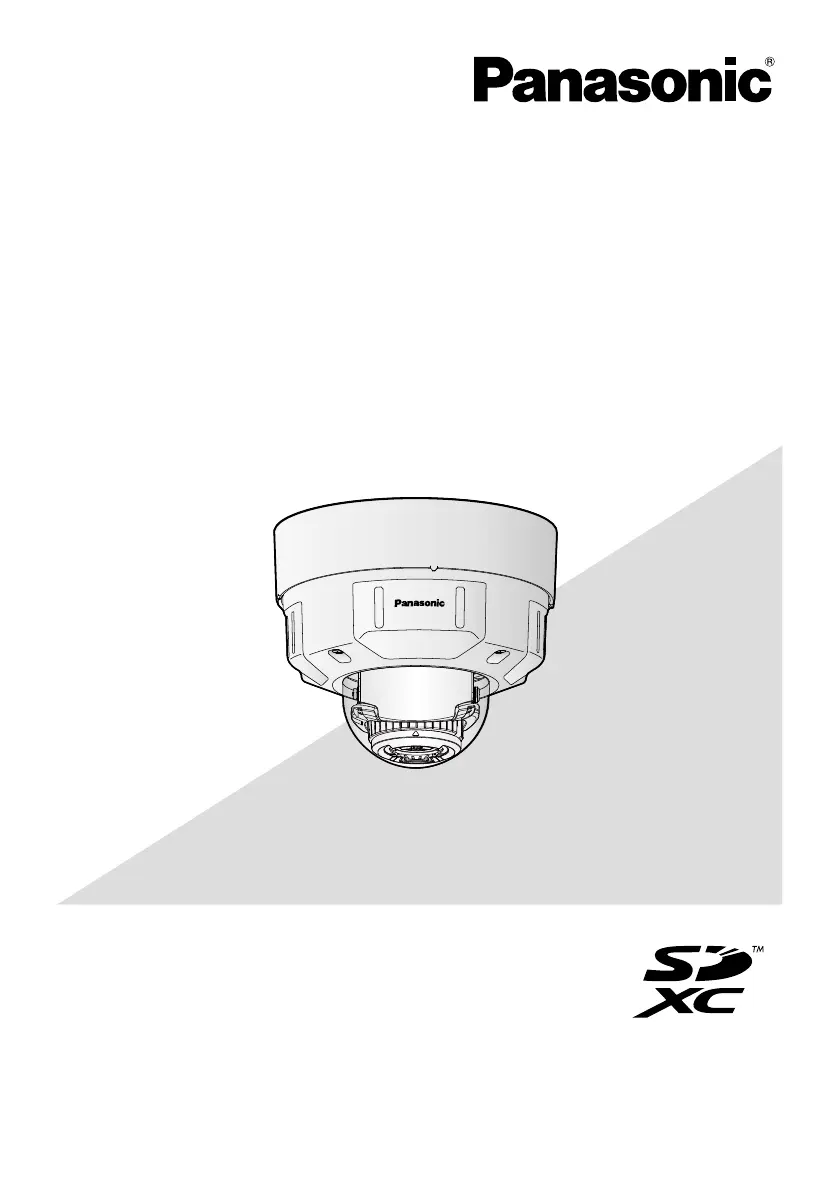
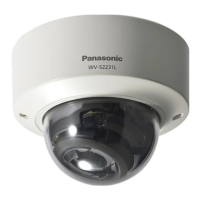
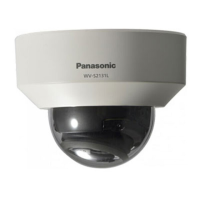
Panasonic WV-S2531LN - User Manual

Panasonic WV-S2531LN
32 pages
Print Icon
To Next Page IconTo Next Page
Loading...
Before attempting to connect or operate this product,
please read these instructions carefully and save this manual for future use.
The model number is abbreviated in some descriptions in this manual.
Important Information
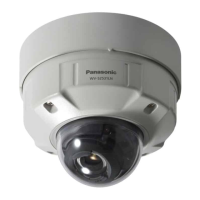
Network Camera
WV-S2531LN
WV-S2531LN
* For information about the installation tasks, refer to the provided Installation
Guide. For information about how to perform the settings and how to
operate the camera, refer to the Operating Instructions on the provided
CD-ROM.
Model No. WV-S2531LTN
WV-S2531LN
WV-S2511LN

Other manuals for Panasonic WV-S2531LN

Questions and Answers

  • M
    Mark PatelAug 12, 2025
    Why Panasonic Security Camera power is not turned on?
    • D
      Derek BergAug 12, 2025
      If you're using a PoE device, ensure the PoE device and network connector are connected with an Ethernet cable (category 5e or better) and the connection is properly established. Also, the power supply might stop if the demanded power exceeds the total power limit for all PoE ports, so refer to the PoE device's operating instructions. If using a DC power supply, check that the 12 V DC power supply terminal is firmly inserted into the camera's 12 V DC power terminals and that the power plug is firmly connected. Finally, verify the AC adapter complies with the specifications outlined for the Panasonic Security Camera.
  • E
    evansmarkAug 17, 2025
    What to do if the LINK indicator doesn't light on Panasonic Security Camera?
    • T
      Tyler LoveAug 17, 2025
      First, ensure the Ethernet cable is correctly connected to your Panasonic Security Camera. Next, verify that the hub or router connected to the camera is operating correctly. Finally, try replacing the Ethernet cable with a new one to rule out a faulty cable.
  • B
    Brandon HendricksAug 25, 2025
    How to fix audio input noise on Panasonic Security Camera?
    • J
      Jeffrey GreenAug 25, 2025
      Noise in the audio input of your Panasonic Security Camera can stem from several factors. Ensure the camera, switching hub, and any peripheral devices are properly grounded. Avoid using the camera near electrical power lines or devices that produce strong magnetic fields or radio waves, such as TV/radio antennas, air conditioning motors, or transformers. If noise persists, try using a powered microphone or connect an audio output with low output impedance.
  • A
    alanfisherAug 30, 2025
    What to do if SD ERROR/AF indicator lights red on Panasonic WV-S2531LN?
    • R
      Robert GibsonAug 30, 2025
      If the SD ERROR/AF indicator is red on your Panasonic Security Camera, first check if the write protect switch on the SD memory card is set to “LOCK” and unlock it. If that's not the issue, ensure the SD memory card was formatted on the camera itself; if it was formatted on a PC, either format it using the camera or install the appropriate software to format it on your PC. Lastly, the SD card might be faulty, so try replacing it with a known good one.
  • A
    Anthony SmithSep 4, 2025
    Why Panasonic WV-S2531LN Security Camera focus can not be automatically adjusted?
    • C
      Cynthia MacdonaldSep 4, 2025
      Automatic focus adjustment on your Panasonic Security Camera may be hindered in certain conditions: * If the subject moves excessively. * During significant changes in lighting intensity. * In low light conditions. * If the subject or location is extremely bright or reflective. * When viewing through windows. * If the dome cover is dirty. * In locations with minimal contrast, like a white wall. * When there is harsh flickering.

Panasonic WV-S2531LN Specifications

General IconGeneral
Maximum Resolution1920 x 1080
Lens TypeFixed
Lens Focal Length2.8 mm
ApertureF2.0
IR LEDYes
IR DistanceUp to 30 m
Wide Dynamic Range (WDR)Yes
Video CompressionH.265, H.264, MJPEG
Audio SupportTwo-way audio
Ethernet10BASE-T / 100BASE-TX
WirelessNo
Operating Temperature-10°C to +50°C
Ingress ProtectionIP66
Vandal ResistanceIK10
Day/Night FunctionYes
Frame Rate60 fps (Max)
Audio CompressionG.711
SD Card SlotYes
Power SourcePoE

Related product manuals