EasyManua.ls Logo

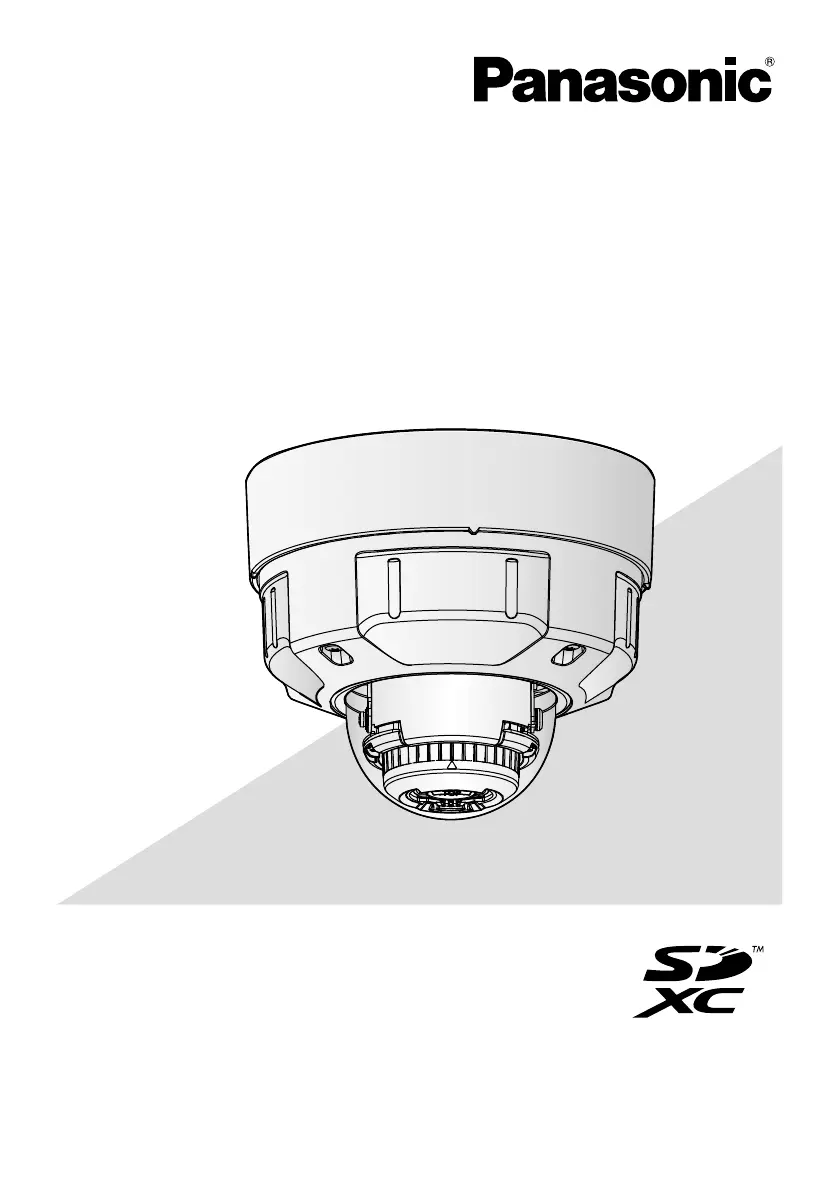
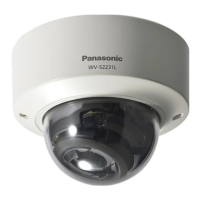
Panasonic WV-S2570L - User Manual

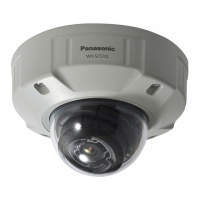
Panasonic WV-S2570L
32 pages
Print Icon
To Next Page IconTo Next Page
Loading...
Before attempting to connect or operate this product,
please read these instructions carefully and save this manual for future use.
The model number is abbreviated in some descriptions in this manual.
Important Information
Network Camera
* For information about the installation tasks, refer to the provided Installation
Guide. For information about how to perform the settings and how to
operate the camera, refer to the Operating Instructions on the following
Panasonic support website.
https://security.panasonic.com/download/
Model No. WV-S2570L

Questions and Answers

  • B
    Brian StewartAug 11, 2025
    What to do if SD ERROR/AF indicator lights red on Panasonic WV-S2570L?
    • S
      selena93Aug 11, 2025
      If the SD ERROR/AF indicator lights red on your Panasonic Security Camera, it might be due to the write protect switch on the SD memory card being set to “LOCK”. Unlock the write protect switch of the SD memory card. Also, if the SD memory card was formatted on a PC, use an SD memory card formatted on the camera. Finally, the SD memory card might be faulty, so replace the card with a normal one.
  • J
    Jeremy LynchAug 18, 2025
    How to troubleshoot power not turning on for Panasonic Security Camera?
    • N
      Nathan WalshAug 19, 2025
      If the power is not turning on for your Panasonic Security Camera when using a PoE device, verify the connection is properly established. If you are using a DC power supply, ensure the power plug is firmly connected.
  • C
    Catherine BuchananAug 26, 2025
    What to do if LINK indicator does not light on Panasonic WV-S2570L Security Camera?
    • T
      Tom WilliamsAug 26, 2025
      If the LINK indicator doesn't light up orange even when the Ethernet cable is connected to your Panasonic Security Camera, ensure the Ethernet cable is properly connected. Also, check if the hub or router you are using is operating correctly. If the issue persists, try replacing the cable with another one.
  • V
    Victor CamposSep 3, 2025
    Why does audio input contain noise in Panasonic WV-S2570L Security Camera?
    • Z
      zedwardsSep 3, 2025
      If you are experiencing noise in the audio input of your Panasonic Security Camera, check the grounding of the camera. You may also need to use a powered microphone or connect audio output with low output impedance.

Panasonic WV-S2570L Specifications

General IconGeneral
Maximum Resolution1920 x 1080
Frame Rate60 fps
WirelessNo
SD Card SlotmicroSD/microSDHC/microSDXC
Ingress ProtectionIP66
Vandal ResistanceIK10
Sensor TypeMOS
Focal Length2.8 mm
Digital Zoom16x
Minimum Illumination0.04 lx (Color)
IR LED Distance30m
Day/Night FunctionYes
Wide Dynamic Range (WDR)144dB Super Dynamic
Shutter Speed1/1 - 1/10, 000 sec
Video CompressionH.264
Audio CompressionG.726, AAC-LC
Audio Input/Output1 Input / 1 Output
Ethernet10Base-T / 100Base-TX
Power SourcePoE (IEEE802.3af), DC12V
Operating Temperature-40 °C to +60 °C
Lens TypeMotorized Varifocal Lens

Related product manuals