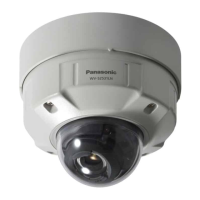
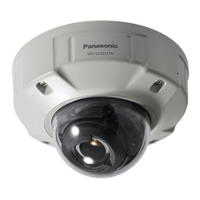
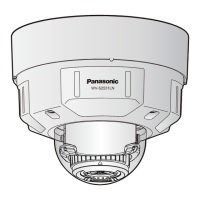
EasyManua.ls Logo

Panasonic WV-S2131L - User Manual

Panasonic WV-S2131L
33 pages
Print Icon
To Next Page IconTo Next Page
Loading...
Before attempting to connect or operate this product,
please read these instructions carefully and save this manual for future use.
The model number is abbreviated in some descriptions in this manual.
Important Information
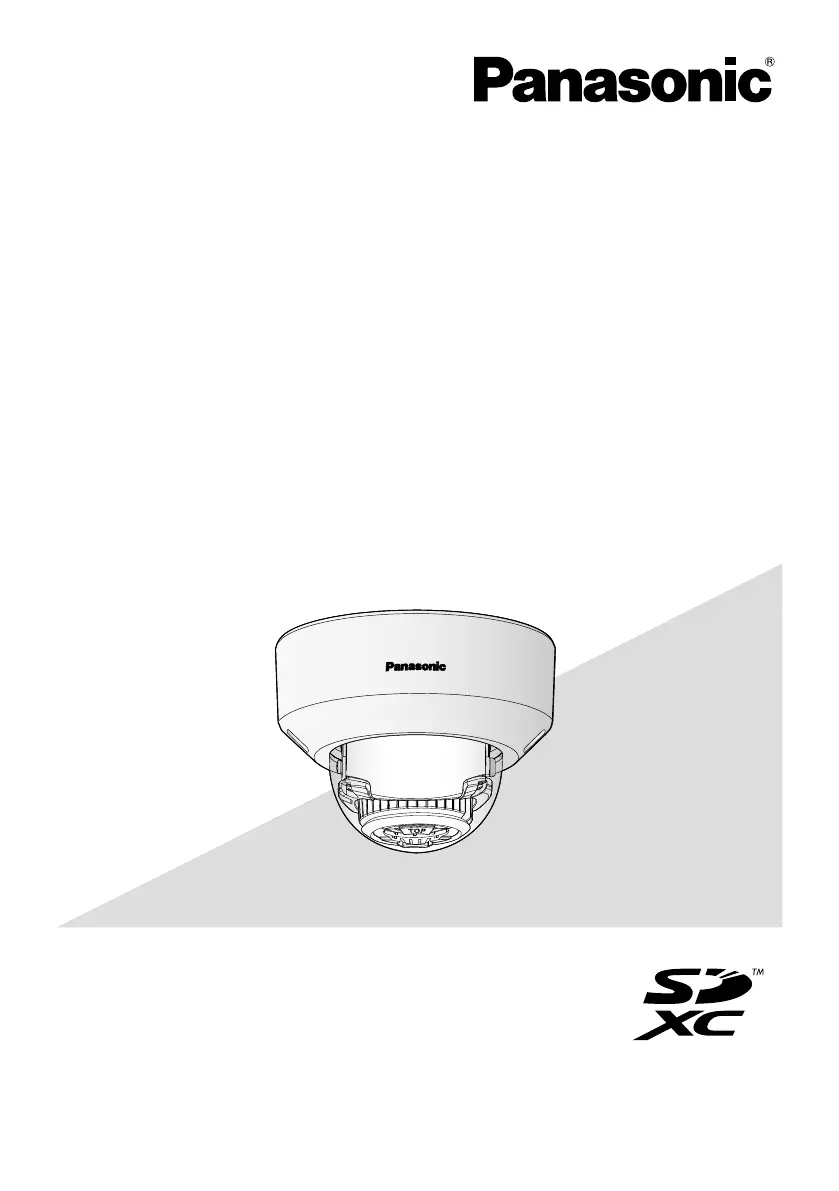
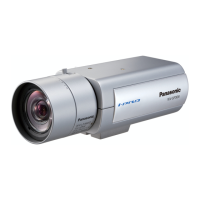
Network Camera
WV-S2131L
WV-S2131L
* For information about the installation tasks, refer to the provided Installation
Guide. For information about how to perform the settings and how to operate
the camera, refer to the Operating Instructions on the provided CD-ROM.
*
WV-S2131LPJ, WV-S2131LRF and WV-S2131LEG are the same model as the
Network Camera WV-S2131L.
Model No. WV-S2231L / WV-S2211L
WV-S2131L / WV-S2131LPJ
WV-S2131LRF / WV-S2131LEG
WV-S2131 / WV-S2130
WV-S2111L / WV-S2110

Other manuals for Panasonic WV-S2131L

Questions and Answers

  • D
    Doris JacksonAug 8, 2025
    Why is the focus not automatically adjusted on my Panasonic WV-S2131L?
    • J
      Jennifer JacksonAug 8, 2025
      If the focus on your Panasonic Security Camera isn't automatically adjusting, it might be due to several factors. When the subject moves a lot, when there are large changes to the lighting intensity, when the light level is low, when the subject or location is extremely bright or reflective, when viewing through windows, when the dome cover is in a locations where it can easily become dirty, locations where there is not much contrast such as a white wall, or when there is harsh flickering, you should manually adjust the focus.
  • C
    Corey LawrenceAug 14, 2025
    What to do if the LINK indicator does not light on Panasonic Security Camera?
    • C
      Clinton FrankAug 14, 2025
      If the LINK indicator on your Panasonic Security Camera doesn't light up orange when the Ethernet cable is connected, ensure the Ethernet cable is properly connected. Also, verify that the hub or router you're using is working correctly. If the issue persists, try replacing the Ethernet cable with a different one.
  • J
    Jennifer MonroeAug 20, 2025
    How to fix audio input noise in Panasonic WV-S2131L?
    • A
      Andrew WilsonAug 21, 2025
      If your Panasonic Security Camera's audio input contains noise, check the grounding of the camera, switching hub, and any peripheral devices. You may also need to use a powered microphone or connect an audio output with low output impedance.
  • T
    Tonya AdamsAug 27, 2025
    What to do if SD ERROR/AF indicator lights red on Panasonic WV-S2131L Security Camera S2131L S2111L?
    • D
      darrell14Aug 27, 2025
      If your Panasonic S2131L or S2111L Security Camera shows an SD ERROR or the AF indicator lights up red, try the following: First, unlock the write protect switch on the SD memory card. If that doesn't work, use an SD memory card that has been formatted on the camera. If the problem continues, replace the card with a normal one.
  • N
    nicholas68Sep 1, 2025
    What to do if my Panasonic Security Camera power is not turned on?
    • M
      Martin RuizSep 1, 2025
      If your Panasonic Security Camera isn't powering on, here are a couple of things to check: * **PoE Device:** If you're using a PoE (Power over Ethernet) device, make sure the connection is properly established. * **DC Power Supply (S2131L S2111L):** If you're using a DC power supply, double-check that the power plug is firmly connected.

Summary

Main Functions

User Manuals and PC Requirements

System Requirements for a PC

Specifies hardware and software requirements for PC use.

Open Source Software and Network Security

Network Security

Precautions and risks related to network connectivity.

Precautions

General Safety and Handling Precautions

Covers electrical safety, environmental conditions, physical handling, and installation safety.

Precautions for Use

Internet Accessibility Security

Security measures for products accessible via the internet.

Precautions for Installation

Installation Safety Guidelines

Covers secure mounting, power supply, location selection, and environmental factors.

Connecting via PoE Hub

Indicators and Buttons

Insert; Remove SD Memory Card

Troubleshooting

Specifications

Panasonic WV-S2131L Specifications

General IconGeneral
Resolution1920 x 1080
Lens TypeFixed
Focal Length2.8 mm
Max Frame Rate30 fps
IR LEDYes
Wide Dynamic Range (WDR)Yes
Ingress ProtectionIP66
Vandal ResistanceIK10
Day/NightYes
Video CompressionH.264
Power SupplyPoE (IEEE802.3af)
Operating Temperature-10°C to +50°C (14°F to 122°F)
IR Distance30 m (98 ft)
Day/Night FunctionYes
Image Sensor1/2.8" MOS Sensor

Related product manuals