EasyManua.ls Logo

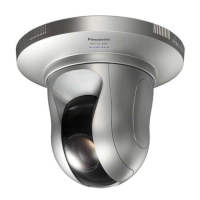
Panasonic WV-SC385PJ - User Manual

Panasonic WV-SC385PJ
244 pages
Print Icon
To Next Page IconTo Next Page
Loading...
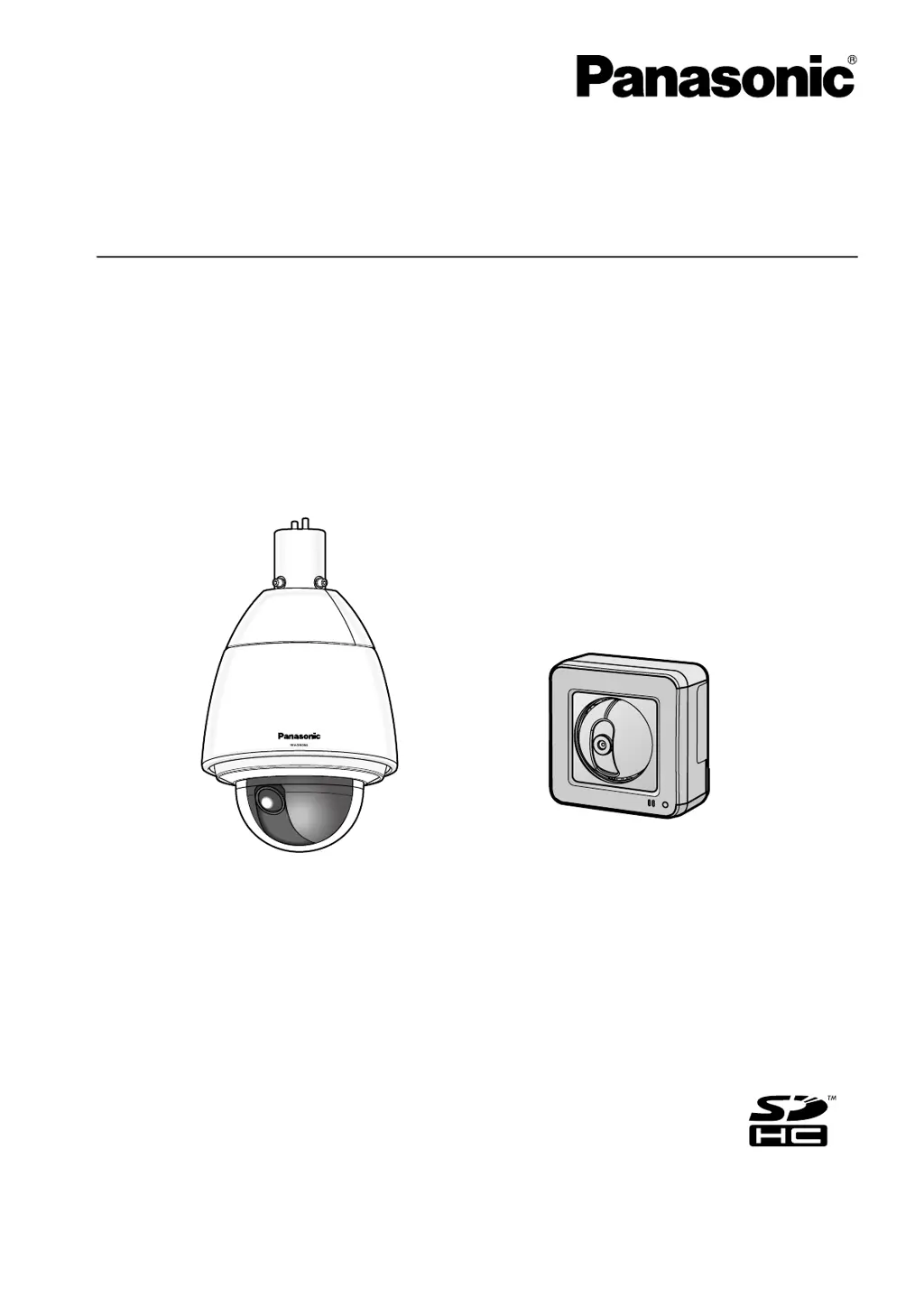
Operating Instructions
Network Camera
Model No. WV-SW390 Series
WV-SC380 Series
WV-SW170 Series
WV-ST160 Series
WV-SW175
WV-SW396
This manual covers the models: WV-SW390 Series (WV-SW396A, WV-SW396, WV-SW395A, WV-SW395APJ,
WV-SW395, WV-SW396AE, WV-SW396E, WV-SW395AE, WV-SW395E, WV-SW395R, WV-SW395PJ),
WV-SC380 Series (WV-SC386, WV-SC385, WV-SC384, WV-SC386E, WV-SC385E, WV-SC384E, WV-SC385R,
WV-SC384R, WV-SC385PJ), WV-SW170 Series (WV-SW175, WV-SW174W, WV-SW172, WV-SW175E,
WV-SW174WE, WV-SW172E), and WV-ST160 Series (WV-ST165, WV-ST162, WV-ST165E, WV-ST162E).
Before attempting to connect or operate this product, please read these instructions
carefully and save this manual for future use.
The model number is abbreviated in some descriptions in this manual.
WV-SW395R, WV-SC385R, and WV-SC384R do not support the HTTPS function.

Table of Contents

Other manuals for Panasonic WV-SC385PJ

Questions and Answers

  • J
    Javier CarrSep 8, 2025
    Why does Panasonic Network camera live indicator keeps on blinking orange approx. in 2 seconds intervals?
    • A
      adam48Sep 8, 2025
      This issue may occur due to a UPnPTM error because power is not supplied to the router, so turn on the router and wait for connections to establish. An error may have occurred during the port update by the UPnP function. If your router does not support the UPnP function, perform port forwarding settings and deactivate auto port forwarding for the camera. Also, ensure the UPnP function of the router is enabled in the router settings.
  • S
    Sonya PrinceSep 10, 2025
    What to do if Panasonic Network cameras do not move to the preset positions accurately?
    • J
      Jared DawsonSep 10, 2025
      If the preset positions become inaccurate during use, you can correct them by executing the position refresh function. You can also set 'Position refresh' for the created schedule to correct the camera position periodically. If these options do not work, reconfigure the preset positions.
  • C
    Christine LopezSep 12, 2025
    Why Panasonic Network camera live indicator lights red?
    • S
      Sheri CarpenterSep 12, 2025
      Check if the write protect switch of the inserted SDHC/SD memory card is set to 'LOCK'; if so, unlock it. Also, ensure the SDHC/SD memory card has been formatted on the camera, not a PC. If the card is faulty, replace it with a normal one.
  • M
    Michael BakerSep 13, 2025
    Why Panasonic Network camera starts panning unpredictably?
    • J
      Joshua Frost DVMSep 13, 2025
      This issue may be caused by noise. Check the exogenous noise level around the camera.
  • J
    Jared MckeeSep 15, 2025
    What to do if Panasonic Network camera is panning/tilting, stops and makes mechanical noise?
    • L
      lynnfosterSep 15, 2025
      The camera position may have become inaccurate. Try using the refresh position function from the [Default reset] tab of the setup menu.
  • A
    Angela EsparzaSep 18, 2025
    Why Panasonic Network camera live indicator never lights up?
    • A
      Amber VazquezSep 18, 2025
      Check if 'Off' is selected for 'Link/Access LED' on the 'Basic' page. If it is, select 'On' or 'On(Access)' for the indicator setting.

Panasonic WV-SC385PJ Specifications

General IconGeneral
Max Resolution1280x960
Frame RateUp to 30 fps
Camera TypeNetwork Camera
Video CompressionH.264, JPEG
Network Interface10Base-T / 100Base-TX, RJ-45 connector
Power SupplyPoE (IEEE802.3af compliant)
Operating Temperature-10 °C to +50°C (14°F to 122°F)
DimensionsØ139 mm x 126 mm (Ø5-1/2 inches x 5 inches)
WeightApprox. 720 g
AudioTwo-way audio
SD Card SlotSD/SDHC Memory Card slot
Day/NightYes
Video Output1.0 Vp-p, 75 Ω, BNC

Related product manuals