20
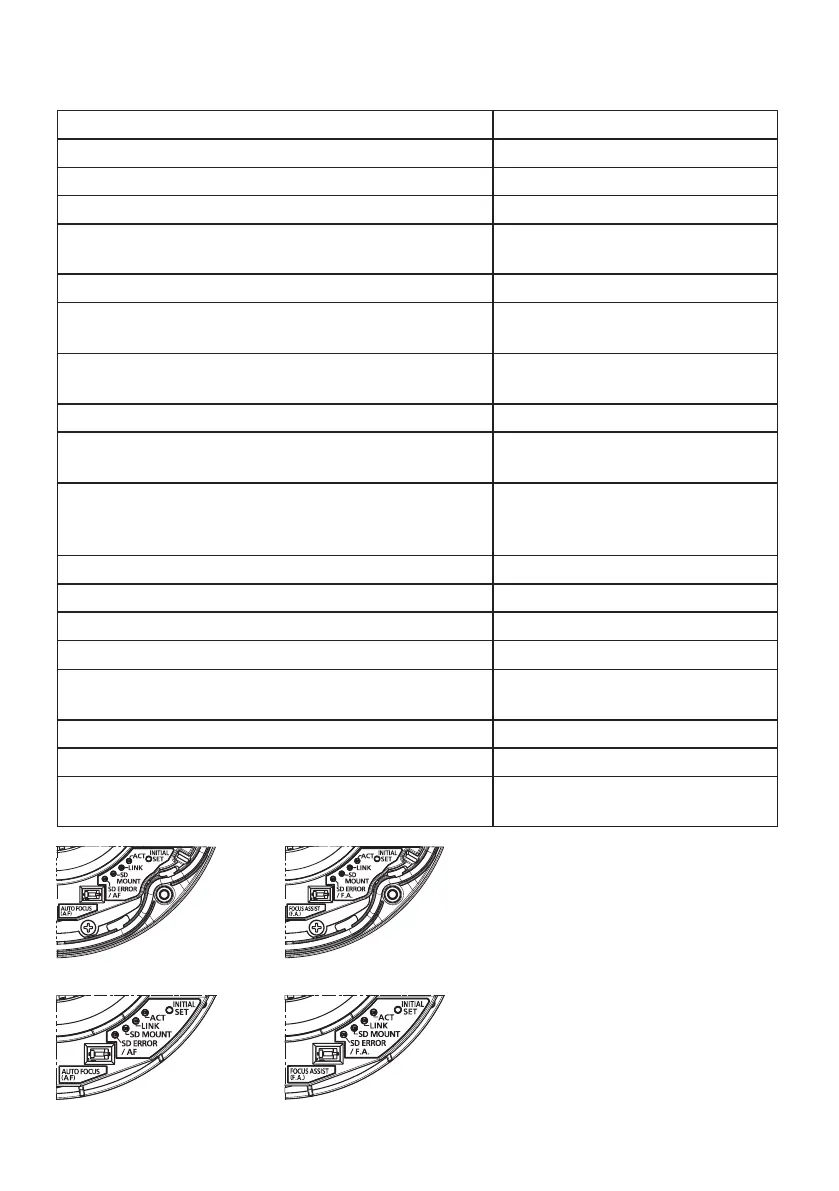
About the indicator
The indicator will light or blink as follows depending on the camera status.
Indicator type and operation state Change of indicator indication
ACT indicator
When data is being sent via the network camera Blinks green (accessing)
LINK indicator
When the camera is able to communicate with the con-
nected device
Lights orange
SD MOUNT indicator
• When an SD memory card is inserted and could be
recognized
Lights off → Blinks green →
Lights off
• When data can be saved after the SD memory card is
inserted and the SD ON/OFF button is pressed
Lights off → Lights green
•
When data can be saved to the SD memory card
Lights green
• When the SD memory card is removed after holding
down the SD ON/OFF button for about 2 seconds
Lights green → Blinks green →
Lights off
• When data cannot be saved to the SD memory card
because an abnormality was detected or the SD
memory card is configured not to be used
Lights off
SD ERROR/AF indicator
• When AF (Auto Focus) operation is being executed Blinks red (Interval of 1 time/ second)
• When the set is being started Lights red
• When an SD memory card is recognized normally
Lights red → Lights off
• When an abnormality is detected in SD card after the
camera has started
Lights red
SD ERROR/F.A. indicator
• When the focus assist function is activated Blinks red (1 time)
• When the focus ring is positioned near the best focus
position
Lights red
WV-SFV311
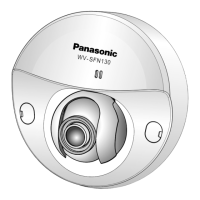
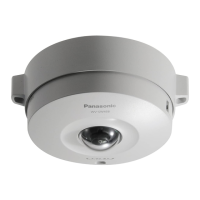
WV-SFN311/SFR311
WV-SFV310
WV-SFN310/SFR310










 To Next Page