EasyManua.ls Logo

Panasonic WV-SFN480PJ - User Manual

Panasonic WV-SFN480PJ
220 pages
Print Icon
To Next Page IconTo Next Page
Loading...
Operating Instructions
Network Camera
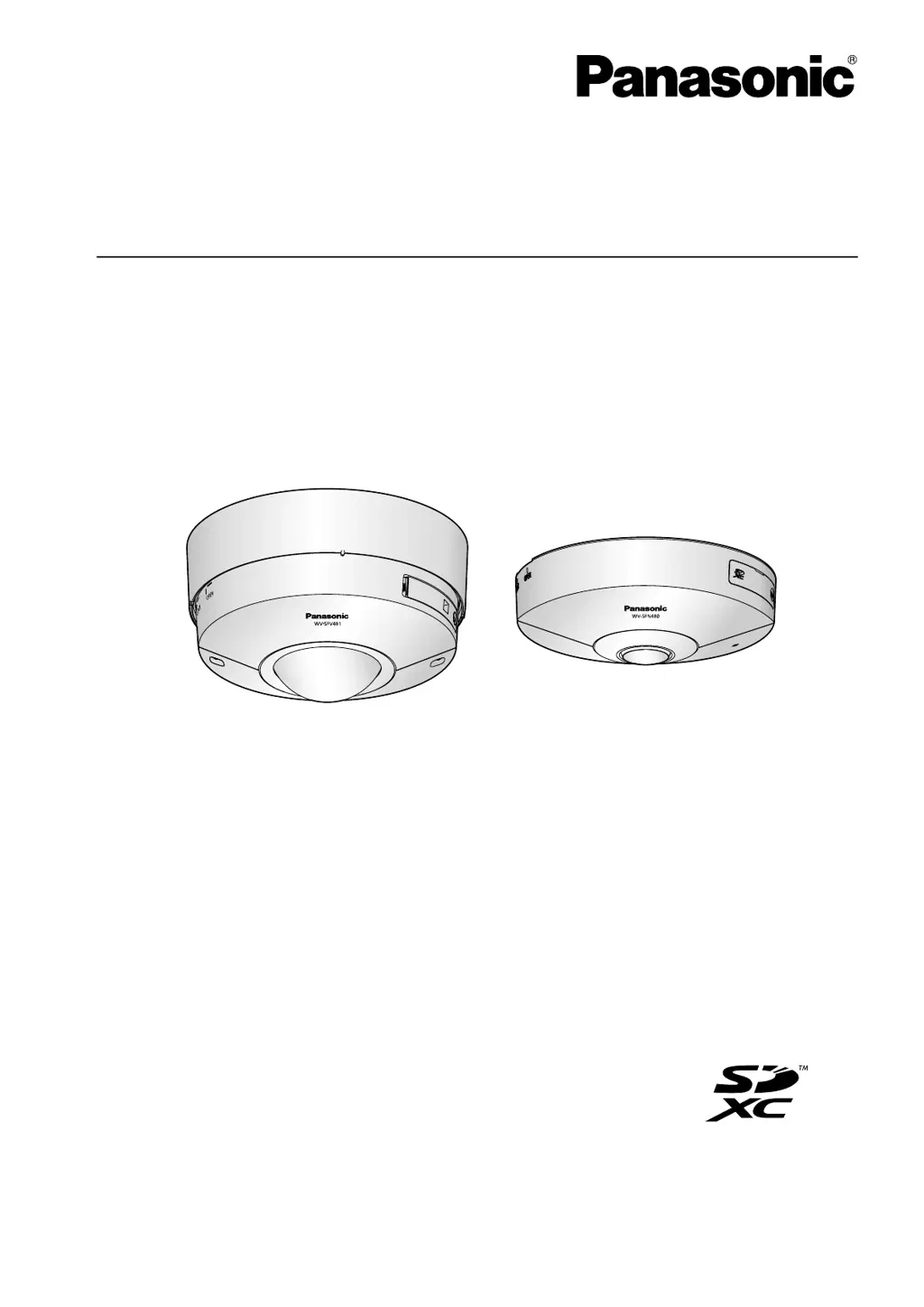
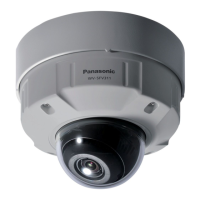
Model No. WV-SFV481
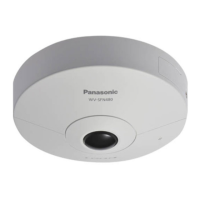
WV-SFN480
WV-SFN480PJ
WV-SFV481
WV-SFN480
This manual covers the models: WV-SFV481, WV-SFN480 and WV-SFN480PJ.
Before attempting to connect or operate this product, please read these instructions
carefully and save this manual for future use.

Table of Contents

Questions and Answers

  • M
    Michael EdwardsSep 15, 2025
    Why is my Panasonic WV-SFN480PJ when displaying H.264 images on two or more web browser windows, images from two or more cameras are displayed in sequence on a single browser window?
    • C
      Crystal MartinezSep 15, 2025
      This issue may be due to the display adapter and driver combination. First, update the driver of the display adapter to the latest version. If updating the driver does not solve the problem, adjust the hardware acceleration.
  • J
    Jacqueline WhiteAug 25, 2025
    How to fix Panasonic WV-SFN480PJ when I cannot access it from the web browser?
    • S
      Sandra NewmanAug 25, 2025
      First, ensure the LAN cable (category 5 or better) is firmly connected to the camera's network connector. Check if the link indicator is lit; if not, there may be a connection issue. Verify the camera's power is on and that the set IP addresses are valid. Also, make sure you are accessing the correct IP address. If the problem persists, use the Panasonic “IP Setting Software” to confirm and, if necessary, change the camera's network settings within 20 minutes after rebooting the camera. If your network lacks a DHCP server, initialize the camera by holding the INITIAL SET button; this will set the IP address to “192.168.0.10”, allowing you to reconfigure it.
  • M
    Michael MirandaAug 26, 2025
    What to do if my Panasonic WV-SFN480PJ images cannot be saved on the SD memory card?
    • J
      jacqueline02Aug 26, 2025
      Check if the SD memory card is correctly inserted and not write-protected (the write protect switch should not be set to “LOCK”). If “********MB/ ********MB” or “--------MB/--------MB” is displayed for the SD memory card capacity, format the card. Also, consider that SD memory cards have a limited lifespan, and frequent overwriting may lead to failure, so replacing the card might be necessary.
  • H
    Haley NguyenAug 26, 2025
    Why is my Panasonic Security Camera authentication window displayed repeatedly?
    • R
      Randy CortezAug 27, 2025
      This issue can occur if the username or password has been changed while accessing the camera. The authentication window will appear each time the screen is refreshed or changed. Additionally, if the [Authentication] setting has been altered, close the web browser and access the camera again to resolve the problem.
  • C
    Candace ThomasSep 16, 2025
    Is there a fix for Panasonic WV-SFN480PJ when “554” selected for the HTTP port number?
    • S
      Shannon HillSep 16, 2025
      For the HTTP port number, select a port number other than the following port numbers used by the camera: 20, 21, 23, 25, 42, 53, 67, 68, 69, 110, 123, 161, 162, 443, 554, 995, 10669, 10670, 59000 - 61000.
  • T
    tiffany48Sep 23, 2025
    How to fix audio input noise in my Panasonic WV-SFN480PJ Security Camera?
    • V
      virginia29Sep 23, 2025
      If the audio input of your Panasonic Security Camera has noise, check if the camera, switching hub, or peripheral devices are properly grounded. Also, check if the camera is near an electrical power line or devices producing strong magnetic fields or radio waves, such as TV/radio antennas, air conditioning motors, or transformers. If the noise persists, consider using a powered microphone or connecting audio output with low output impedance.
  • N
    Nicholas DavisSep 7, 2025
    Why is my Panasonic Security Camera audio not output from other products such as a network disk recorder or PC software package?
    • E
      Emily HopkinsSep 8, 2025
      Some products might not support “G.711” or “AAC-LC” audio encoding. Set the audio encoding format of those products to “G.726 (32 kbps).
  • A
    Angela TaylorSep 8, 2025
    How to fix Panasonic WV-SFN480PJ when images are not displayed or not refreshed smoothly?
    • M
      Matthew JonesSep 8, 2025
      Try deleting temporary internet files. If the issue persists, the firewall function of your anti-virus software may be filtering the camera's port. Exclude the camera's port number from the list of filtered ports in your anti-virus software settings.
  • B
    bhuntSep 2, 2025
    Why is my Panasonic WV-SFN480PJ Security Camera image displayed washed out?
    • P
      Patricia PerezSep 2, 2025
      If the images appear washed out, the brightness setting may not be at an appropriate level. Try clicking the [Normal] button of [Brightness] to adjust it.
  • C
    Christopher SaundersAug 31, 2025
    What to do if Panasonic Security Camera user registration for the “Viewnetcam.com” service fails?
    • M
      meghantaylorAug 31, 2025
      If you are not receiving the confirmation email with the “Viewnetcam.com” website link, the email address you registered may be incorrect. Visit the “Viewnetcam.com” website to register with the correct email address.

Panasonic WV-SFN480PJ Specifications

General IconGeneral
Camera TypeNetwork Camera
Image Sensor1/2.8" MOS Sensor
Effective Pixels2.1 Megapixels
Resolution1920 x 1080
Lens TypeVarifocal Lens
Focal Length2.8 mm
Video CompressionH.264, JPEG
Frame RateUp to 30 fps
Day/Night FunctionYes
Power SupplyPoE (IEEE 802.3af)
Operating Temperature-10 °C to +50 °C
Network Interface10BASE-T/100BASE-TX (RJ-45)

Related product manuals