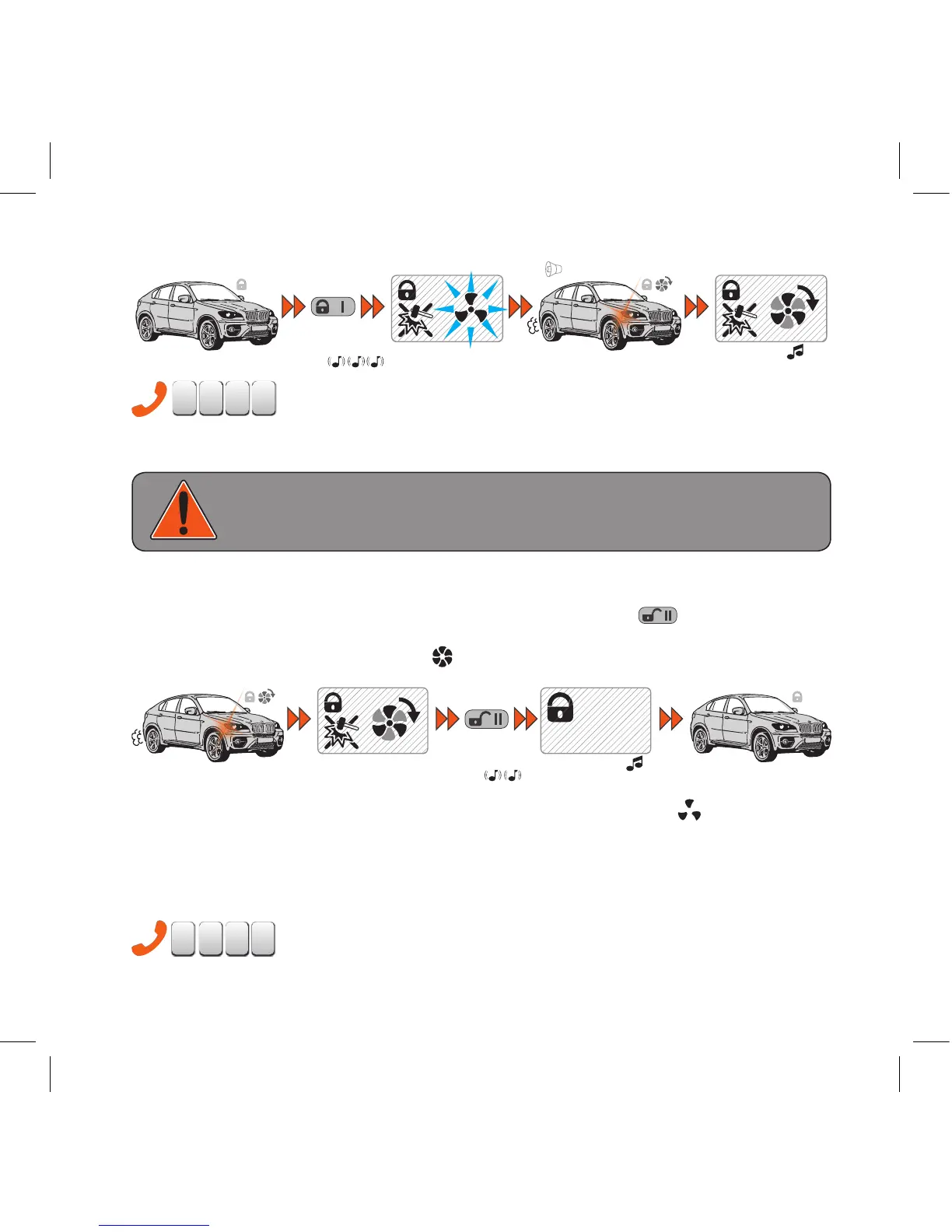
- Remote engine start using a phone.
If the engine was started using remote or automatic start (via timer of clock) 123* phone menu command
will extend its operation period by 10 minutes.
WARNING!
ONLY ENABLE REMOTE START IF YOUR LOCAL LEGISLATION ALLOWS DRIVERLESS
CARS TO HAVE WORKING ENGINE.
Remote engine stop
To remotely stop the engine while it performs heating, press and hold
for 2 or more seconds.
The engine will be immediately stopped and it will be confirmed by remote playing 'Engine stop'
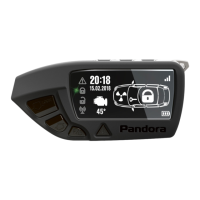
ringtone and engine operation icon fading
.
‘engine stop’
ringtone
press and
hold for
2 sec.
engine stop
~~
‘engine start’ ringtone
The remote will give notification 1 minute before designated engine stop: icon will flash and
'Engine stop in 1 minute'
ringtone will play every 10 seconds.
If the engine was started using remote or automatic start, remote engine start command will
extend its operation period by 10 minutes.
This procedure can be repeated multiple times.


 To Next Page